


Campaign recipe
Promote a Webinar Across Facebook Groups
Schedule webinar invitation posts across niche Facebook groups with spintax, reminder sequences, and Lead Radar for last-minute registrants.
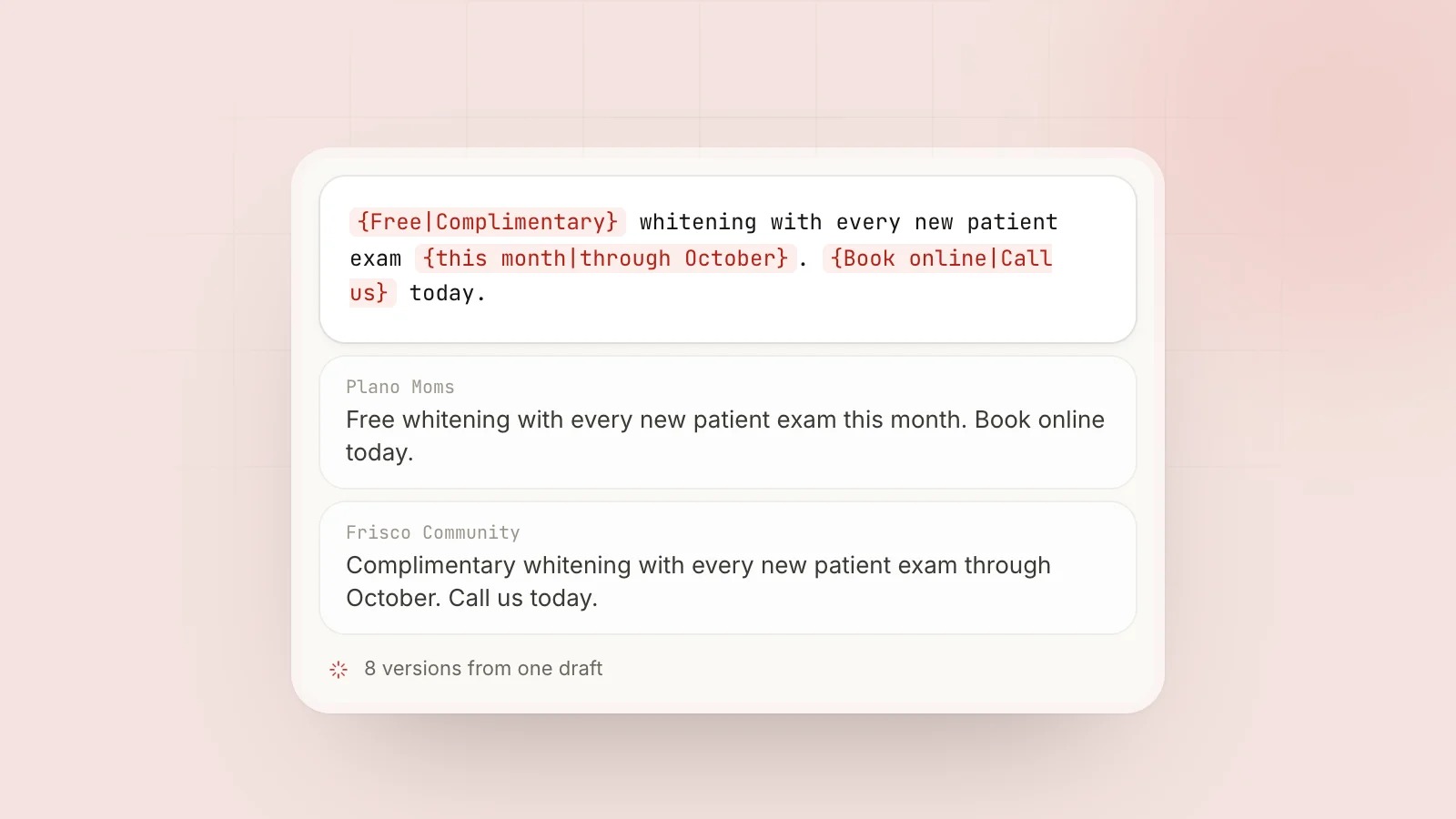
A webinar fills when the right people see the invite in places they already spend time. Email lists get tired; niche Facebook groups still reach a targeted audience, provided the invites vary from group to group and arrive at sensible times.
Course creators, coaches, SaaS teams, and agencies use MaherPost to run the whole invite sequence across dozens of groups: spintax variations, scheduled reminders, and Lead Radar to catch people asking about the topic late in the window. See bulk Facebook group posting, /for/course-creators/, and /for/coaches/.
Workflow steps
- 7 days out: a value teaser about the problem the webinar solves. Leave the registration link out in strict groups.
- 3 days out: the full invite, with spintax blocks for date, time, and timezone, across cold and warm bundles.
- 24 hours out: a reminder with varied urgency language. Give each bundle its own set of hooks.
- 2 hours out: a final reminder, to high-engagement bundles only.
- Set first-comment links so the registration URL is posted right after each publish.
- Turn on Lead Radar for topic keywords and “how do I join” threads during enrollment.
- A week after the webinar, offer the replay with fresh spintax and check the delivery log for groups that rejected the invite.
Spintax template example
{Join|Register for|Save your spot at} our {free|live} webinar on {topic|subject}: {{title}}
{We'll cover|You'll learn}:
• {{bullet1}}
• {{bullet2}}
• {{bullet3}}
{{date}} at {{time}} {{timezone}}
{Link in comments|Register via first comment|Details below} 👇
Build variants with the spintax generator and preview the outputs before you schedule.
Group segmentation
| Bundle | Message tone |
|---|---|
| Cold niche groups | Education-heavy invite |
| Warm communities | Direct registration CTA |
| Local groups | Local timezone emphasis |
Each bundle should get its own version of the invite. Unique copy at scale explains how to keep four reminders from reading like four duplicates.
Weekly cadence recommendation
| Timing | Activity |
|---|---|
| T-7 | Value teaser (1 post per bundle) |
| T-3 | Full invite spintax wave with posting delays |
| T-1 | Reminder wave (varied urgency) |
| T-0 AM | Final reminder (high-engagement bundles only) |
| T-0 | Lead Radar active all day |
| T+7 | Replay offer with fresh spintax |
Spread reminders over days rather than hours. Lunch and evening slots tend to work; see best time to post.
Safety notes
The days before a webinar are when volume creeps up. Check Account Health before each wave, and warm up any new account ahead of its first big push.
Within a wave, keep posting delays at 3 to 5 minutes between groups, and never send the same group four identical reminders in one day. More in post without ban and is auto poster safe?.
Links and registration
Many groups ban URLs in the post body, which is why the registration link goes in the first comment right after each publish. Add UTM parameters per bundle so your webinar platform shows which groups drove signups.
Lead Radar during enrollment
Useful keywords: terms from your webinar topic, “how to learn X,” “free training,” and “workshop recommend.” Lead Radar drafts a helpful reply; once you approve it, the registration link goes in a comment. The buying-intent keywords guide covers setup.
After the webinar
Send the replay offer to the same bundles a week later with fresh spintax. Check the delivery log for groups that rejected the invites, then fix the copy or drop the group.
Related: generate coaching leads, recurring offer campaigns.
Checklist
- Registration page works on mobile
- Spintax with 15+ outputs
- First-comment links configured
- Reminder schedule on calendar
- Lead Radar keywords live
- Account Health green
Related guides
- Bulk Facebook group posting for scheduling reminder waves across dozens of groups
- Is Facebook auto poster safe? before enrollment volume spikes
- Launch product in niche groups for webinars tied to a paid workshop or product
- Unique copy at scale for keeping reminders distinct
Ready when you are
Stop pasting the same post into forty tabs.
$29 a month. Cancel anytime, 7-day refund.