Best Time to Post in Facebook Groups (2026 Data Guide)
When to schedule Facebook group posts for maximum visibility. Weekday patterns, niche differences, and how MaherPost scheduling fits.
 MaherPost Team August 6, 2026 8 min read
Timing will not save bad copy or spammy pacing, but it can put a good post in front of members when they are actually scrolling. Facebook groups do not publish “best hours” the way Pages Insights used to, so you work it out from the group’s habits, its time zones, and your own delivery log.
Below are sensible defaults to start from, and how to set them up in MaherPost scheduling.
General patterns (US-centric groups)
These patterns show up again and again in local business, parenting, and hobby groups. Adjust for where your audience lives.
Weekdays:
- 7-9 AM local: commuters scrolling, parent groups active
- 11 AM to 1 PM local: lunch break peak for professional and entrepreneur groups
- 7-9 PM local: highest engagement window for many community groups
Weekends:
- Saturday 9-11 AM: local events, marketplace, real estate open house promos
- Sunday evening: planning threads, coaching and goal-setting groups
Do not post to fifty groups at 2 AM local time unless they are global or night-shift communities.
Use the MaherPost best time to post tool to map your bundle time zones.
Niche-specific timing
Real estate: Thursday to Sunday for open houses. Tuesday morning for market updates. See /for/real-estate/.
Coaches: Sunday evening and Monday morning, when people are setting goals for the week. See /for/coaches/.
Local restaurants: Thursday to Saturday at 10 AM for weekend dining promos. See /for/local-business/.
B2B SaaS: Tuesday to Thursday mid-morning in target industry groups. See /for/saas/.
Fitness: Early morning (5-7 AM) and early evening (5-7 PM). See /for/fitness/.
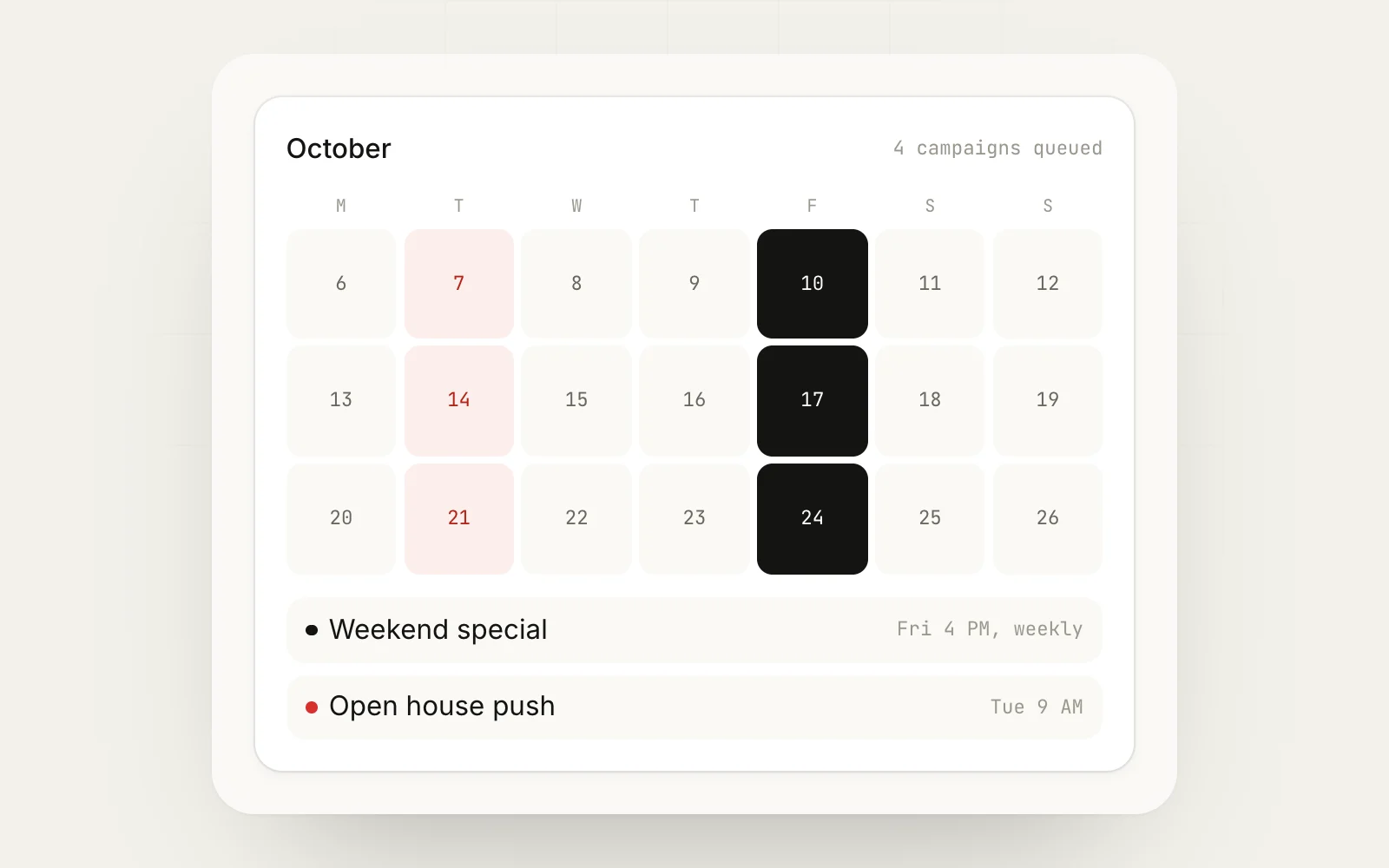
Timing vs pacing
Spreading one campaign across good windows works better than dumping thirty posts into the single “best” hour. If every group gets your post within ten minutes of 7 PM, Facebook still sees the speed.
Combine:
- Schedule start time in campaign composer
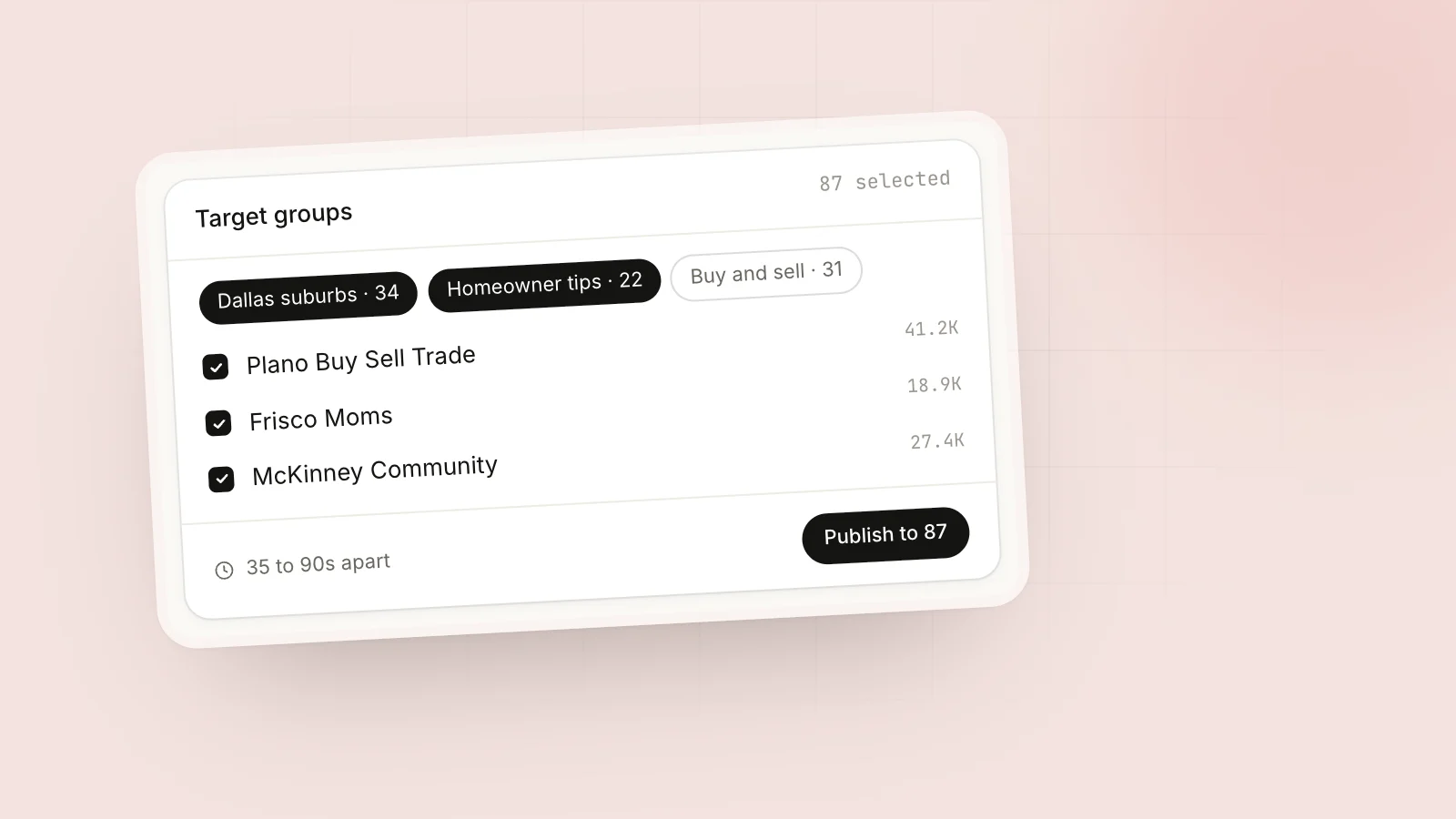
- Randomized posting delays between groups
- Account Health check before publish
Read post to multiple groups without a ban.
How to test timing on your groups
- Pick 3 time slots (e.g. 8 AM, 12 PM, 7 PM)
- Run similar value posts (not hard promo) on Mon/Wed/Fri for two weeks
- Note comments and reactions manually (groups lack unified analytics)
- Log results in a spreadsheet tagged by group ID
- Move each bundle’s schedule toward the slots that did best
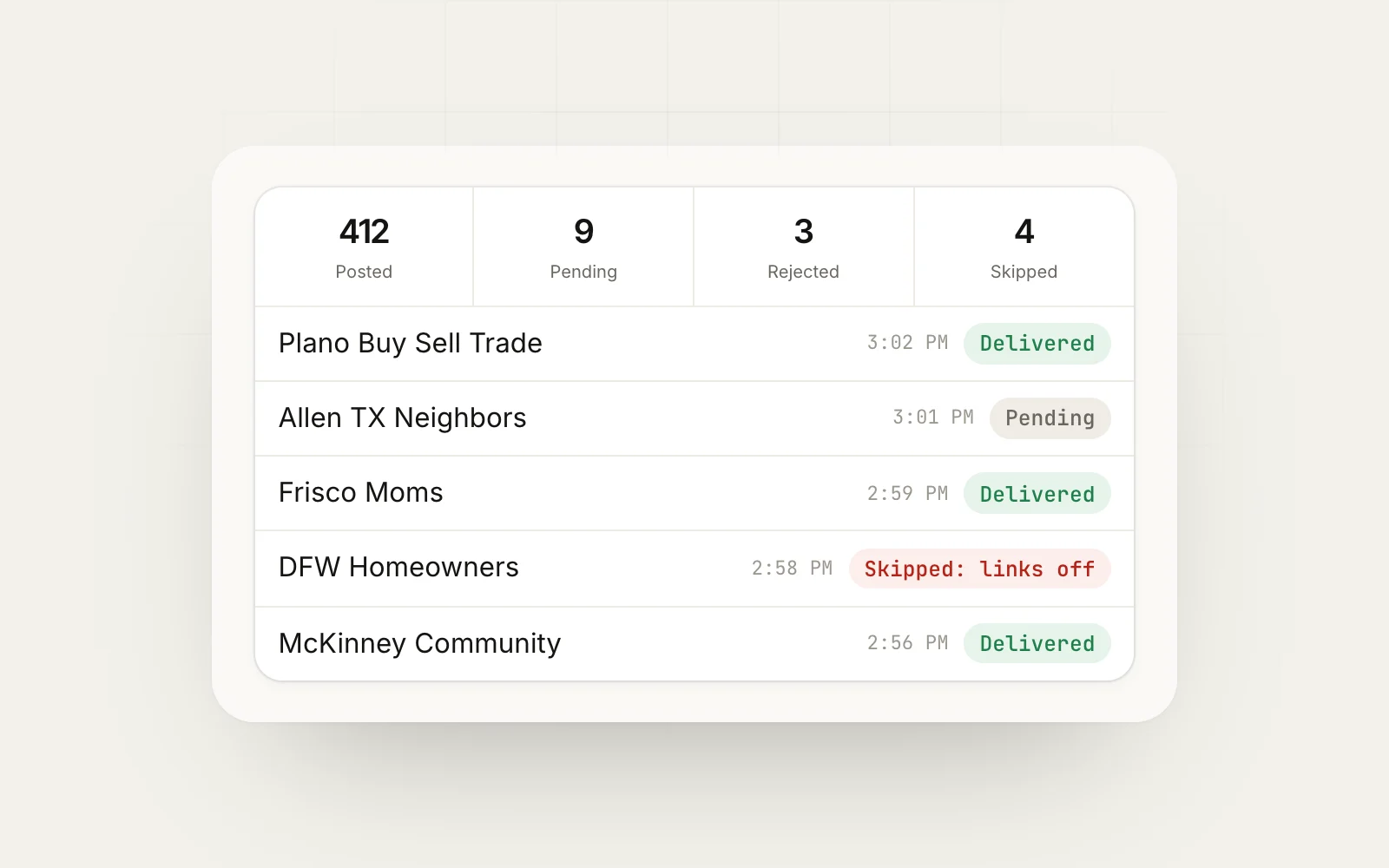
MaherPost delivery log timestamps let you compare timing against post rejection rates (some groups moderate faster during business hours).
Admin approval timing
Posts hitting group admin approval queues at 3 AM may sit until morning. For strict groups, post when admins are online if you need same-day visibility.
Recurring campaigns
Weekly promos (a webinar reminder, a menu special) do better in a consistent slot, because members start expecting them. See recurring offer campaigns.
What timing cannot fix
- Identical duplicate content across groups
- Link-in-body violations
- Promo in no-promo groups
- Cold account with no warmup
Schedule in MaherPost
- Write the campaign with spintax
- Select a group bundle
- Set the start date and time for the audience’s time zone
- Enable delays (3-5 min minimum for promo)
- Review the delivery log the next morning
Pair outbound timing with Lead Radar checks at lunch and evening when intent posts spike.
Put this into practice.
MaherPost posts to every Facebook group you have joined, with spintax, safe pacing and a log of every delivery. $29 a month.
Written by the MaherPost Team
We build MaherPost and run group campaigns with it every week. These guides come from what we see working, and what gets accounts in trouble. Questions or corrections: support@maherpost.com.