Facebook Group Rules for Promotional Posts: Get Approved
The common Facebook group rules for promotional posts, how to read them, and copy templates that group admins approve instead of declining or reporting.
 MaherPost Team October 29, 2026 7 min read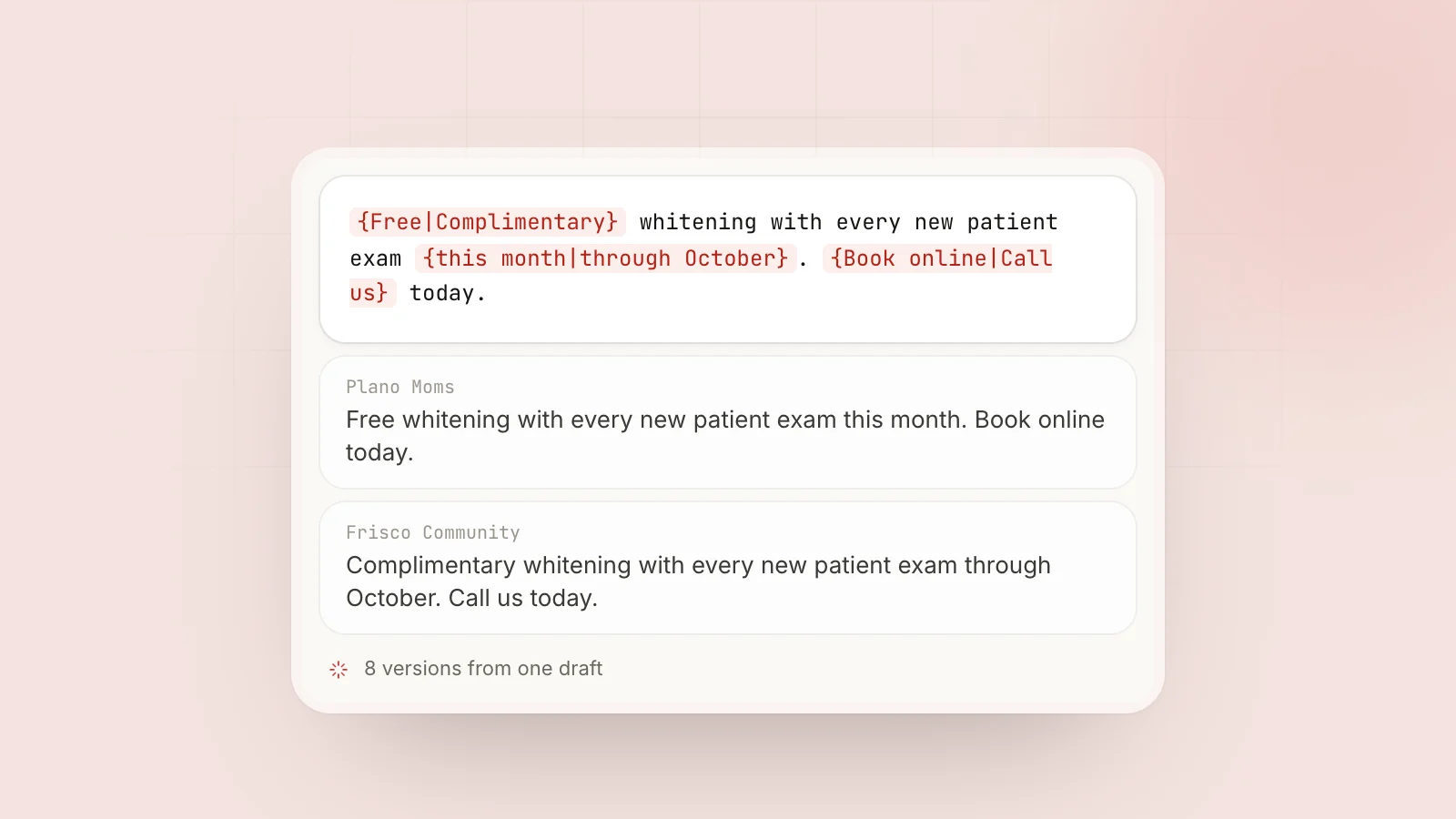
Key takeaways
- Most groups that allow promotion restrict it by day, by thread, by link or by format.
- Admins approve promo posts that read like a useful contribution with an offer attached.
- Sort your groups by rule type so each one gets a post that fits its rules.
- Vary copy per group and track declines so you stop posting where you are not welcome.
Facebook groups set their own rules for promotional posts, and most groups that allow promotion limit it in one of four ways: by day (a weekly promo day), by place (a single pinned thread), by links (no links or link in comments only), or by format (a required template, price or location). Admins approve promo posts that follow those rules and also read like a useful contribution from a real member. Posts that open with a hard sell, repeat across groups, or show up too often get declined, even when they technically follow the rules.
Below are the rule types you will run into, how to write for each, and copy you can adapt.
Where to find a group’s promotion rules
Before you post anything promotional, check three places:
- The rules section. On desktop it is usually under the group’s About tab. Rules are short and numbered. Look for words like “self-promotion”, “spam”, “advertising”, “business”, “links” and “solicitation”.
- The pinned or featured post. Many admins put the real details here: which day is promo day, the thread to use, and a template.
- Recent approved posts. Scroll back a week. If other businesses are posting freely with links, the group is relaxed. If no business posts exist outside one thread, that tells you everything.
Do this once per group and write it down. A simple spreadsheet with columns for “promo allowed”, “day”, “links”, and “format” saves you from rereading rules every week. It is also how you build sensible group bundles later.
The common types of promotion rules
| Rule type | Example wording | How to post |
|---|---|---|
| No promotion at all | ”No self-promotion, no ads, no solicitation” | Do not promote. Contribute, answer questions, let people find your profile |
| Promo day | ”Business posts on Saturdays only” | Schedule for that day only |
| Promo thread | ”All promotion goes in the weekly pinned thread” | Comment in the thread, not the main feed |
| No links | ”No external links” | Text and photo only, link in first comment if allowed, otherwise none |
| Link in comments | ”Put links in the comments” | Body without link, link as first comment |
| Required format | ”Include price, location and contact” | Use their exact order and fields |
| Members only, after time | ”Must be a member for 2 weeks before posting” | Wait, comment helpfully in the meantime |
| Local only | ”Must serve this area” | Name the area and show you are local |
| Category limits | ”No MLM, no crypto, no affiliate links” | If you are in a listed category, skip the group |
Some groups also use Facebook’s Admin Assist to apply rules automatically, for example holding all posts with links or all posts from new members. When your promo post goes to pending in a group that seems to allow promotion, this is often why. See why is my Facebook group post pending for the full list of causes.
What admins actually look for
Rules tell you what is allowed. Admins decide what gets approved. After running and posting in groups for years, these are the questions an admin asks in the few seconds they spend on your post:
- Is this relevant to my members? A roofing offer in a homeowner group, yes. In a parenting group, probably not.
- Does the first line give something? A tip, a fact, a local detail. Not a price in capitals.
- Is this person a real member? A name they have seen commenting before gets the benefit of the doubt.
- Have I seen this exact post before? Admins often run or belong to several related groups. Identical copy marks you as a spammer.
- Will members complain? If the post feels like it will get reported, it gets declined.
A structure that gets promo posts approved
Most approved promotional posts follow the same pattern, regardless of industry:
- Open with value. One or two sentences that would be worth reading even if there were no offer.
- Add a local or specific detail. A neighborhood, a number, a recent job. Specifics read as real.
- State the offer plainly. What it is, who it is for, the price if the group allows prices.
- Make the next step low pressure. “Questions welcome in the comments” or “Details in the first comment.”
- Follow the format. If the group requires tags, price or location, include them exactly as asked.
Here is that structure as a blank template:
[Useful tip, fact or observation related to your work]

[Specific detail: where, how many, a recent example]

[The offer in one sentence, who it is for, price if allowed]

[Low-pressure next step]
Templates by business type
A dentist
For local parent and community groups that allow business posts on a set day:
Parents asked about this a lot last month: most kids should have their first dental visit by their first birthday, and a lot of the cavities we see at age 4 or 5 started with bedtime bottles.

We are a family practice on Main Street and we are taking new patients, including kids. New patient exams are free for families in the neighborhood through November.

Happy to answer questions in the comments.
A realtor in Austin
For buyer and relocation groups that allow agents to post market information:
Quick market note for anyone looking in North Austin: homes in the $450k to $550k range there are sitting about two weeks longer than they were in spring, and more sellers are covering closing costs.

If you are relocating and want a short list of what is available in your price range, I am glad to send one over. No obligation, just comment or message me.
An HVAC company in Dallas
For homeowner groups with a Friday business day and a link-in-comments rule:
If your AC is dripping water inside, check the condensate line before you call anyone. On most of the calls we ran in Richardson this month, a clogged line was the whole problem.

We are doing $79 tune-ups for neighbors in this group through the end of the month. Booking link is in the first comment.
A Shopify candle shop
For small business and craft groups with a weekly shop thread:
New fall scent this week: cedar and smoked vanilla, poured in small batches of 24 in our garage studio in Ohio.

8 oz tins are $18. Link in comments if the group allows, or message me and I will send it.
All four lead with something useful or specific. None open with a discount. The offer is clear but comes second.
How to vary promo posts across many groups
If you post the same promotion in 20 groups, admins notice, members notice, and Facebook’s spam systems notice. You need a different version per group, but rewriting by hand gets old.
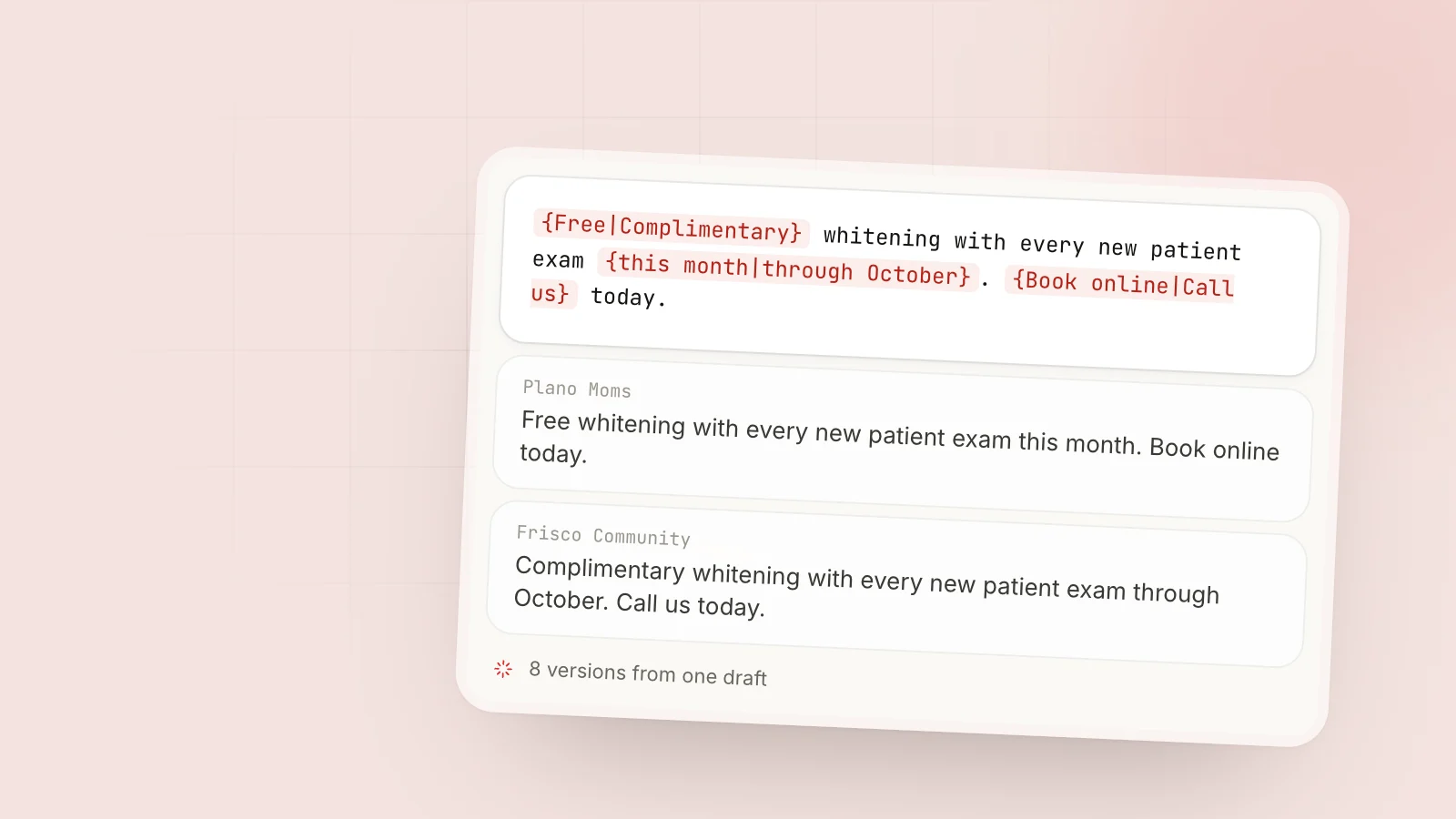
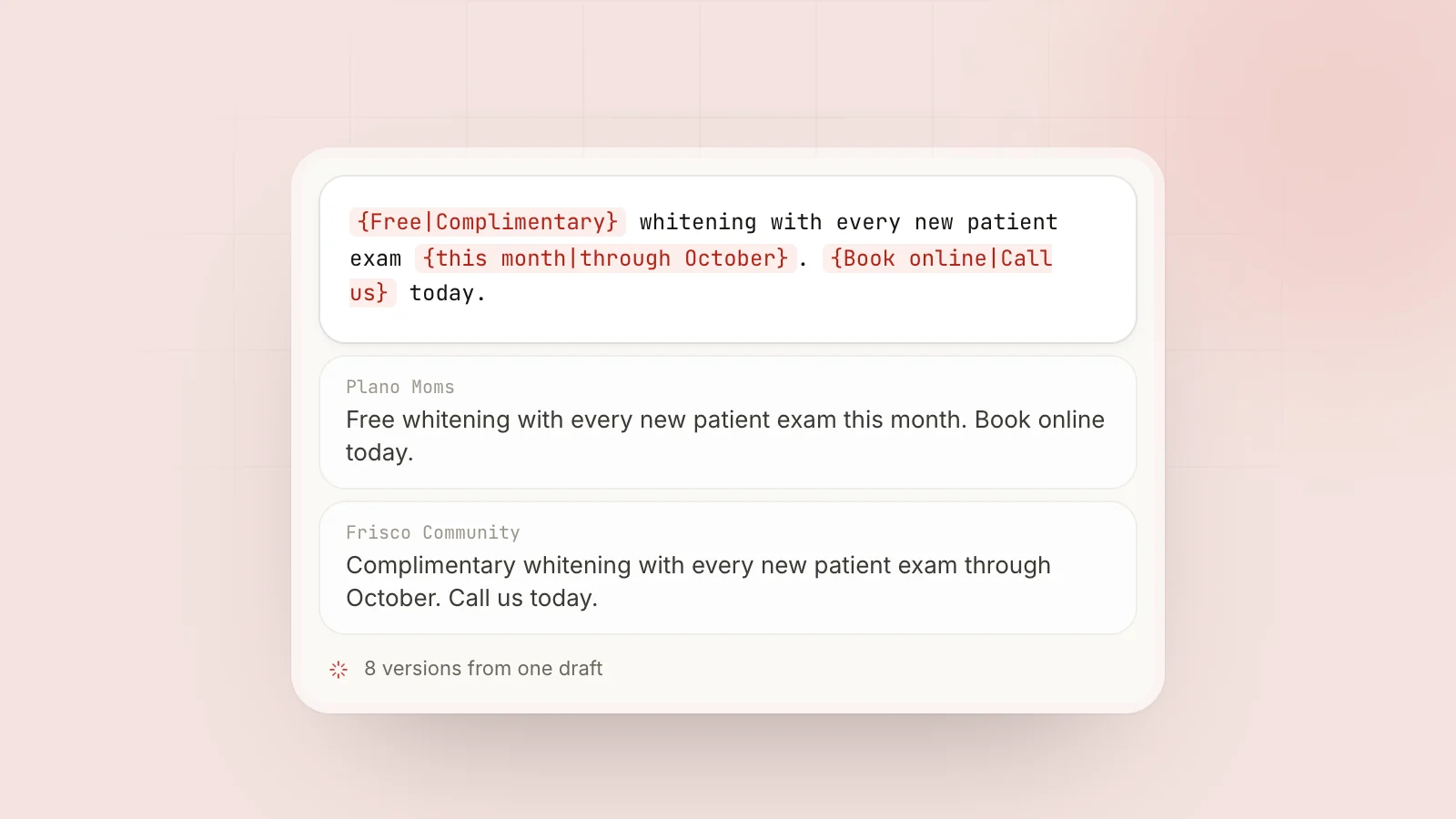
Spintax solves this. You write one template with alternatives, and each group gets one combination:
{Quick tip|Heads up|Worth checking} for {homeowners|neighbors|anyone} in {Richardson|this area}: if your AC is {dripping|leaking water} inside, {check|look at} the condensate line first.
Keep the meaning identical and vary the wording. Our spintax generator helps you build templates, and the guide on spintax for Facebook groups goes deeper. MaherPost resolves spintax per group at delivery and shows a per-group preview, so you can check what each group will see before the campaign runs.
Match posts to group rules at scale
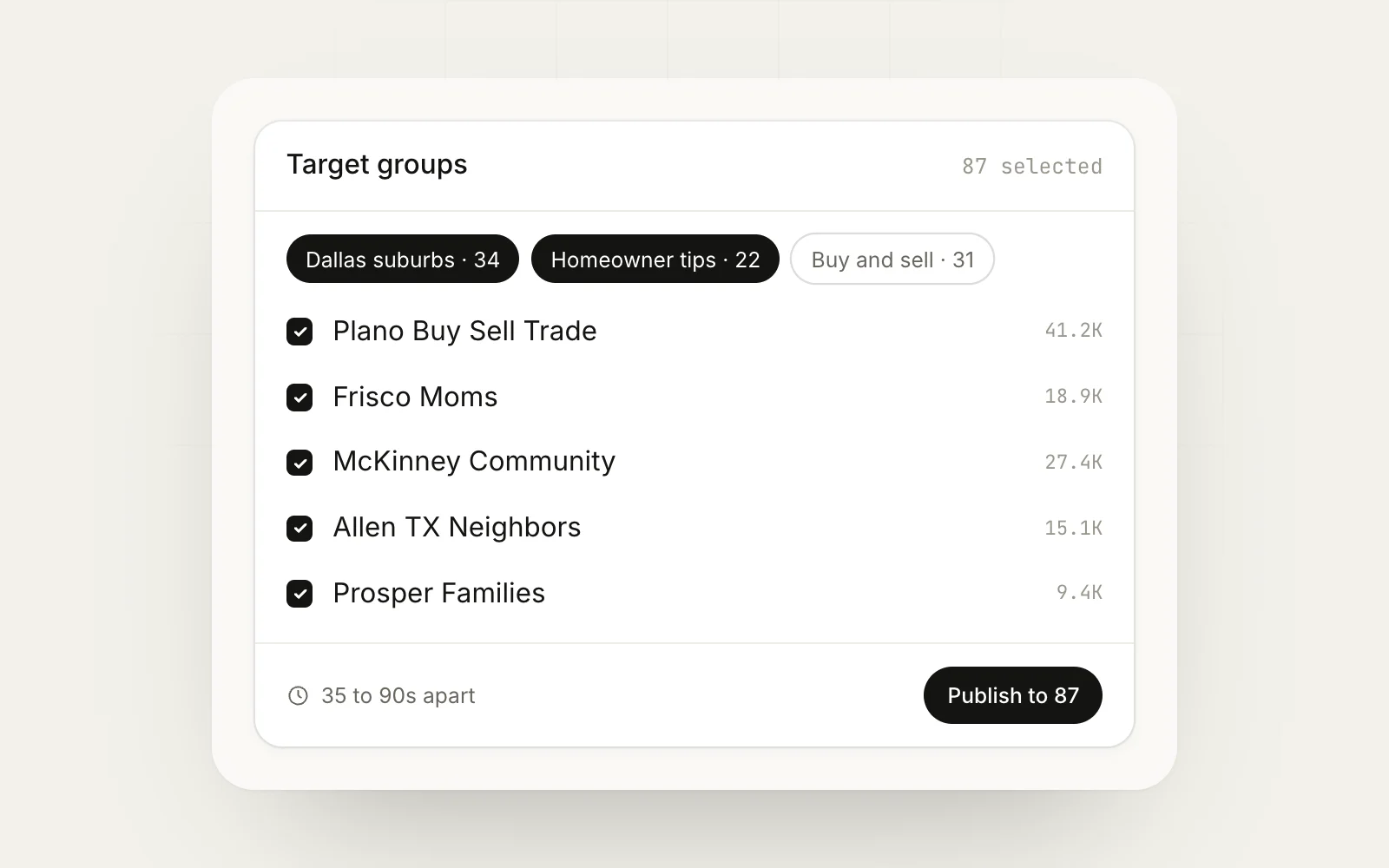
Once you have more than a handful of groups, sort them into bundles by rule type instead of by topic alone:
| Bundle | Rule | Campaign setup |
|---|---|---|
| Links OK | Links allowed in body | Standard post with link |
| Comment links | Links in comments only | First-comment link on |
| Friday only | Promo day is Friday | Scheduled for Friday |
| Thread only | Promo in pinned thread | Post manually as a comment |
| Value only | No promotion | Tips and answers, no offer |
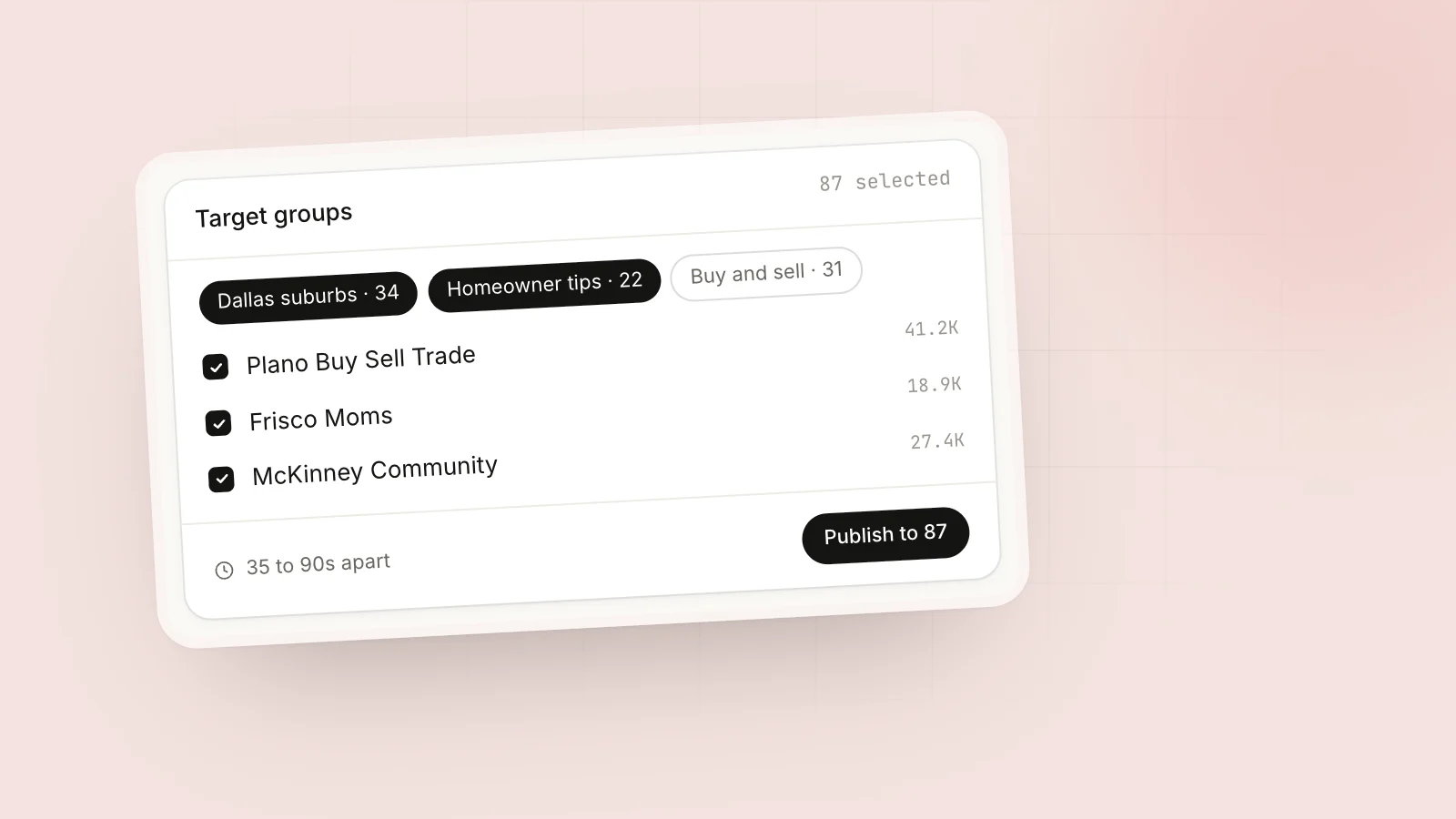
In MaherPost, each of these is a group bundle, and each campaign targets the bundle that matches its rules. The scheduling options handle promo days, and first-comment links handle groups that ban links in the body.
Frequency: how often is too often
Most groups do not state a frequency limit, which does not mean there is none. Admins and members get tired of the same business showing up daily. A practical rule:
- Large, active groups with a promo day: once per promo day.
- Medium local groups that allow business posts: once a week at most.
- Small groups under a few thousand members: every two to four weeks.
- Groups with a promo thread: once per thread.
Facebook also does not publish how many posts per day are too many across groups. Posting the same offer to dozens of groups in an hour is a well-known way to get a temporary block, and the Facebook posting limits page covers safer pacing. If you have been blocked already, how long Facebook jail lasts explains recovery.
Checklist before you post a promotion
- Read the rules and pinned post in this group?
- Promotion allowed here, today, in the main feed?
- Link placement matches the rule?
- First line gives something useful?
- Required format followed?
- Copy different from the version in other groups?
- Last promo in this group was at least a week ago?
Next step
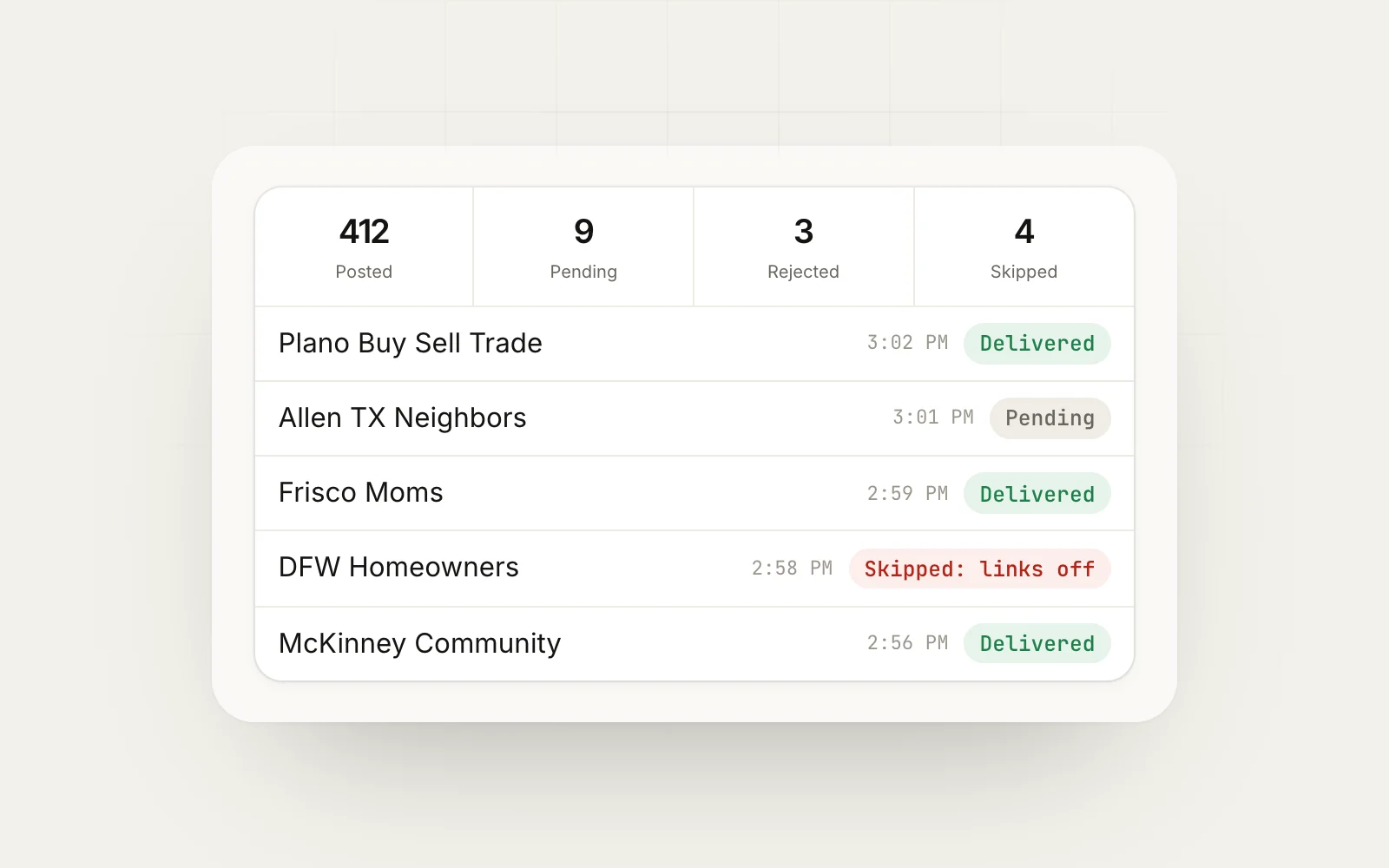
Take your ten best groups and fill in the rule spreadsheet: promo allowed, day, links, format. Rewrite your main offer using the value-first template, then make a variation for each group. If you run this across many groups, MaherPost lets you bundle groups by rule type, schedule around promo days, add links as first comments and track which groups approve you in the delivery log. For more on finding groups worth posting in, see how to promote your business in Facebook groups.
Put this into practice.
MaherPost posts to every Facebook group you have joined, with spintax, safe pacing and a log of every delivery. $29 a month.
Written by the MaherPost Team
We build MaherPost and run group campaigns with it every week. These guides come from what we see working, and what gets accounts in trouble. Questions or corrections: support@maherpost.com.