Why Is My Facebook Group Post Pending? Causes and Fixes
Why Facebook group posts sit in pending or get declined, how to check status, and what to change so admins approve your next post faster and more often.
 MaherPost Team October 29, 2026 9 min read
Key takeaways
- Pending almost always means the group requires admin approval, not that Facebook has restricted you.
- Admin Assist can decline posts automatically based on links, keywords or how new you are to the group.
- Reading the rules and matching the group's format fixes most declined posts.
- Track pending and rejected posts per group so you stop wasting effort on groups that never approve you.
Your Facebook group post is pending because the group requires an admin or moderator to approve posts before they go live, either for every member or for posts that match certain conditions like links, keywords, or new members. It is a group setting, not a penalty on your account. If it gets declined, the cause is usually a rule you broke, a link the group does not allow, or copy that looks like an ad.
The good news is that pending and declined posts are mostly fixable. You cannot control how fast an admin checks the queue, but you can control almost everything that makes them say no.
What “pending” actually means on a Facebook group
When you submit a post to a group with post approval turned on, Facebook holds it in a review queue. Only you and the group’s admins and moderators can see it. Other members see nothing until it is approved.
There are three common reasons a post lands there:
- Post approval is on for everyone. Many groups, especially local buy and sell groups, real estate groups and industry communities, review every single post. This is the most common case and has nothing to do with you.
- Admin Assist flagged it. Facebook gives admins automated rules through Admin Assist. Admins can set criteria such as declining or holding posts with links, posts containing certain words, or posts from people who joined the group recently. Your post matched one of those criteria.
- You personally are on review. Admins can require approval for specific members, for example after a previous post broke the rules. Everyone else posts freely while your posts wait.
None of these means Facebook itself has restricted your account. A Facebook restriction looks different: you see a message saying you are temporarily blocked from posting, or your account status shows a limit. If that is your situation, read how long Facebook jail lasts instead.
How to check the status of a pending post
Facebook moves its menus around, so the exact labels can change, but the path is roughly the same on desktop:
- Open the group.
- Look for a section for your content in the group, often labeled with something like “Your content” or a pending posts tab.
- You will see posts as pending, published, or declined. Some declined posts show the admin’s reason.
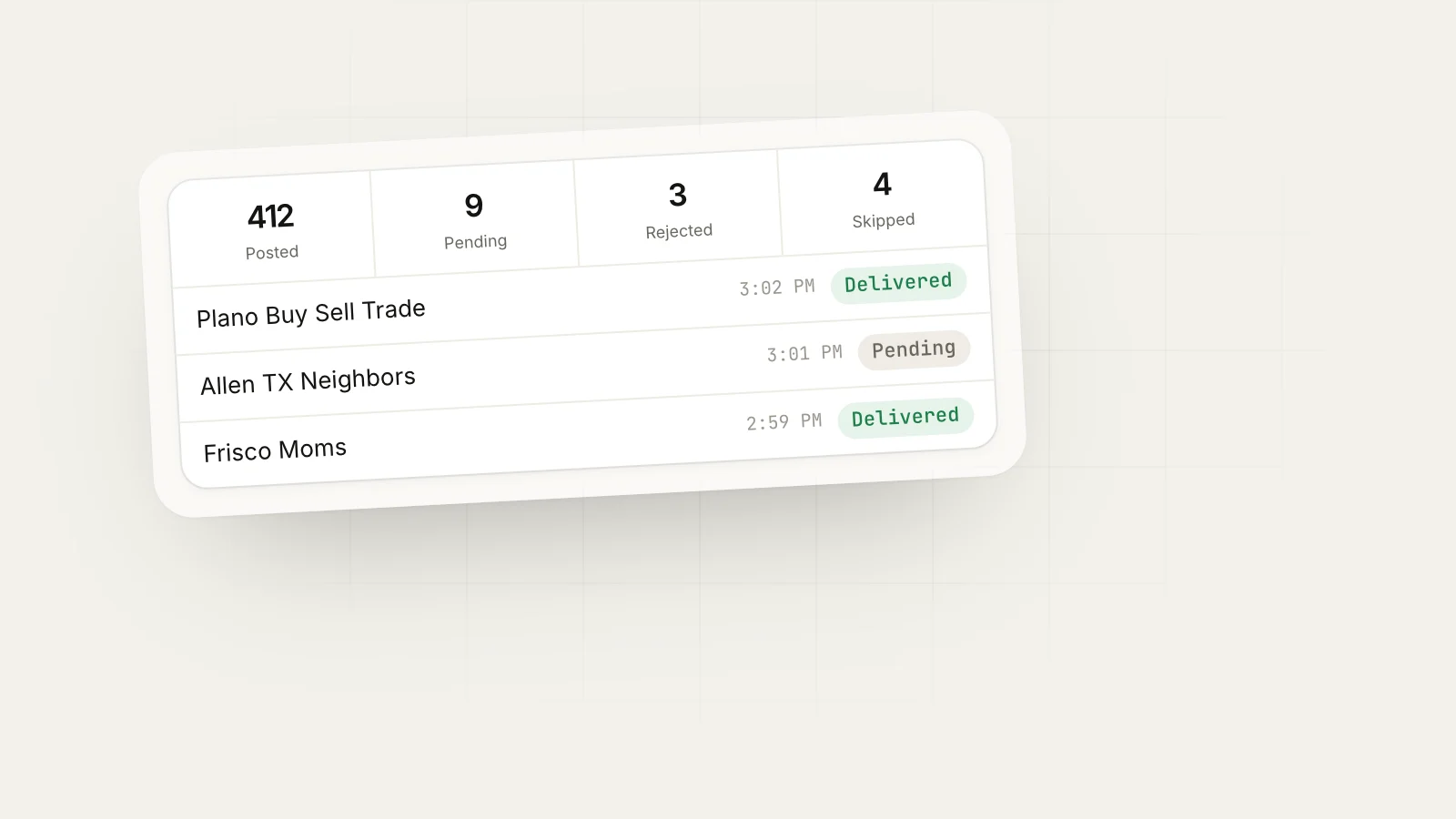
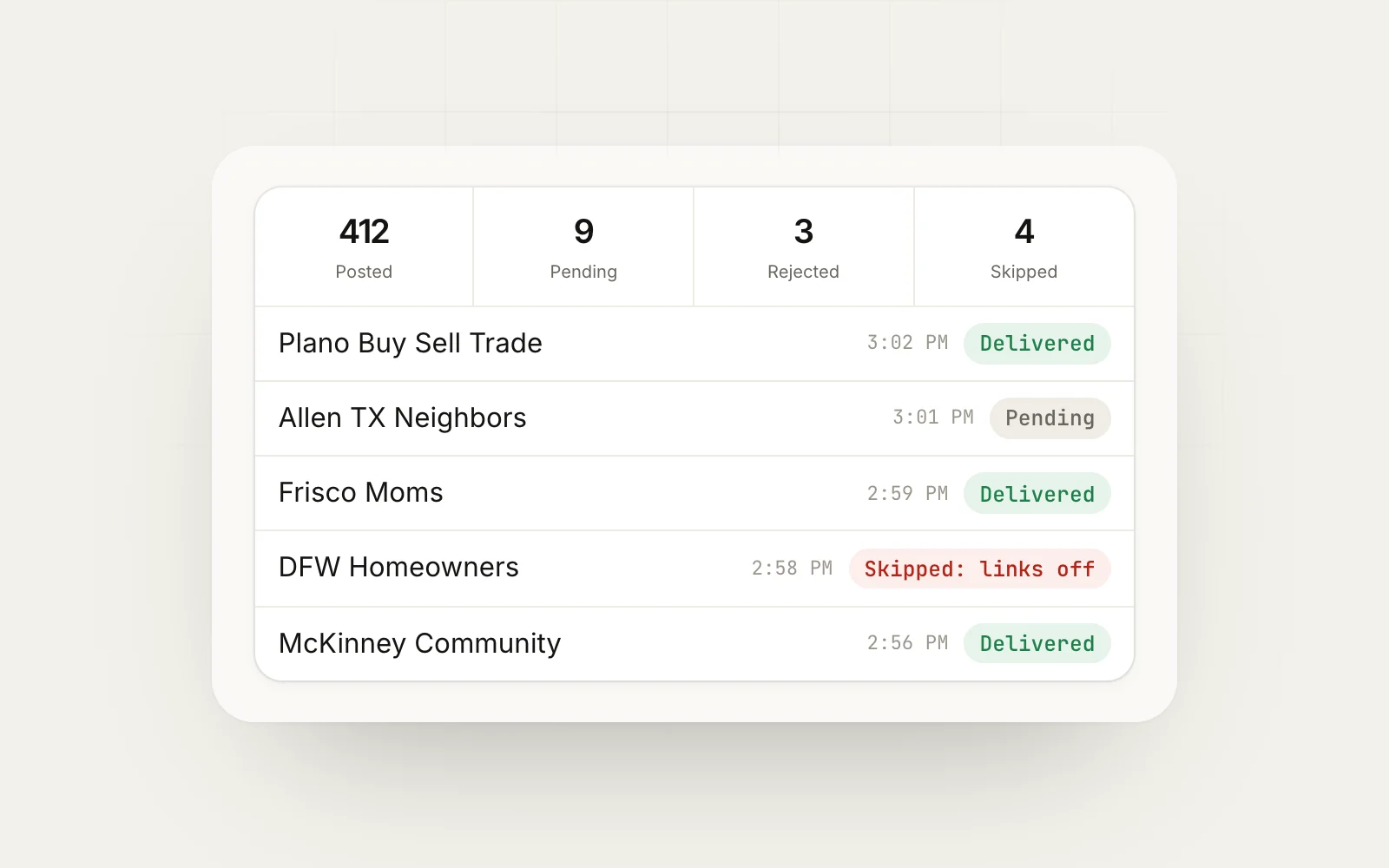
On mobile, the same information usually sits under the group’s menu for your activity. If you post to many groups, checking each one by hand gets tedious fast. That is the main reason we built the delivery log in MaherPost: every post shows as posted, pending admin approval, rejected, or skipped with a reason, so you see the whole picture in one place.
Why Facebook group posts get declined
A pending post becomes a declined post when an admin reviews it and says no, or when Admin Assist declines it automatically. Here are the causes we see most often, and what each fix looks like.
| Cause | What the admin sees | Fix |
|---|---|---|
| Link in the post body | An outbound link in a group that bans them | Put the link in the first comment or remove it |
| Promo on the wrong day | A sales post outside the weekly promo thread | Post only on the allowed day, or in the pinned thread |
| Copy reads like an ad | All-caps, price-first, “DM me now” style | Lead with useful information, mention the offer second |
| Same text seen in other groups | A copy-paste post the admin recognizes | Write variations per group with spintax |
| Off-topic for the group | A roofing ad in a parenting group | Match offer to group, or skip that group |
| New member, no history | A stranger’s first post is a promotion | Comment and contribute for a week before promoting |
| Banned keywords | Words like “giveaway”, “crypto” or “DM” | Reword, or check the rules for a banned list |
| Missing required format | No price, location, or tag the group asks for | Follow the template in the rules or pinned post |
Links are the biggest single cause
Admins hate links because links pull members out of the group, and Facebook also tends to favor posts that keep people on the platform. A lot of groups either ban links in the post body or let Admin Assist hold every post with a link. If your posts keep going pending in some groups but not others, check whether the pending ones are the ones with links.
The fix is simple: post the text and image, then add the link as the first comment. MaherPost supports first-comment links per campaign, so groups that ban links still get your post without the link in the body.
Promotional posts on the wrong day
Many business-friendly groups allow promotion only on a specific day, like “Self-Promo Saturday”, or only inside one pinned thread. A perfectly good post on a Tuesday gets declined because it is on the wrong day. Read the rules once, note the day, and schedule around it. Our guide on Facebook group rules for promotional posts walks through the common rule types and how to write promo posts admins actually approve.
Copy that looks like spam
Admins review dozens of posts a day. They make fast decisions based on the first two lines. A post that opens with ”🔥🔥 HUGE SALE 50% OFF DM ME NOW” gets declined in a second. A post that opens with “We just finished our 40th AC tune-up in Plano this month, and the most common problem we found was a clogged condensate line. Here is how to check yours” gets read.
Examples: the same offer, declined vs approved
Here is what this looks like for a few real types of businesses.
An HVAC company in Dallas
Declined version:
AC TUNE UP SPECIAL $79 CALL NOW LIMITED SPOTS www.example.com
Approved version, in a neighborhood group that allows business posts on Fridays:
Quick tip before the next heat wave: if your AC is dripping inside, check the condensate line first. Most of the service calls we ran in Lake Highlands this month were a clogged line, which is a 10 minute fix.

We are doing $79 tune-ups through the end of the month for neighbors here. Details in the first comment.
The link moved to the comment. The post leads with something useful. The offer is still there.
A realtor in Austin
Groups for Austin neighborhoods often ban listings entirely but allow market updates. Instead of posting a listing, a realtor can post a short summary of what sold in the area last month and offer a free price estimate to anyone who asks in the comments. That post gets approved and pulls in sellers, which is usually who the realtor wanted anyway. For more on this angle, see how to get leads from Facebook groups.
A Shopify candle shop
Craft and small business groups usually allow product posts with photos but ban links. The candle shop posts one good photo, a sentence on how the scent was made, the price, and “link in comments”. Groups that run a weekly shop thread get the post in that thread instead of the main feed.
How to get your posts approved faster
You cannot make an admin check the queue sooner, but you can make approval an easy, quick yes.
- Read the rules and the pinned post in every group. Write down three things: are links allowed, when is promotion allowed, and is there a required format.
- Contribute before you promote. In a new group, comment helpfully for a week. Admins look at who is posting, and a familiar name gets approved faster.
- Remove the link from the body in any group where you are unsure. Use the first comment.
- Vary your copy per group. Admins are often in several related groups and recognize the same post. Write a template and let spintax create a version for each group.
- Post when admins are around. A post submitted at 2 a.m. may sit until they wake up, and by then it is buried. Weekday mornings and early evenings in the group’s time zone are a sensible default.
- Do not resubmit the same post over and over. If a post is declined, change it. Resubmitting identical copy is how people end up blocked by the admin or reported.
Here is a short template that works in most business-friendly groups:
[One useful fact or tip related to your work, specific to the area or audience]

[One sentence on who you help and what you offer]

[A soft call to action: "Happy to answer questions in the comments" or "Details in the first comment"]
When pending turns into a pattern
One declined post is feedback. A pattern is a signal. If one group declines you three times in a row, it is probably not worth more effort. If many unrelated groups suddenly decline or block you in the same week, something bigger may be going on, such as members reporting your posts, or Facebook limiting your account.
Watch for these patterns:
- Pending posts that never get reviewed in a specific group (the admin is inactive, so stop posting there)
- Declines across several groups on the same day (your copy or link is the likely problem)
- Posts that fail outright instead of going pending (possible account-level restriction)
- Admins removing you from groups (you are being seen as spam, so slow down and change your approach)
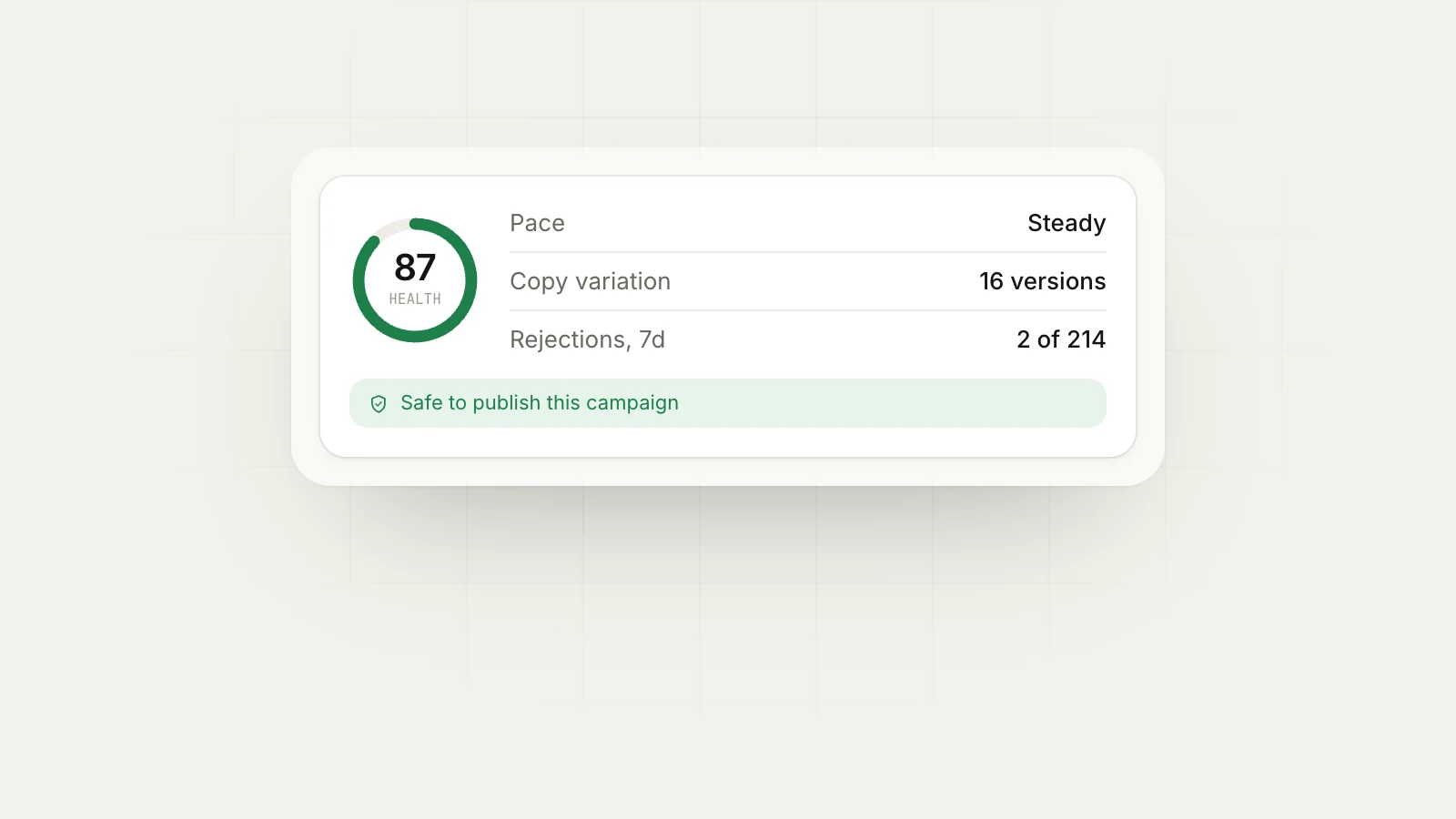
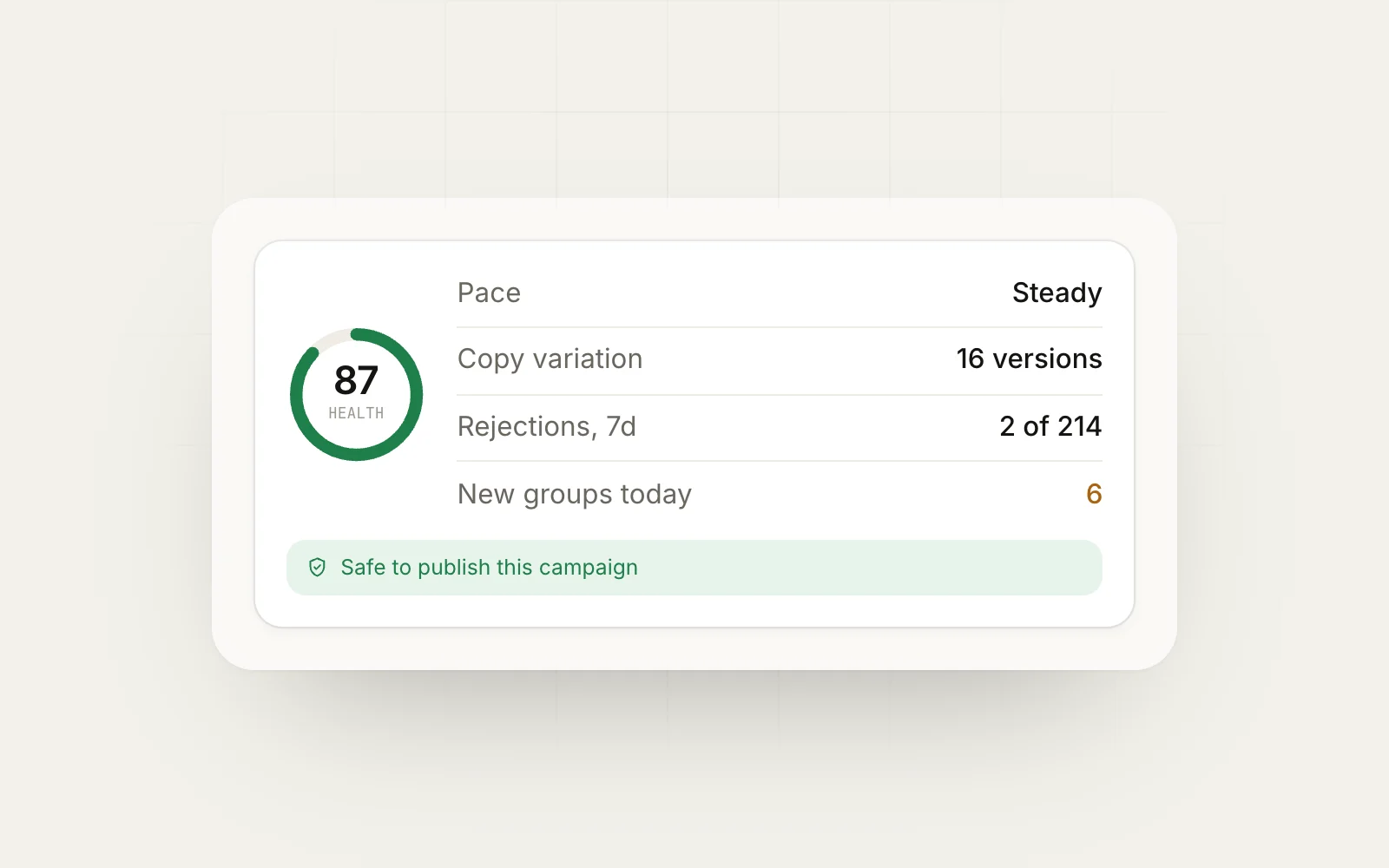
MaherPost tracks rejections in its Account Health score, and the campaign pauses automatically when failures stack up. That stops a bad campaign from running through 40 groups before you notice. You can also see which groups approve you reliably in per-group insights, then build your next group bundle from the ones that work.
Pending posts and posting volume
Pending posts are not a Facebook safety problem on their own, but they interact with volume. If you post to 50 groups and 30 hold your post for review, you have 30 admins judging your copy at once. If enough of them decline or report it, that can feed into how Facebook treats your account. Facebook does not publish how it weighs reports or declines, so the safe approach is to assume they count.
That is why we recommend starting with a smaller set of groups, checking approval rates, and only scaling up in groups where you are approved. Our Facebook posting limits page covers sensible pacing, and the ban risk check tool lets you test a draft before you send it.
A quick checklist before you post
- Links allowed in the body? If not, move to first comment.
- Promotion allowed today? If not, wait or use the promo thread.
- Required format followed (price, location, tags)?
- First two lines useful rather than salesy?
- Copy different from what you posted in other groups today?
- Posting at a time when admins are likely awake?
Next step
Pick the five groups that matter most to you, read their rules, and rewrite one post to fit them. Then watch what happens over a week. If you run campaigns across many groups, MaherPost shows pending, approved and rejected posts per group in one log, so you can see which groups are worth keeping and which copy admins accept. It also handles first-comment links and per-group variations, which fixes the two most common reasons posts get declined.
Put this into practice.
MaherPost posts to every Facebook group you have joined, with spintax, safe pacing and a log of every delivery. $29 a month.
Written by the MaherPost Team
We build MaherPost and run group campaigns with it every week. These guides come from what we see working, and what gets accounts in trouble. Questions or corrections: support@maherpost.com.