How to Get Leads From Facebook Groups: A Practical System
A step-by-step system for getting leads from Facebook groups: pick the right groups, answer buying-intent posts fast, post offers admins approve, and follow up.
 MaherPost Team October 28, 2026 8 min read
Key takeaways
- Most group leads come from answering people who are already asking for help, not from broadcasting offers.
- Speed matters because the first few useful replies on a request post get most of the attention.
- Promotional posts work best in groups that allow them, on the days they allow them, with copy that varies per group.
- Track every lead back to the group it came from so you can drop the groups that never produce anything.
To get leads from Facebook groups, join the groups where your buyers already ask for recommendations, reply quickly and usefully when someone posts a buying-intent request, and post occasional offers only where the rules allow them. Then move every interested person off the thread into a message or call, and track which groups actually send you work so you can focus on those.
That is the whole method. The rest of this guide is the detail that makes it work: which groups to pick, what to watch for, what to write, and how to keep it going every week without it eating your day.
Why Facebook groups still produce leads
Groups are one of the few places online where people openly say “I need someone for this” in front of a crowd. A homeowner in a Dallas neighborhood group posts that their AC died at 9 p.m. A new mom asks a local parents group for a dentist who is good with kids. A candle lover in a home decor group asks where to find soy candles without synthetic fragrance.
Each of those posts is a lead with a stated need, a rough timeline and often a location. You do not have to create demand. You only have to show up while the demand is visible.
The catch is that these posts move fast. A request in an active local group can collect 30 comments in an hour, and the person asking usually contacts the first two or three names that look credible. That is why the system below puts speed and relevance ahead of volume.
Step 1: Pick groups where buyers ask questions
Not every group with your keyword in the name will produce leads. A group called “Austin Real Estate” might be 90% agents promoting listings to each other. A group called “Moving to Austin” is full of people who will need an agent, a mover and a utility setup in the next six months.
Sort candidate groups into three types:
| Group type | Who is in it | Lead quality | Example |
|---|---|---|---|
| Buyer groups | People with a need | High | ”Moving to Austin,” “Dallas Moms,” “Shopify Beginners” |
| Peer groups | Others in your trade | Low for sales, good for referrals | ”Texas HVAC Techs,” “Realtors of Central Texas” |
| Mixed local groups | Residents of an area | Medium to high | Neighborhood, town and buy-sell-trade groups |
Buyer groups and local groups are where the leads are. Peer groups are useful for referrals and overflow work, but treat them as networking, not prospecting.
When you check a group before joining, look at the last two weeks of posts. You want to see real questions from real members, admins who remove spam, and at least a few posts per day. If the feed is wall-to-wall ads with zero comments, skip it. For a fuller method, read how to find Facebook groups for your business.
Step 2: Read the rules before you post anything
Every group has its own rules, usually pinned in the About section. They decide what you can do there. Common patterns:
- No self-promotion at all, except replying when someone asks for a recommendation
- Promotion allowed one day a week (often a “Business Saturday” thread)
- Links banned in posts, but allowed in comments
- Posts held for admin approval before they appear
Write the rules down in a simple sheet next to each group name. It sounds tedious, but it saves you from the fastest way to lose a group: getting removed in your first week for posting an ad on the wrong day.
Step 3: Watch for buying-intent posts
This is where most leads come from. You are looking for posts where someone is about to spend money and wants a name.
The phrases repeat across every niche:
- “Can anyone recommend…”
- “Looking for a…”
- “Who do you use for…”
- “Need a [service] this week”
- “Any suggestions for a good…”
- “Just moved here, need a…”
Build a short list of these phrases combined with your service words. A Dallas HVAC company might watch for “AC repair,” “AC not cooling,” “furnace,” “HVAC recommend” and “AC guy.” A Shopify candle shop might watch for “soy candles,” “gift for her,” “candle recommendations” and “small business candles.”
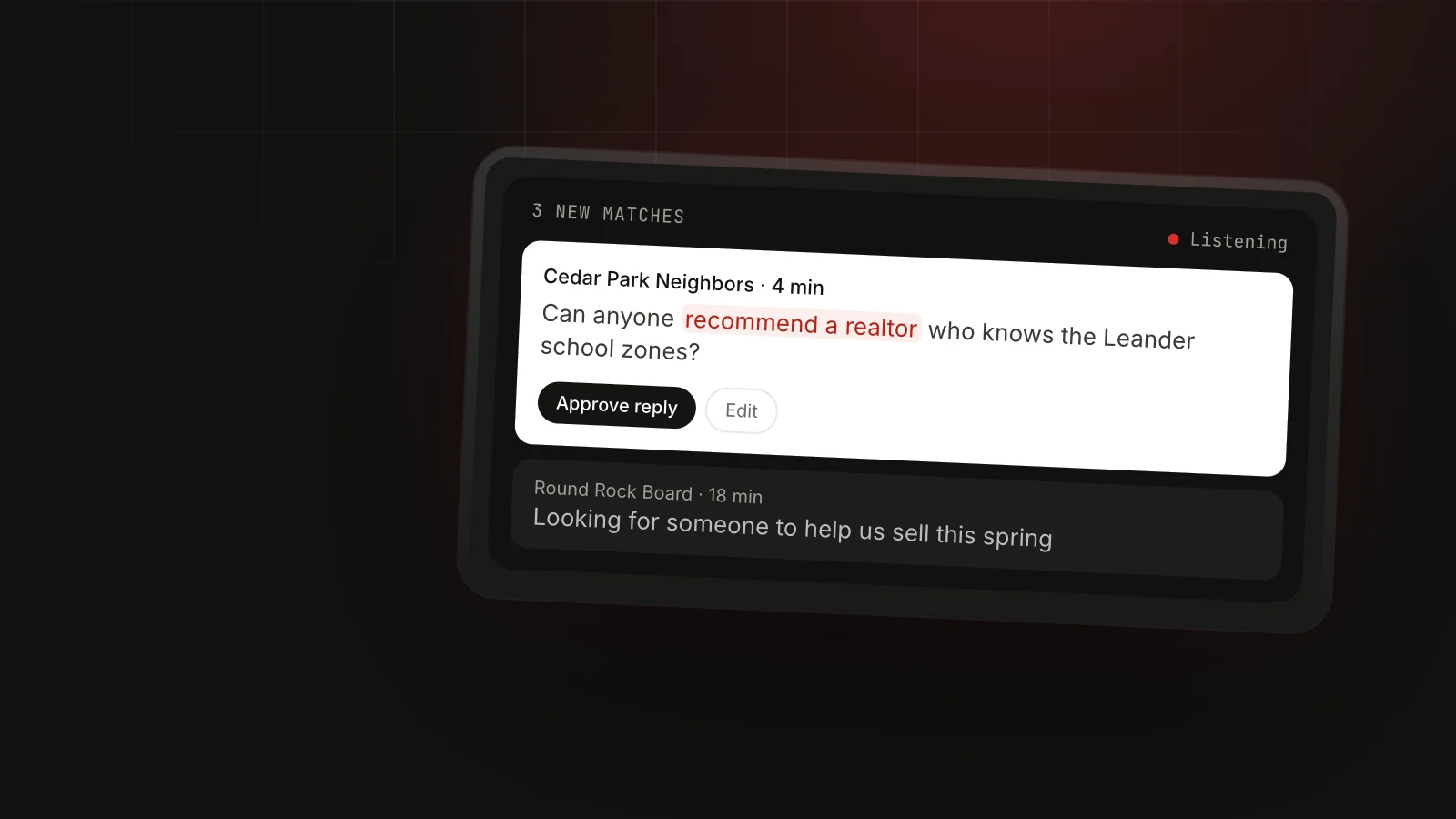
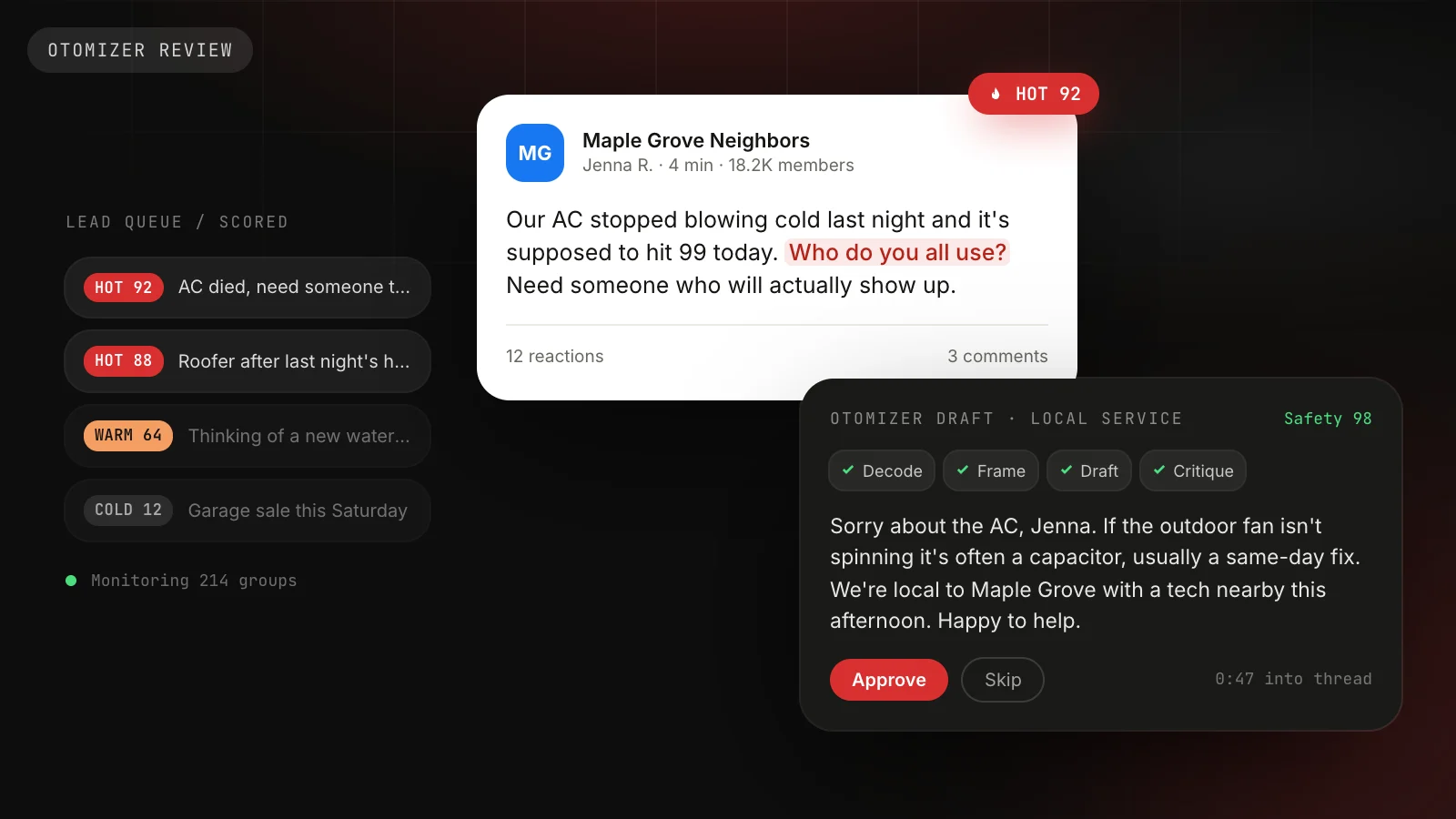
You can check groups manually by searching each group for those words once or twice a day. That works for 5 to 10 groups. Past that, it gets slow, which is why tools like Lead Radar exist: it scans your groups feed for your buying-intent keywords, shows you matching posts with a drafted reply, and sends nothing until you approve it.
Step 4: Reply like a person, not an ad
The reply is the sale. A good reply is short, specific to the question and makes the next step easy. A bad one is a pasted ad with a phone number.
Here is a template that works across most service businesses:
Hi Jenna, sorry about the AC, that's rough in this heat. If it's blowing warm air, check the breaker and the filter first, those cause a lot of calls. If that's not it, we're in Lake Highlands and can usually get out same day. Happy to help, just message me.
Why it works:
- It uses the person’s name and the actual problem.
- It gives one free, useful tip, which shows you know the work.
- It mentions proximity, which matters in local groups.
- It invites a private message instead of dumping a link.
For a dentist answering “any family dentist recommendations in Round Rock?”:
Hi Maria, we're a family practice on University Blvd and see a lot of kids. We do the first visit as a quick get-to-know-you so little ones aren't nervous. Feel free to message me if you want to know about insurance or Saturday hours.
For the candle shop in a gift ideas group:
These are lovely ideas. If she likes clean scents, I make soy candles in small batches here in Portland, no synthetic fragrance. Happy to send you a few photos if you want to see them.
Keep replies under about 60 words. People skim comment threads, and long replies look like ads.
Step 5: Post offers where the rules allow
Reply-based leads are steady, but offer posts catch people who are not ready to ask yet. Post them only in groups that allow promotion, on the days they allow it.
A good offer post has a clear who, a clear what and one reason to act now. For a realtor in Austin:
First-time buyers in Austin: I’m running a free 30-minute call this month on what you can actually afford with today’s rates, including down payment programs most people miss. Comment “info” and I’ll send details.
The “comment info” call to action matters. It keeps the link out of the post (many groups ban links), and every comment gives you a warm person to message.
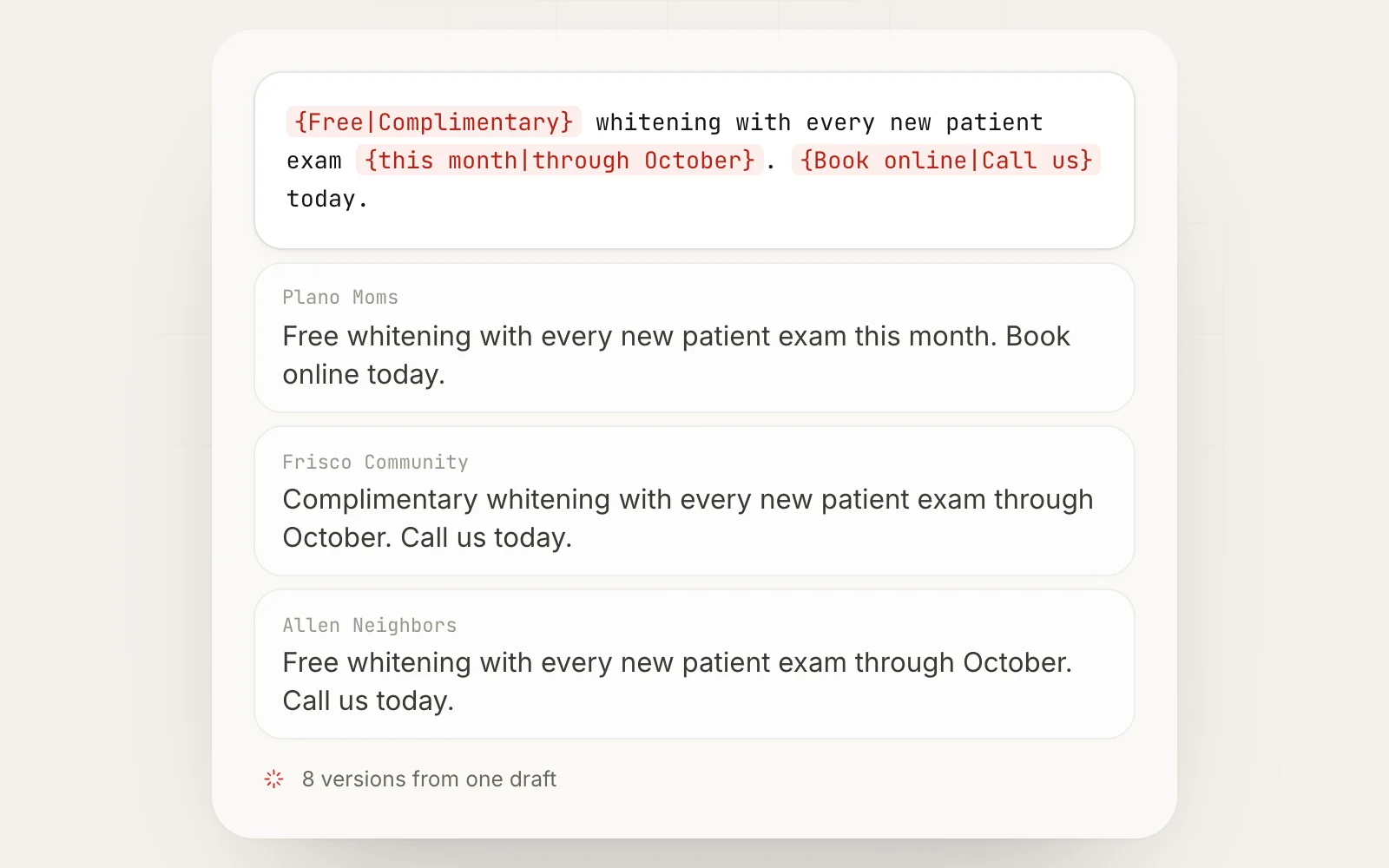
If you post the same offer to many groups, vary the wording per group. Identical copy across dozens of groups is easy for Facebook to spot as a duplicate content flag and easy for members to notice. Spintax handles this: you write one template, and each group gets a different combination. Our guide on how to promote your business in Facebook groups covers offer posts in more depth.
Step 6: Move leads off the thread fast
A comment is not a lead until you have a conversation. Within an hour of someone engaging, send a private message:
Hi Jenna, saw your post in Lake Highlands Neighbors. Is the AC still out? If you send me your address and a good time, I can check today's openings.
Say where you saw them. People get a lot of messages, and naming the group makes yours make sense.
Then put them wherever you track leads: a CRM, a spreadsheet, a notebook. Record the group name next to every lead. Without that, you cannot tell which groups are worth your time.
How much time this takes
Here is a reasonable daily rhythm for a small business working 15 groups by hand:
| Task | Time per day | Notes |
|---|---|---|
| Scan groups for requests | 15 to 20 min | Twice a day if possible, morning and evening |
| Write replies | 10 min | 3 to 5 replies on a typical day |
| Follow-up messages | 10 min | Move commenters to DMs |
| Offer posts | 5 to 10 min | Only on allowed days |
| Log leads | 5 min | Group name, date, outcome |
That is roughly 45 minutes a day. Automation can cut the scanning and posting time, but the replies should still come from you. People can tell when a reply is canned.
A realistic look at results
We will not give you a fake conversion rate, because it varies enormously by niche and city. You can reason about it, though.
Say your 15 groups produce 4 relevant requests a week between them. If you reply early and well to all 4, and one of those turns into a booked job, that is roughly 50 jobs a year from 45 minutes a day. For an HVAC company where a repair call is worth a few hundred dollars and a replacement is worth several thousand, that math is very good. For a business with a $20 product, you need more volume, which means more groups or more offer posts.
Run the system for four weeks before judging it. The first week is mostly learning group rhythms. By week four you will know which three or four groups produce most of your leads.
Staying safe while you do it
Group leads only work if your account stays healthy. Facebook does not publish exact limits for group posting, so rely on common sense:
- Do not post the same text to many groups in a row.
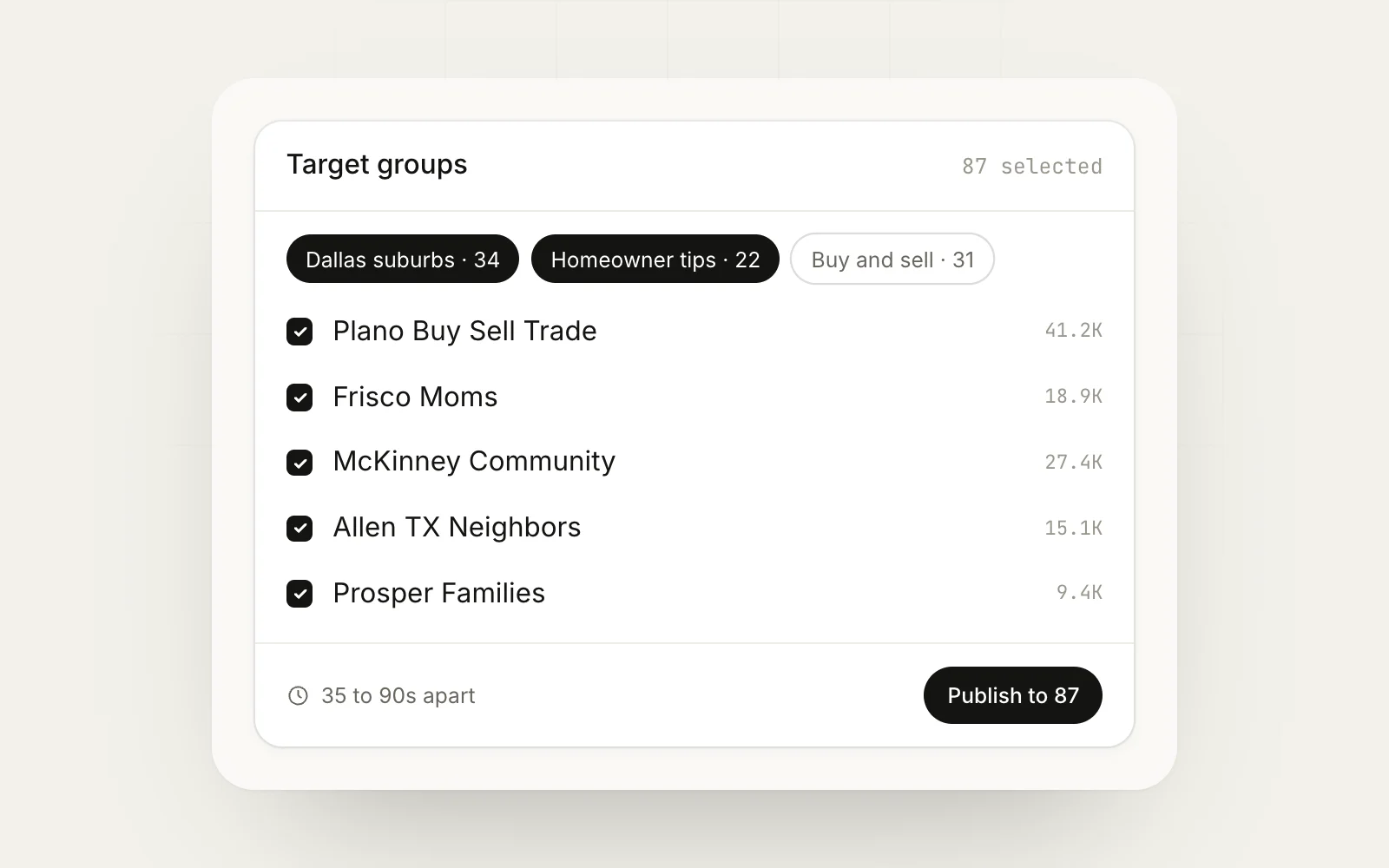
- Space out offer posts rather than firing them all in a few minutes.
- Keep a daily cap, especially on a new or quiet profile.
- Respect each group’s rules. Reports from members and admins hurt more than anything else.
Read is a Facebook auto poster safe and our notes on Facebook posting limits before you scale up.
Lead generation checklist
- 10 to 20 groups chosen, mostly buyer and local groups
- Rules logged for each group, including promo days and link rules
- Buying-intent phrase list written for your service
- Reply templates for your 3 most common requests
- One offer post per week, varied per group
- Every lead logged with its source group
- Four-week review: drop the groups that produced nothing
Next step
Start small this week: pick 10 groups, write your phrase list, and reply to every real request you see for seven days. Once the manual version works and you want it to take less time, MaherPost can watch your joined groups for buying-intent posts with Lead Radar and handle the offer side through bulk posting with per-group variation, all from your own browser. You can see the plan on the pricing page.
Put this into practice.
MaherPost posts to every Facebook group you have joined, with spintax, safe pacing and a log of every delivery. $29 a month.
Written by the MaherPost Team
We build MaherPost and run group campaigns with it every week. These guides come from what we see working, and what gets accounts in trouble. Questions or corrections: support@maherpost.com.