Lead Radar is only as good as your keyword list. Too broad and your inbox fills with noise. Too strict and you miss real buyers asking for help in Facebook groups.
We put together this setup guide so you can pick buying-intent phrases, tune BROAD vs STRICT matching, and filter false positives without guessing.
What counts as buying intent
Buying-intent language signals someone is looking to hire, buy, or get a recommendation now or soon:
- “Looking for a…”
- “Anyone recommend…”
- “Need a [service] ASAP”
- “Who do you use for…”
- “Hiring a…”
- “Best [product] for…”
- “Moving to [city], need…”
Not buying intent:
- General discussion (“what do you think of…”)
- Rants without ask
- Job seekers posting resumes (unless you recruit)
- Memes and off-topic chatter
Lead Radar scores urgency and recommendation phrasing on top of keyword hits.
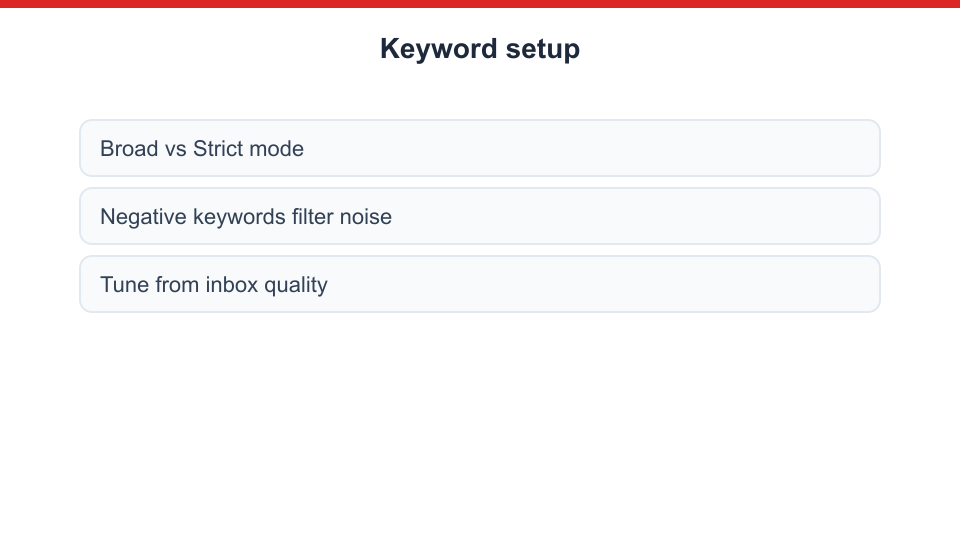
BROAD vs STRICT modes
BROAD matches partial and related phrasing. Higher volume. Use when:
- You serve a large metro
- Missed leads cost more than noise
- You review inbox twice daily
STRICT requires closer keyword phrasing. Lower volume. Use when:
- Common words trigger false matches (“coach” in sports groups)
- You auto-draft replies and want precision
- Inbox overwhelmed
Test BROAD for two weeks, move noisy keywords to STRICT or negatives.
Negative keywords
Add negatives to block junk:
| Niche | Example negatives |
|---|
| Real estate | ”room for rent”, “job”, “scam” |
| Coaches | ”life coach meme”, “football coach” |
| Home services | ”DIY”, “free help” |
| Recruiters | ”internship unpaid” |
| SaaS | ”open source only”, “free alternative” |
Negative keywords are as important as positives.
Keyword lists by niche
Real estate
- “looking for realtor”
- “recommend an agent”
- “moving to [city]”
- “best neighborhood”
- “first time home buyer question”
See /for/real-estate/ and book listing appointments.
Coaches and consultants
- “need a business coach”
- “looking for mentor”
- “accountability partner”
- “help with marketing”
- “stuck in my business”
See generate coaching leads.
Home services
- “recommend a plumber”
- “need HVAC repair”
- “electrician near me”
- “who do you use for roofing”
See /for/home-services/.
Ecommerce
- “where to buy”
- “best [product] for”
- “anyone sell”
- “looking for [item]”
See /for/ecommerce/.
Recruiters
- “hiring [role]”
- “open to work” (if candidate side)
- “referral bonus”
See /for/recruiters/.
Setup walkthrough in MaherPost
- MaherPost plan active
- Settings → Lead Radar → Add keywords
- Assign BROAD or STRICT per keyword
- Add negative list
- Chrome extension connected, groups feed accessible
- Manual approval on for 14 days
- Review matches, promote high performers to pinned list, demote noise
Reply quality beats keyword quantity
When a match arrives:
- Read full thread context
- Edit AI draft to mention specific detail from their post
- Avoid pitch-slap in first sentence
- Put links in comment if group prefers
Fast helpful reply beats perfect keyword taxonomy.
Tune weekly
Export match notes (even informal):
- Which keywords produced booked calls?
- Which produced arguments or off-topic?
- Adjust STRICT/negative accordingly
Pair with outbound group posting so members recognize your name when you reply.
Safety note
Lead Radar replies use browser-session posting. Do not blast 30 identical replies in an hour. Account Health applies.
Get MaherPost → · Lead Radar is included in MaherPost