How to Find Facebook Groups for Your Business (and Vet Them)
How to find Facebook groups for your business: search methods, how to judge a group before joining, and how to build a short list that brings customers.
 MaherPost Team October 29, 2026 8 min read
Key takeaways
- Search for your customer's situation, not your industry, to find groups full of buyers instead of competitors.
- Check the last two weeks of posts before joining, because member count alone tells you very little.
- Log each group's rules, activity level and promo policy in one sheet so you know where you can post.
- Review your list monthly and drop groups that never produce conversations or customers.
To find Facebook groups for your business, search Facebook for the situations your customers are in (moving to a city, renovating a house, starting a Shopify store) rather than your industry, then check each group’s recent posts, rules and activity before you join. Keep a short list of 10 to 20 active groups where buyers ask questions, and review it every month.
The hard part is not finding groups. Facebook will show you hundreds. The hard part is telling the five that will bring you customers apart from the 95 that will waste your time.
Start with who your customer is, not what you sell
The most common mistake is searching for your own industry. A realtor searches “real estate” and finds groups full of other realtors. An HVAC tech searches “HVAC” and finds trade groups full of other techs. Those groups are fine for networking, but nobody in them is going to hire you.
Instead, write down where your customer is in their life when they need you:
| Business | Customer situation | Search terms to try |
|---|---|---|
| Realtor in Austin | Relocating, first home, growing family | ”moving to Austin,” “Austin newcomers,” “Round Rock moms” |
| HVAC company in Dallas | Homeowner, HOA member, new build | ”Lake Highlands neighbors,” “Plano homeowners,” “Frisco HOA” |
| Family dentist | Parent with young kids, new to town | ”[town] moms,” “[town] parents,” “new to [town]“ |
| Shopify candle shop | Gift shopper, decor fan, supports small makers | ”gift ideas,” “home decor,” “shop small,” “candle lovers” |
| Business coach | New founder, solo consultant | ”small business owners [city],” “women entrepreneurs,” “solopreneurs” |
That shift alone will change the quality of your list.
Five ways to find groups
1. Facebook search with the Groups filter
Type your search term into Facebook, then select Groups in the results filter. Try several versions of each idea: the city name, the neighborhood, the county, the nickname locals use. “ATX” and “Austin” can return different groups.
2. Suggested groups
After you join a few good groups, Facebook starts suggesting similar ones. These suggestions are often better than search because they are based on overlap with groups you already chose. Check the Groups tab regularly for them.
3. Ask customers and contacts
Ask your last ten customers which local or hobby groups they use. You will hear group names that never show up in search because they use odd names or are hidden. A dentist might learn that most new patients come from one school’s parent group.
4. Look at where competitors show up
Search for a competitor’s business name in Facebook and see which groups their name appears in, either from their own posts or from members recommending them. If people recommend a competitor in a group, people in that group buy what you sell.
5. Google search for groups
Search Google for phrases like site:facebook.com/groups "moving to Austin". This sometimes surfaces groups Facebook search buries.
How to vet a group before you join
Member count is the least useful number on a group page. A big group can be dead or full of spam, and a small one can be the busiest room in town. Before joining, look for these signals in the group’s recent posts (public groups let you preview, and private groups show a description and rules):
- Posts per day. Scroll back two weeks. You want several posts a day from different members.
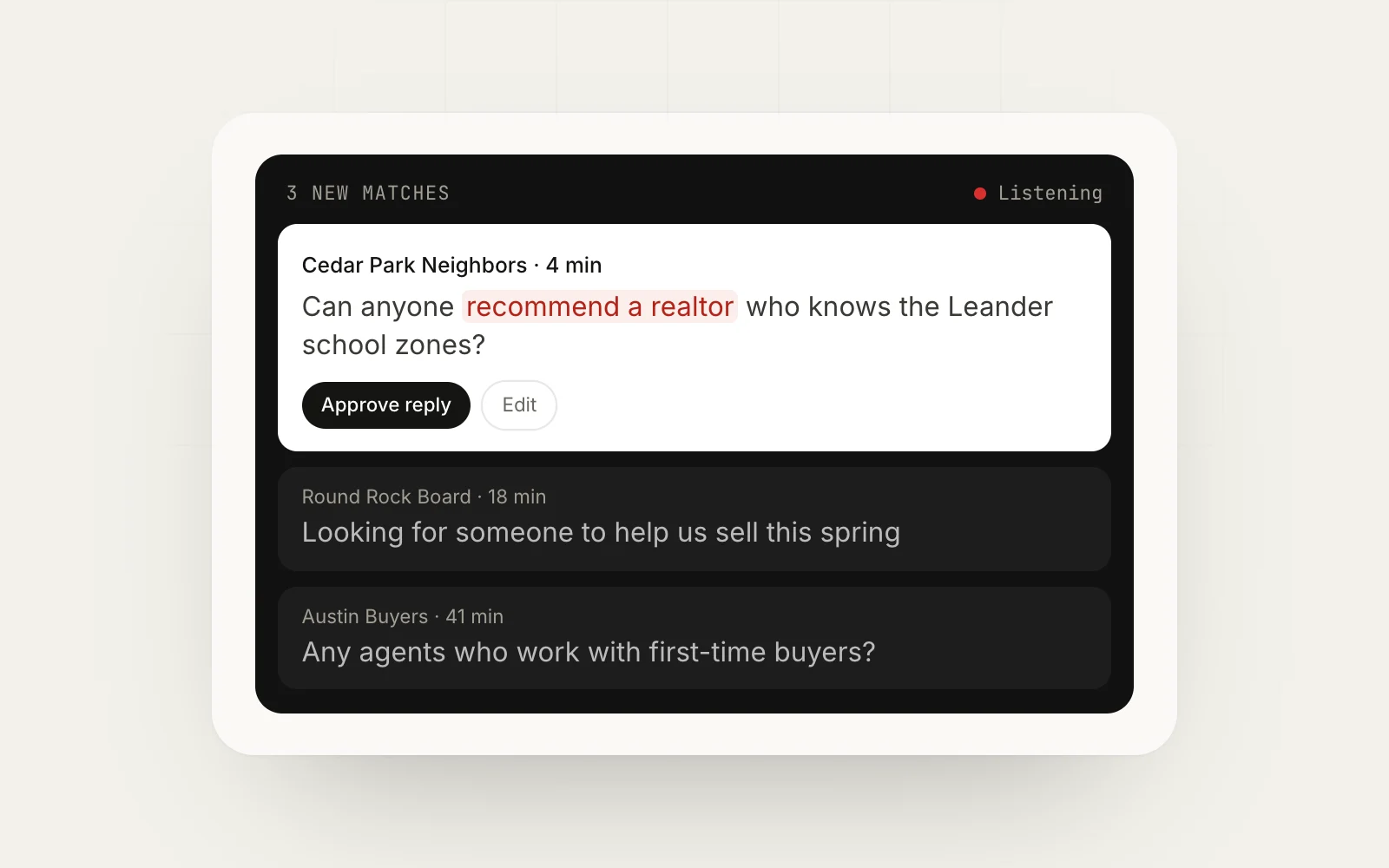
- Request posts. Look for “can anyone recommend,” “looking for” or “who do you use.” These are your future leads.
- Comment activity. Posts with real replies mean people read the group.
- Admin presence. Are spam posts removed? Are there pinned rules? Moderated groups are worth more because members trust them.
- Promo policy. Is there a weekly promo thread, a business day, or a total ban?
- Location fit. For local businesses, are members actually in your service area?
Score each group quickly. Here is a simple scoring sheet:
| Signal | 0 points | 1 point | 2 points |
|---|---|---|---|
| Posts per day | Under 1 | 1 to 5 | More than 5 |
| Request posts in last 2 weeks | None | 1 to 3 | 4 or more |
| Comments on typical post | Almost none | A few | Many |
| Moderation | Spam everywhere | Some cleanup | Clearly moderated |
| Promotion allowed | Never | Promo day or thread | Allowed with rules |
| Audience fit | Wrong area or audience | Partial | Strong |
A group scoring 8 or more out of 12 is worth joining. Between 5 and 7, join if you have room. Under 5, skip it.
Red flags that mean you should skip a group
Some groups look busy but will never send you a customer. Skip a group, or leave it, when you see any of these:
- Every post is an ad. If the feed is business owners posting offers to each other with no comments, there are no buyers reading.
- No pinned rules and no visible admin activity. Unmoderated groups fill with spam, and members stop trusting anything posted there.
- The same posts appear across many groups. If you see identical listings or flyers from the same accounts, the group is a dumping ground.
- Engagement that looks fake. Hundreds of members, a few posts a day, and every comment is “interested” or a single emoji.
- The audience is nowhere near you. A huge “Texas Homeowners” group sounds good for a Dallas HVAC company, but if most active members are in Houston and El Paso, very few requests will be in your service area.
- Hostile admins or members. Some groups openly mock businesses. Even if promotion is technically allowed, nobody there will hire you.
It is tempting to join big groups because the number looks impressive. A group of 150,000 members where your posts get no replies is worth less than a 3,000-member neighborhood group where people tag local businesses every day. Our guide to avoiding Facebook group post rejection covers more on how admins judge posts once you are in.
Getting accepted into private groups
Many of the best groups are private and screen new members. A few habits help you get in:
- Use a complete personal profile with a real photo and some public activity. Admins decline empty accounts.
- Answer membership questions honestly. If you are a business owner, say so and say you will follow the rules.
- Join at a sensible pace. Requesting dozens of groups in one sitting can look automated. Spread requests over several days.
- For local groups, make sure your profile shows you live or work in the area.
If a group declines you, move on. There are always others.
Build your group list in one sheet
Once you have joined, keep a single sheet with every group. Columns that matter:
- Group name and link
- Type (buyer, local, peer)
- Score from the vetting table
- Promo rules and promo day
- Link policy (allowed, comments only, banned)
- Needs admin approval (yes or no)
- Date joined
- Leads or customers from this group
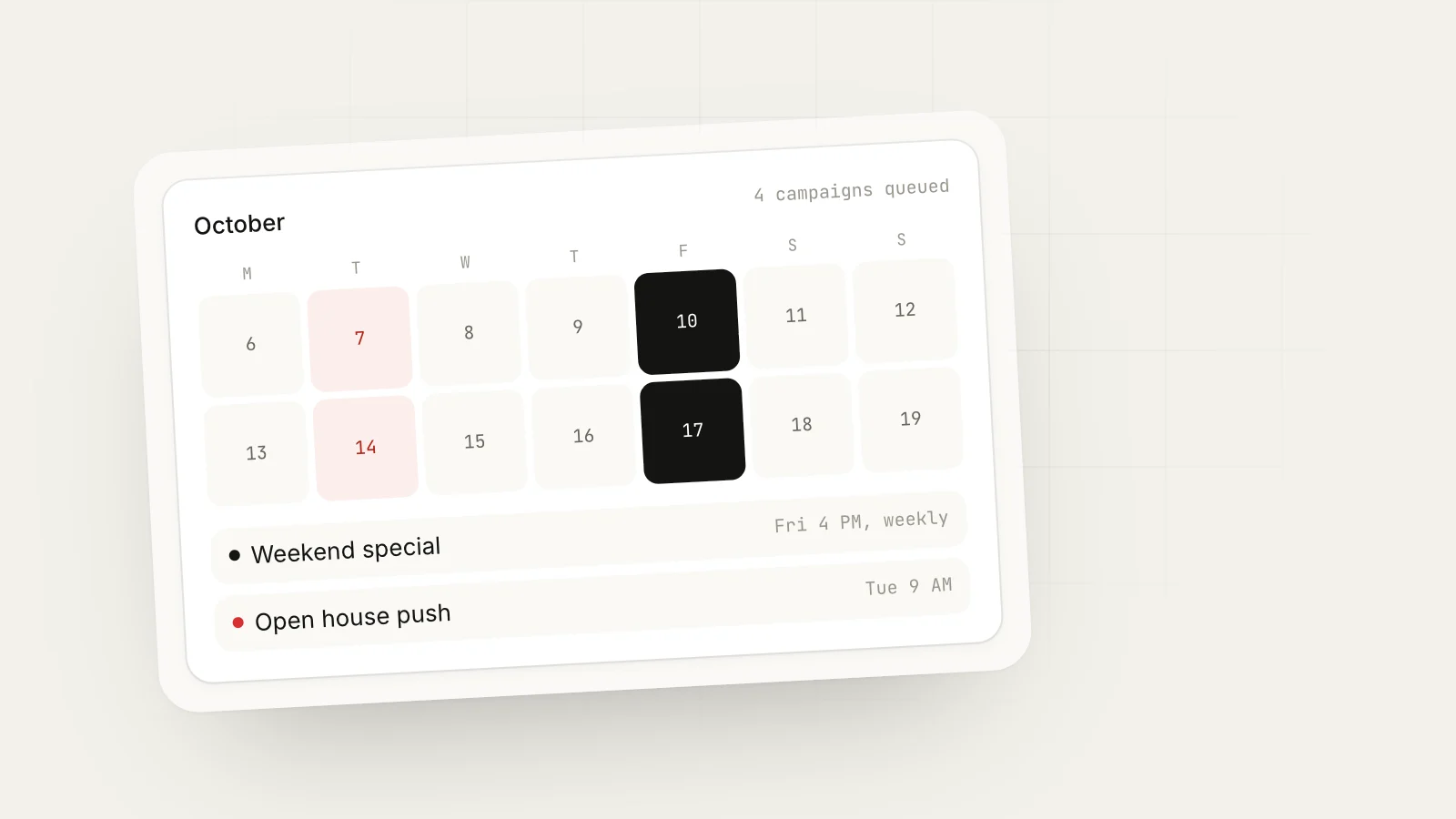
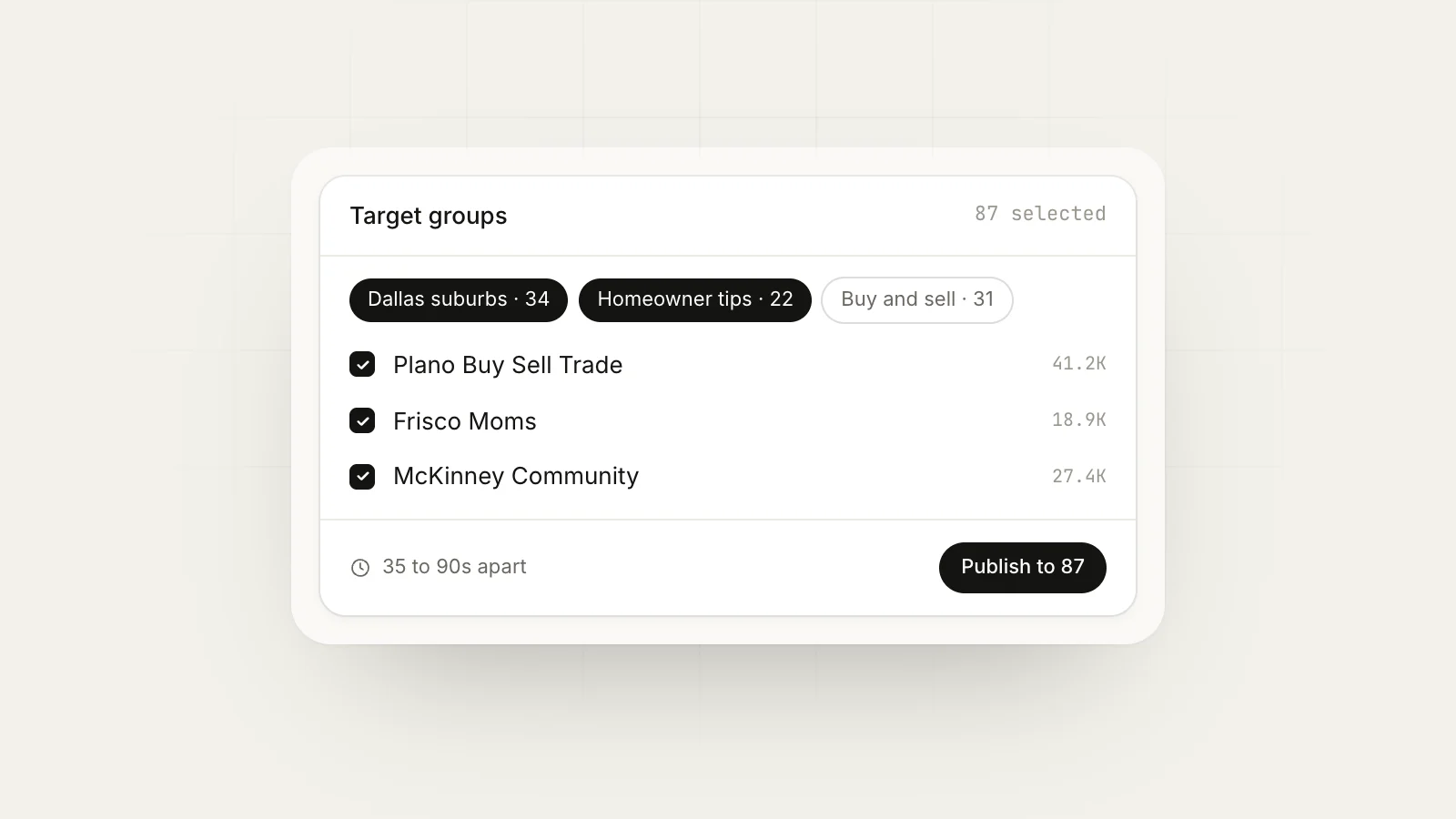
This sheet becomes the base for everything else: where you reply to requests, where you post offers, and when. If you use a posting tool, you can mirror it as group bundles, for example “Dallas neighborhoods, promo Friday” and “Dallas business groups, any day.”
How many groups you actually need
More is not better. You can only watch so many groups properly. A rough guide:
- Solo business, working by hand: 10 to 15 groups
- Small team or one person with tools: 20 to 40 groups
- Agency handling several clients: organize by client and keep each client’s list focused
Every group you add is another feed to scan, another set of rules to follow and another place you might get reported. Start small and add groups only when your current ones are producing.
Examples of a finished list
Here is what a short list might look like for the Austin realtor after two weeks of research:
| Group | Type | Score | Promo |
|---|---|---|---|
| Moving to Austin | Buyer | 11 | Monday thread |
| Round Rock Moms | Local | 10 | Recommendation replies only |
| Austin First-Time Homebuyers | Buyer | 9 | Allowed weekly |
| Cedar Park Community | Local | 9 | Saturday business post |
| Hyde Park Neighbors | Local | 8 | Replies only |
Five groups, each with a reason to be there. That realtor would spend most of their time replying to relocation questions in the first two and save offer posts for the groups that allow them.
Review the list every month
Once a month, go through your sheet and mark each group:
- Keep: produced conversations or customers
- Watch: active but nothing yet
- Leave: inactive, spam-filled, or posts keep getting declined
Groups change. Admins leave, moderation slips, a new group pulls members away. A monthly check keeps your list healthy.
Group research checklist
- Customer situations written down (not just your industry)
- At least three search terms per situation tried
- Each candidate group scored before joining
- Join requests spread over several days
- Rules and promo days logged in one sheet
- Monthly review date on your calendar
Next step
Spend one hour this week on the search methods above, score what you find and join your top ten. Then read how to get leads from Facebook groups to start turning those groups into customers. If you later want to post to your groups on a schedule or watch them for buying-intent posts, MaherPost works with the groups you have already joined through a Chrome extension in your own browser, and its Lead Radar scans those same groups for requests you can answer. Our guide on Facebook group marketing covers the strategy around all of this, and the for local business page shows how it fits a service business.
Put this into practice.
MaherPost posts to every Facebook group you have joined, with spintax, safe pacing and a log of every delivery. $29 a month.
Written by the MaherPost Team
We build MaherPost and run group campaigns with it every week. These guides come from what we see working, and what gets accounts in trouble. Questions or corrections: support@maherpost.com.