How to Promote Your Business in Facebook Groups Without Spamming
How to promote your business in Facebook groups: earn trust first, follow promo rules, write posts admins approve, and scale without getting flagged.
 MaherPost Team October 28, 2026 8 min read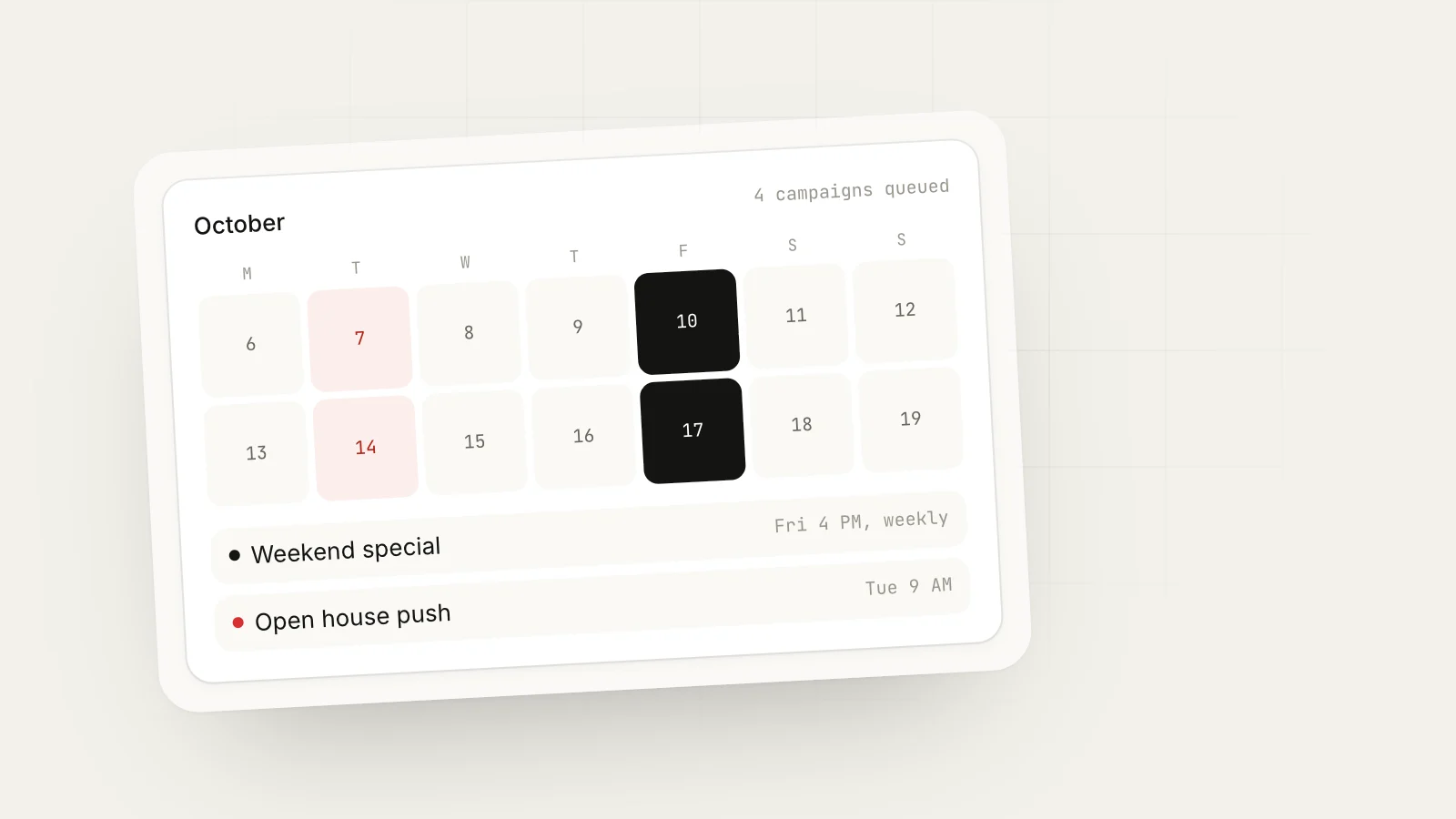
Key takeaways
- Promotion works in groups when it looks like a helpful neighbor, not an ad dropped from a billboard.
- Each group's rules decide what you can post, so read and log them before promoting anywhere.
- A rough four-to-one ratio of helpful posts to promotional posts keeps you welcome in most groups.
- When you post to many groups, vary the copy, space it out and watch which posts get declined.
To promote your business in Facebook groups, join groups where your customers spend time, become a useful member before you sell anything, and then post offers only in the way each group’s rules allow. Write promotional posts that are specific, local and helpful, vary them from group to group, and keep promotion to a small share of what you post.
Most people get this backwards. They join 50 groups on Monday and paste the same ad into all of them by Tuesday. A week later they are muted, removed or stuck with posts pending forever. The approach below is slower to start and much faster to pay off.
Understand what group members and admins want
Admins run groups for free, usually because they care about the topic or the neighborhood. Their main job is keeping the feed useful. Every ad that gets no engagement makes the group a little worse, so admins are quick to remove them.
Members want answers, recommendations and a sense that people in the group are real. They do not mind businesses. They mind businesses that only show up to sell.
So your promotion has to pass two tests: would an admin approve it, and would a member be glad they saw it? If both answers are yes, you are fine.
Step 1: Choose groups with a reason to promote there
You want groups where your customers gather and where promotion is at least sometimes allowed. A short list of strong groups beats a long list of weak ones.
For a realtor in Austin, good candidates are relocation groups, neighborhood groups in the areas they serve and first-time buyer groups. For an HVAC company in Dallas, it is neighborhood, HOA and homeowner groups in their service area. For a Shopify candle shop, it is gift ideas, home decor, small business support and “shop small” groups.
We cover the search process in detail in how to find Facebook groups for your business.
Step 2: Log every group’s promotion rules
Before you post anything, record what each group allows. A simple sheet is enough:
| Group | Promo allowed | Promo day | Links | Approval needed |
|---|---|---|---|---|
| Lake Highlands Neighbors | Only when asked | None | Comments only | Yes |
| Dallas Small Business Owners | Yes | Fridays | Allowed | No |
| Moving to Austin | In weekly thread | Mondays | Allowed in thread | Yes |
| Shop Small Pacific Northwest | Yes | Any day, once a week | Allowed | Yes |
This sheet tells you exactly where you can promote this week, and how. It also prevents the most common reason posts are declined: posting the right thing on the wrong day. If declines are already a problem, our guide to avoiding Facebook group post rejection goes through the causes.
Step 3: Earn trust before you sell
Spend your first one to two weeks in a group giving, not selling. Answer questions in your area of expertise. Comment on posts with real thoughts. Share one useful tip.
A dentist in a local parents group might answer a question about when kids should first see a dentist, with no mention of their practice beyond a first name and “I’m a dentist in town.” That one helpful comment does more for their reputation than ten ads.
A loose rule that works in most groups: for every promotional post, make about four non-promotional contributions. That could be answers, tips, local news or simply joining conversations. The ratio is not magic, but it keeps you on the right side of how members see you.
Step 4: Write promotional posts admins will approve
A post that gets approved and gets responses usually has the same parts:
- A specific audience in the first line (“Homeowners in Plano,” “First-time buyers in Austin”)
- A specific problem or occasion
- What you offer, in plain words
- One reason to act now (season, limited spots, a free check)
- A low-friction call to action, often “comment below” or “message me”
Here is a template you can adapt:
[Audience] in [area]: [problem they likely have right now]. We [what you do] and this month we're [specific offer]. [One proof point, e.g. years in business or local reviews]. Comment or message me if you want [the next step].
Filled in for the Dallas HVAC company in late September:
Homeowners in Lake Highlands and Lakewood: furnace season is about three weeks away. We’re doing $79 furnace safety checks through October, including a carbon monoxide test. Family-owned, 12 years in East Dallas. Comment “check” and I’ll message you available times.
For the candle shop on a shop-small day:
Shop small Friday: I hand-pour soy candles in Portland in batches of 40, no synthetic fragrance. The fall set (cedar, apple, clove) is back this week. Happy to answer questions about scents in the comments.
Notice what is missing: no all-caps, no “BEST PRICES IN TOWN,” no wall of emojis, no link in the first line. Those are the things that make admins decline posts. For more on format, try our post formatter and read our list of Facebook group post ideas.
Step 5: Handle links carefully
Many groups ban links in posts, and links can reduce how many people see a post. Three options that work:
- No link at all. Ask people to comment or message you. This often gets more responses anyway.
- Link in the first comment. Some groups allow links in comments but not posts. Post the offer, then add the link as the first comment.
- Link in your profile. Keep your website and booking page in your Facebook profile intro so curious members can find it.
Step 6: Post to several groups without looking like spam
Once you have a handful of groups where promotion is allowed, you will want to post the same offer to several of them. This is where many accounts get into trouble.
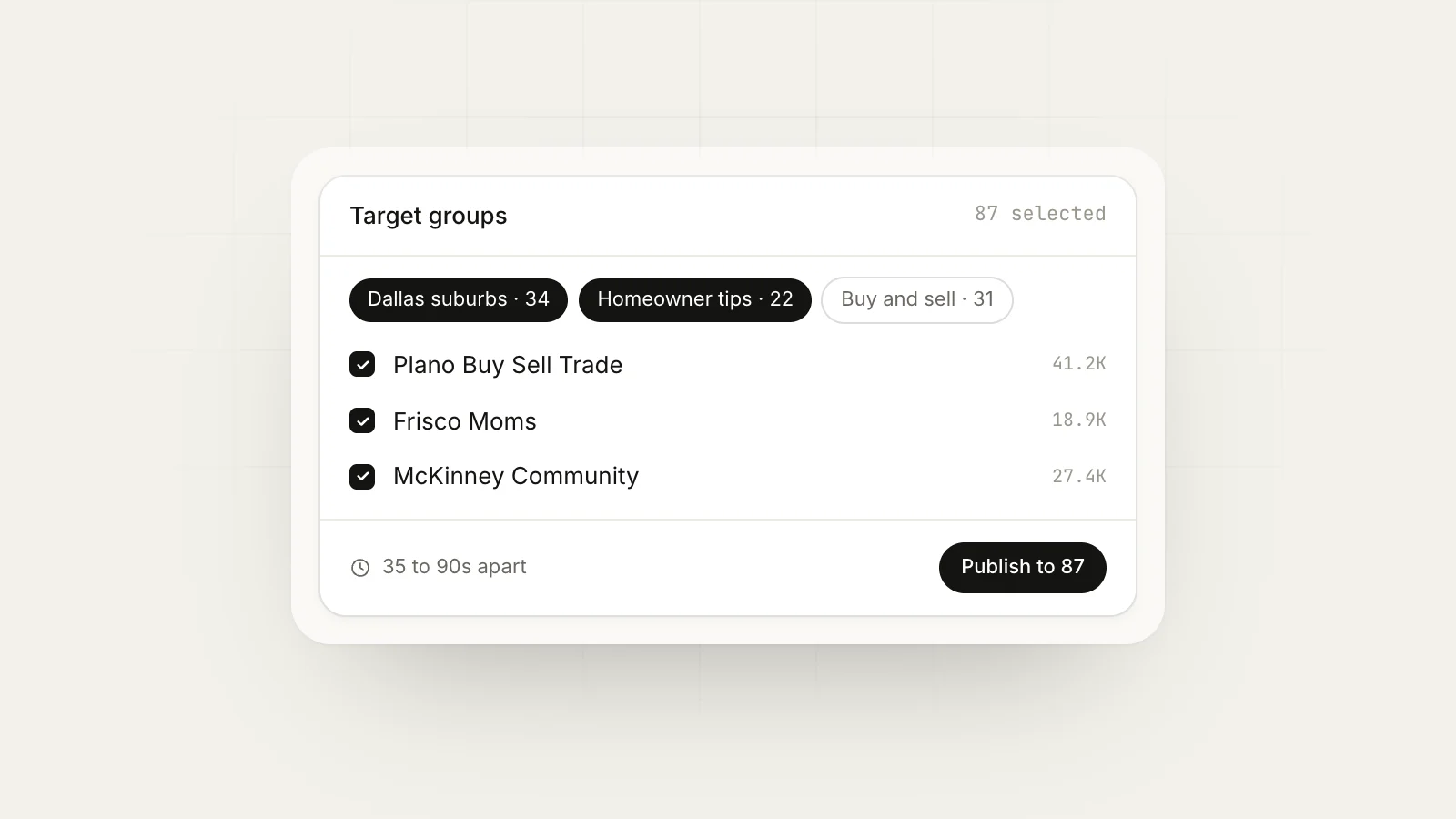
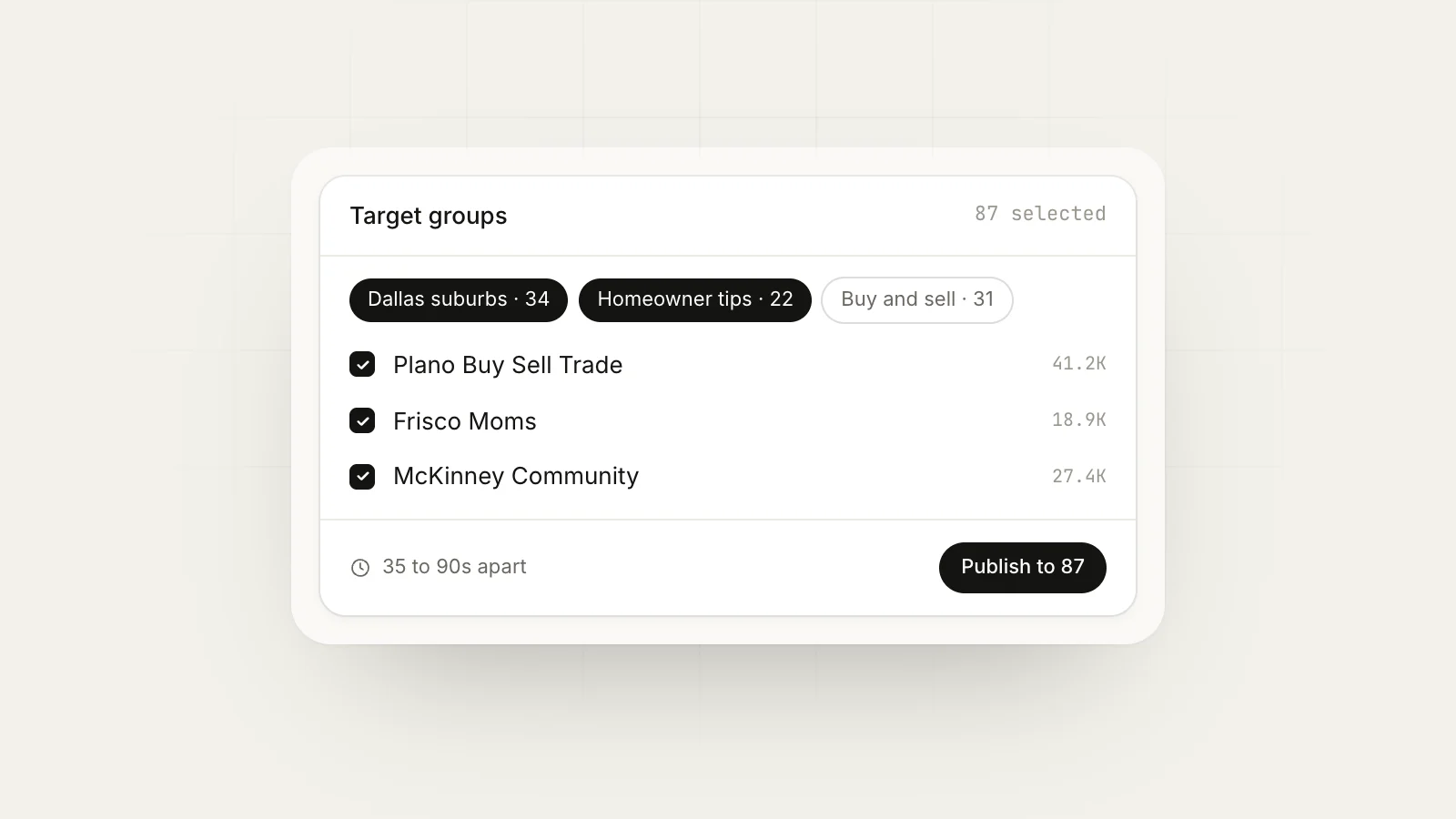
Facebook does not publish exact limits on group posting. What we do know is that identical text posted quickly across many groups looks like spam, both to Facebook’s systems and to the members who belong to several of the same groups. Three habits keep you out of trouble:
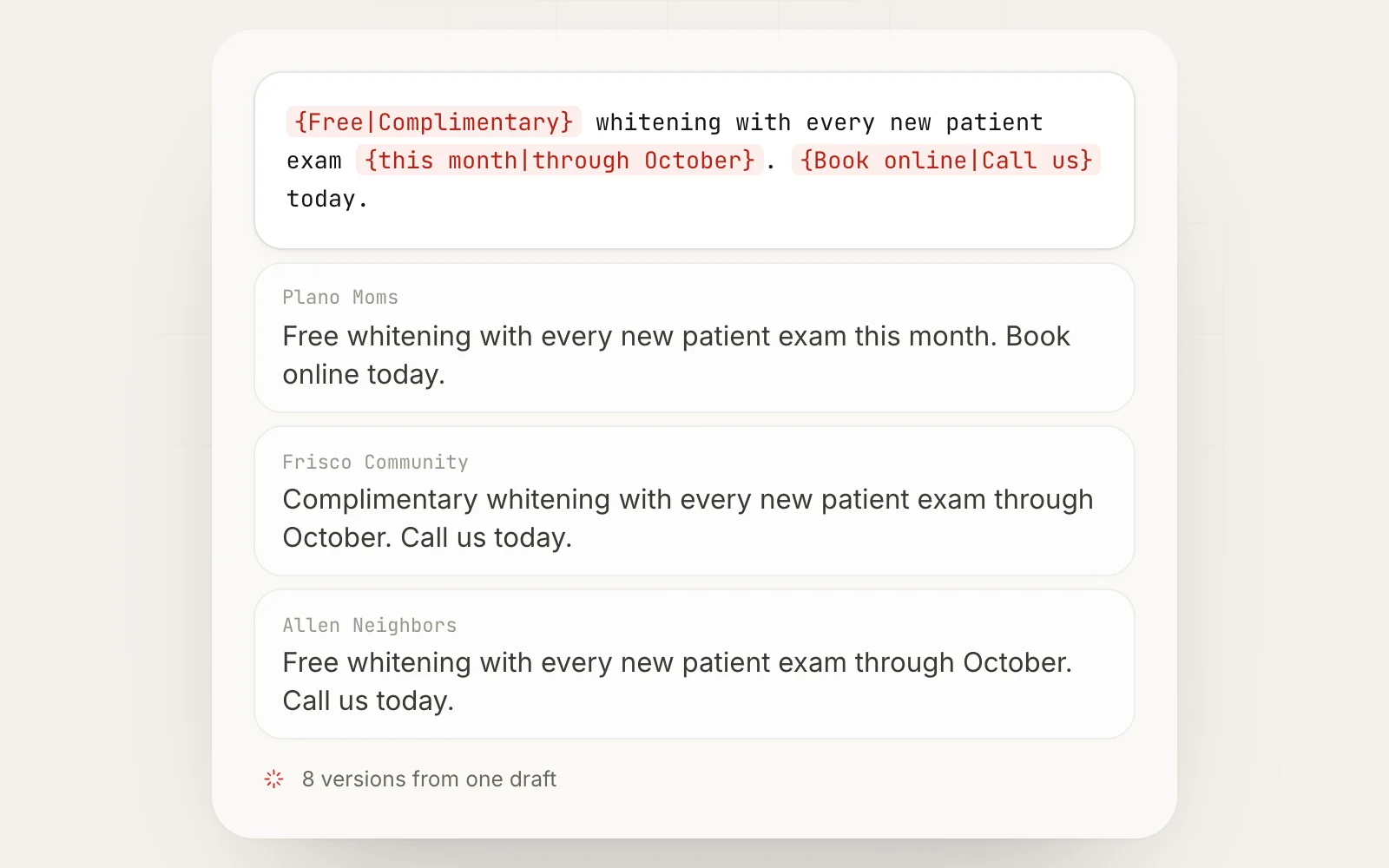
- Vary the copy. Change the opening, the order and some wording per group. Spintax does this from one template.
- Space it out. Leave minutes between groups, not seconds.
- Cap your day. Promote in a sensible number of groups per day, especially on a newer profile.
Here is a short spintax example of the HVAC post, for use in a tool that supports it:
{Homeowners|Neighbors} in {Lake Highlands|East Dallas}: {furnace season is close|it's almost furnace weather}. We're doing $79 furnace safety checks through October, {carbon monoxide test included|including a CO test}.
Read how to post to multiple groups without a ban and our page on Facebook posting limits before you scale past a few groups.
Step 7: Measure what each group gives you
After a month, look at every group and ask three questions:
- Did my posts get approved?
- Did anyone respond, comment or message?
- Did any of those turn into a customer?
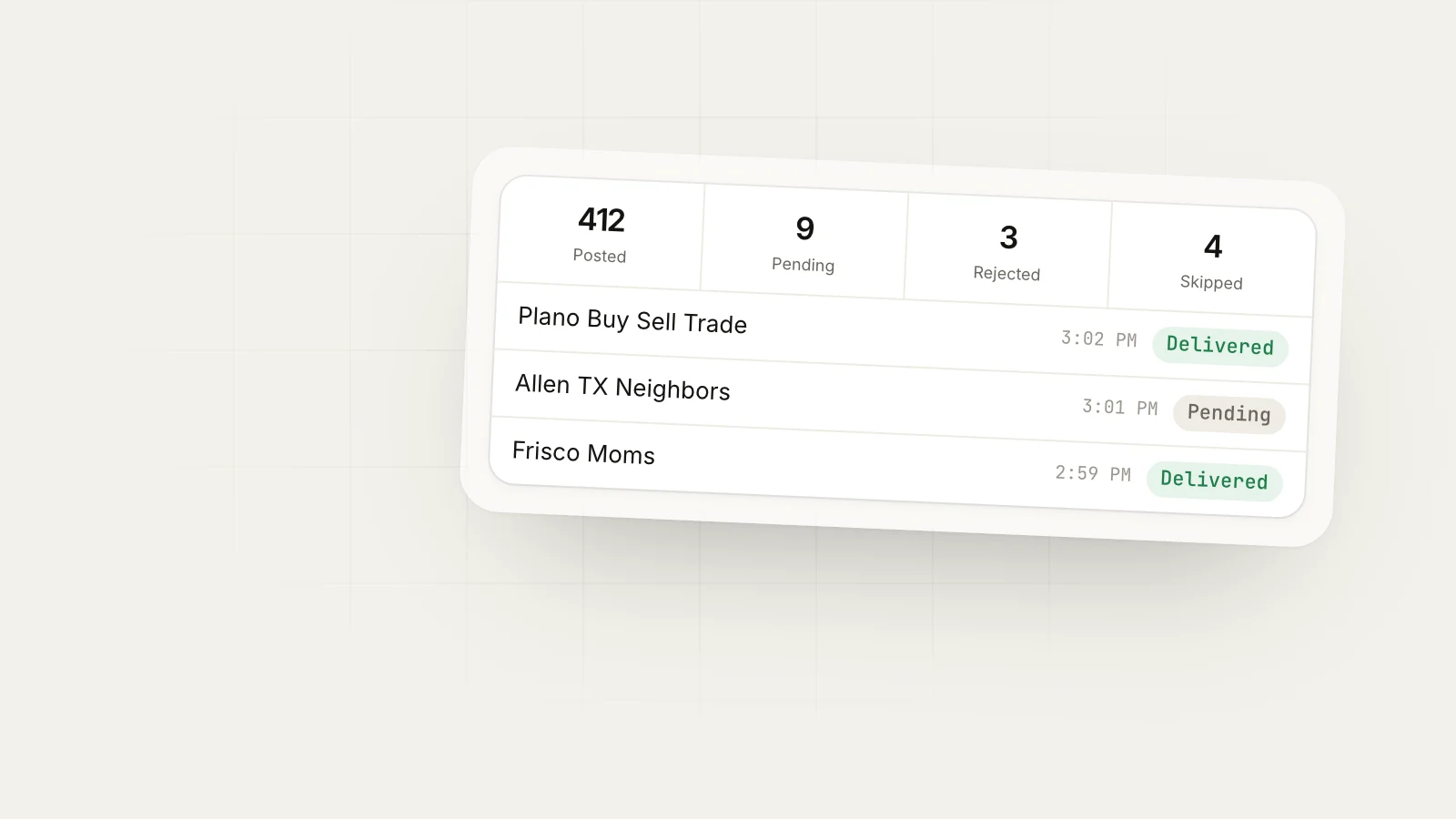
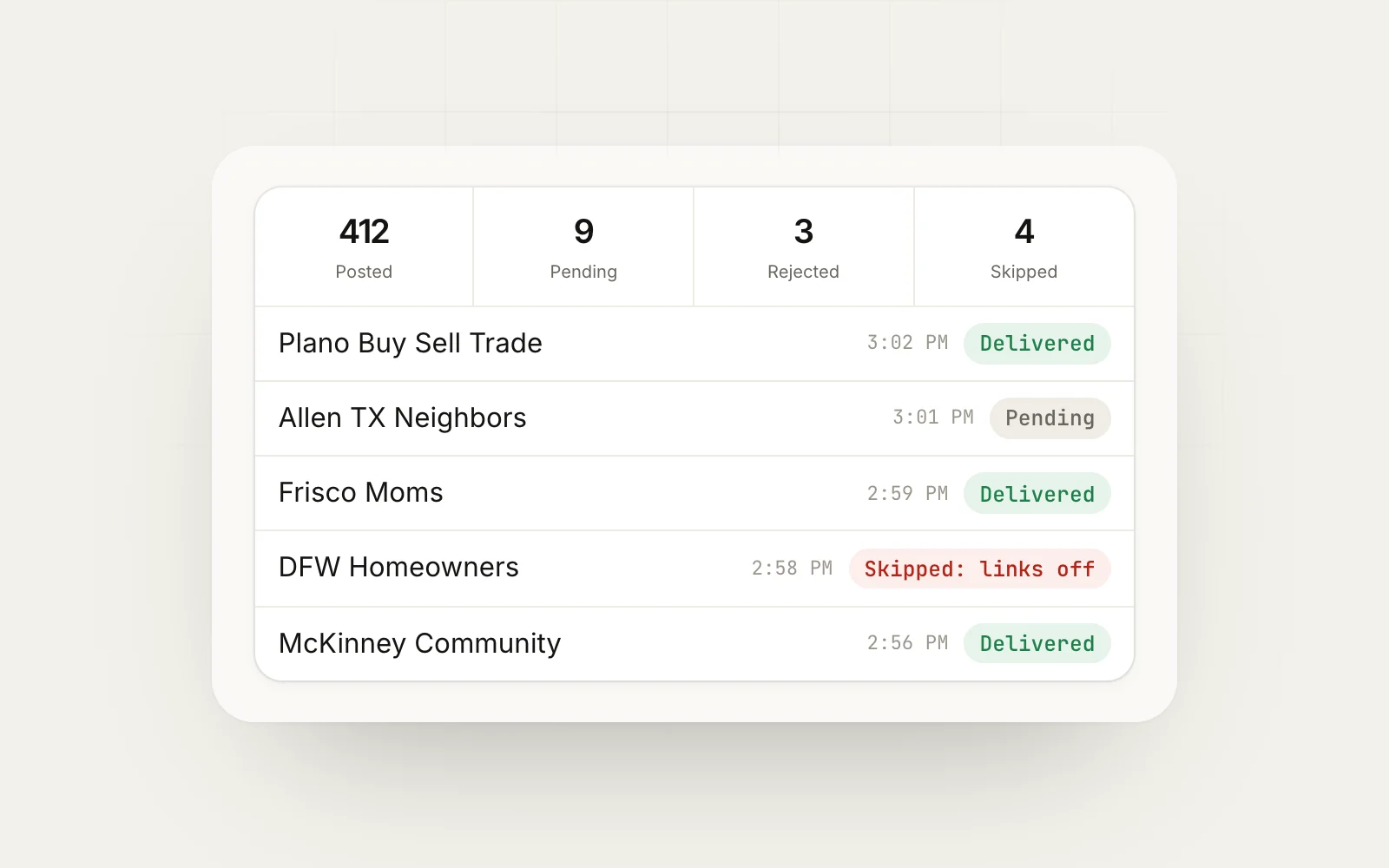
You will likely find that two or three groups do most of the work. Spend more time in those, keep the middle ones on a lighter schedule, and leave the ones that never respond. A delivery log that shows posted, pending, rejected and skipped results per group makes this much faster than checking each group by hand.
What to do when a post is declined
Declines happen to everyone, including businesses that follow the rules. Treat each one as information, not an insult.
First, reread the group rules. Most declines come from a promo day you missed, a link the group bans or a rule added since you joined. Second, look at what the admin approves. If the posts that go through are short and personal, and yours read like a flyer, rewrite it in that style. Third, if you truly cannot tell why, send the admin a short, polite message: “Hi, my post about furnace checks was declined. Could you tell me what I should change so it fits the group?” Many admins will answer, and the ones who do often remember you kindly.
What you should not do is repost the same thing an hour later or post it again with small edits. That is the fastest way to get removed or reported. If a group declines two or three reasonable posts in a row, move it to your “replies only” list and spend your effort elsewhere.
Common mistakes that get businesses removed
- Posting an ad in your first hour in a group
- Ignoring the promo day and posting midweek
- Pasting the same post into 30 groups in five minutes
- Replying to unrelated posts with your sales pitch
- Arguing with an admin after a post is declined
- Tagging strangers in promotional posts
Each of these is easy to avoid once you know the group’s rules and treat members like neighbors.
Weekly promotion routine
Here is a routine a small business can run in about two hours a week:
| Day | Task | Time |
|---|---|---|
| Monday | Check rules sheet, plan the week’s promo posts | 15 min |
| Daily | Answer 2 to 3 questions in your groups | 10 min |
| Promo days | Post offers in groups that allow it | 15 min |
| Same day | Reply to every comment and message | 15 min |
| Friday | Log results by group | 10 min |
Checklist before you hit post
- This group allows promotion today
- The first line names a specific audience
- The offer is concrete, with a reason to act now
- No banned links in the post body
- Copy differs from what you posted in your other groups
- You have contributed something useful in this group recently
Next step
Pick five groups this week, log their rules, and spend seven days helping before you post a single offer. When you are ready to promote in more groups than you can handle by hand, MaherPost posts to groups you have already joined from your own browser, with spintax, spacing and daily caps built in. The how it works page shows the setup, and the Facebook group marketing guide covers the bigger strategy.
Put this into practice.
MaherPost posts to every Facebook group you have joined, with spintax, safe pacing and a log of every delivery. $29 a month.
Written by the MaherPost Team
We build MaherPost and run group campaigns with it every week. These guides come from what we see working, and what gets accounts in trouble. Questions or corrections: support@maherpost.com.