


Campaign recipe
RSS Product Updates to Facebook Groups
Connect product or blog RSS feeds to MaherPost for draft group posts when new items publish. Spintax templates and approval queues included.
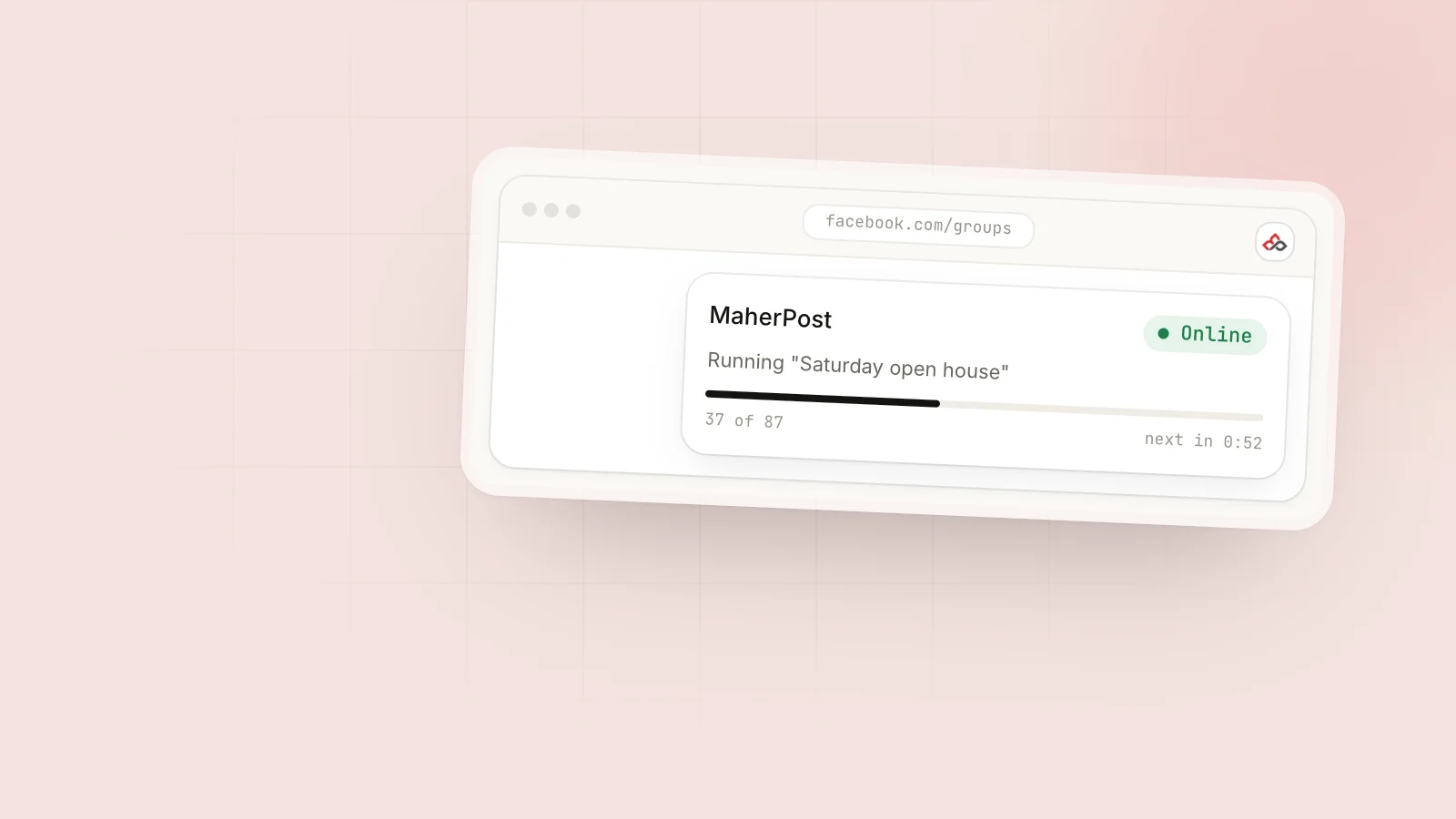
Ecommerce and SaaS teams ship new products, restocks, and changelog entries all the time. Reformatting each one for twenty Facebook groups is tedious enough that groups get skipped and reach becomes uneven.
MaherPost RSS automation watches your feed, turns each new item into a spintax-wrapped group post draft, and queues it for approval or scheduled publishing. To combine RSS with hand-built launch campaigns, see bulk Facebook group posting.
The full walkthrough is in RSS to Facebook groups. Niche guides: /for/ecommerce/, /for/saas/.
Workflow steps
- Validate your feed URL (Shopify product RSS, WooCommerce, blog or changelog, podcast show notes).
- Build a spintax template with 10+ output variants, mapping
{{title}}and{{excerpt}}from the RSS fields. - Split group bundles by strictness: bundles where you approve each post, and long-tail bundles that can auto-publish.
- Connect the feed in MaherPost. One feed can go to several bundles, each with its own template.
- Approve every draft by hand for the first 30 days, and adjust the template based on rejections.
- Set first-comment links to the product URL with UTM
source=rss_groups. - Set frequency caps: at most 1 RSS post per group per day, and skip any title already posted that week.
Feed sources
Common connections:
- Shopify product RSS
- WooCommerce feed
- Blog / changelog RSS
- Podcast show notes feed (for groups that accept soft promo)
Sample spintax template
{New|Fresh|Just dropped}: {{title}}
{{excerpt_spintax}}
{Details|Link|More info} in {comments|first comment} 👇
Map {{title}} and {{excerpt}} from the RSS fields, and wrap the static text in spintax blocks so every group gets unique copy.
Approval workflow (recommended)
Days 1 to 30: approve every RSS draft by hand and tune the template using post rejection feedback.
After a clean month: let the long-tail bundle auto-publish. Keep manual approval on strict groups.
Don’t switch on auto-publish for fifty groups on day one, where every group gets the same RSS title.
Frequency caps
- At most 1 RSS post per group per day
- Skip any title already posted this week
- Roll low-priority updates into a weekly roundup post (built in the composer)
If your blog publishes daily, the roundup matters most. One weekly post beats seven separate drafts hitting the same groups, and the caps keep a busy feed from dragging down Account Health.
Weekly cadence recommendation
| Day | Activity |
|---|---|
| Mon | Review RSS draft queue. Approve product/restock posts for deal bundles. |
| Wed | Approve changelog or blog RSS drafts for hobby/education bundles. |
| Fri | Batch low-priority items into one roundup post (manual). |
| Daily | Check Account Health if feed is high-volume. |
For standing promos, run recurring offer campaigns alongside RSS, and avoid posting both to the same group on the same day.
Safety notes
A busy blog generates a lot of drafts, and those add up on top of your manual campaigns. Check Account Health before you enable auto-publish.
Warm up new accounts with manual posts before turning on the RSS queue, and stay within posting limits. Read is auto poster safe? before auto-publishing to strict bundles.
RSS and launch campaigns
RSS covers the steady flow of updates. A big launch still needs its own spintax waves; see the launch product use case.
Delivery log review
Filter the delivery log to RSS-tagged campaigns. A high rejection rate usually means the template is too promotional for that bundle.
Setup checklist
- Feed URL validated
- Spintax template with 10+ outputs
- Bundles segmented by strictness
- First-comment link configured
- Manual approval on
- Frequency caps set
Related: RSS glossary, unique copy at scale, avoid post rejection.
Related guides
- Bulk Facebook group posting for mixing RSS drafts with manual launch waves
- Is Facebook auto poster safe? before you enable auto-publish on any bundle
- Launch product in niche groups for big SKU drops that RSS can’t handle
- Post without ban when a high-volume feed stacks on top of manual campaigns
Ready when you are
Stop pasting the same post into forty tabs.
$29 a month. Cancel anytime, 7-day refund.