Facebook Group vs Page for Business: Which One Gets Seen in 2026
Facebook Group vs Page for business, compared feature by feature: reach, ads, reviews, notifications and lead capture, with a decision tree and the setup that works for most businesses.
 MaherPost Team November 13, 2026 11 min read
Key takeaways
- A Facebook Page is your public storefront: it can run ads, collect reviews, show in Google and take messages. A Group is a room where members talk to each other.
- Pages win more features. Groups win the ones that bring people back: notifications, two-way conversation, membership questions and control over who joins.
- Most businesses that sell more than once to the same customer should run both: a Page in front for discovery, a linked group behind it for regulars.
- If customers buy once and never need you again, put your time into the Page, ads and reviews.
- You can also skip running your own group and post into groups other people run, as long as you follow their rules.
A Facebook Page is your business’s public profile: it shows up in search, runs ads, collects reviews and handles messages. A Facebook Group is a community where members talk to each other and get notified when something new is posted. Pages are better for being found by strangers. Groups are better for keeping customers coming back. Most businesses that sell to the same people more than once should run both, with the group linked to the Page.
That short answer hides most of the useful detail, so the rest of this guide goes feature by feature, then gives you a decision tree and the exact setup we see working for small businesses in 2026.
The one-line difference
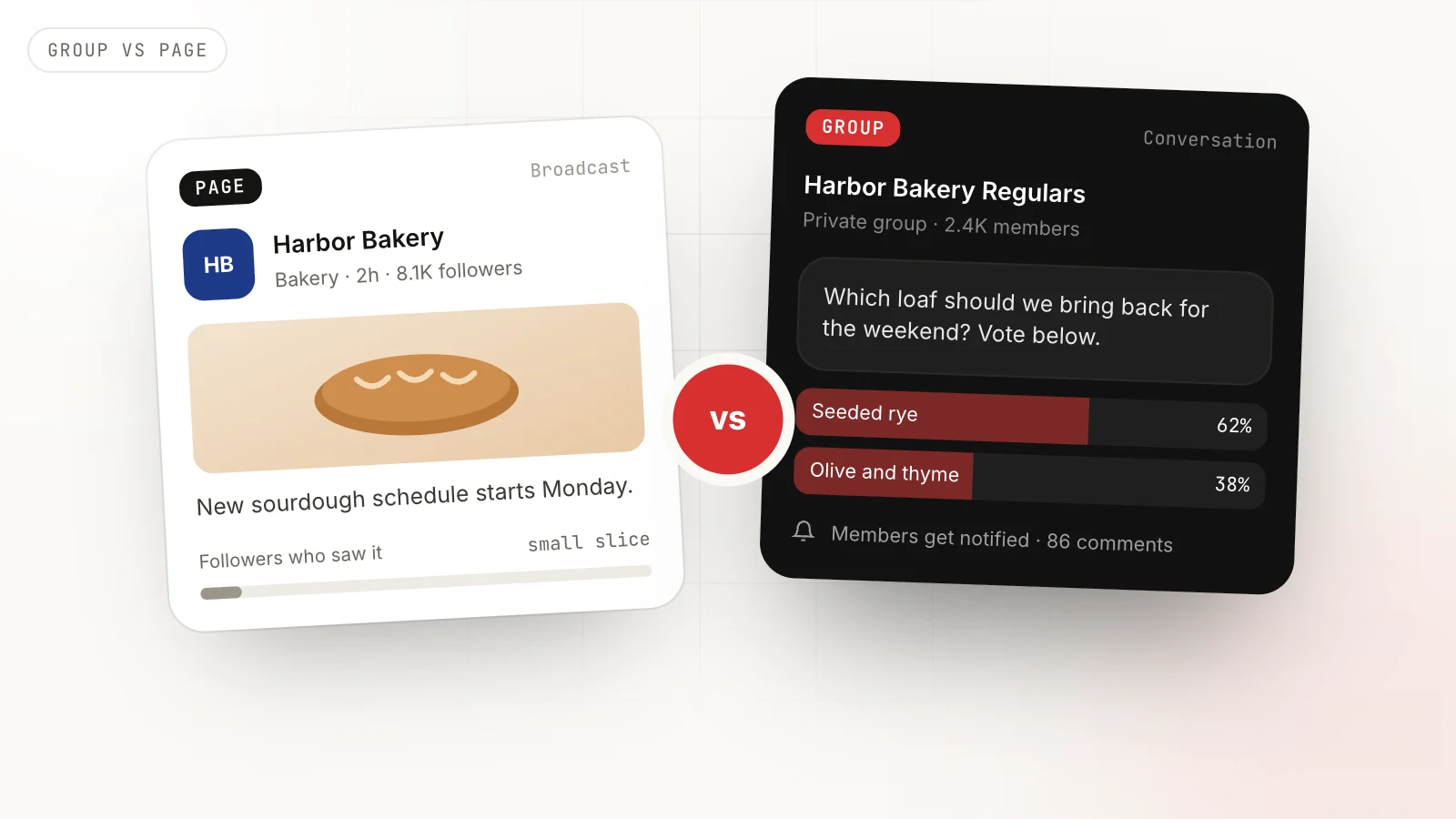
A Page talks to an audience. You post, followers react, and the conversation flows back to you. Most of your followers will never see a given post.
A Group hosts a community. Members ask questions, answer each other and share their own posts. You are the host, and every useful thread keeps your name in front of people who already know you.
That difference in shape explains almost everything else. Facebook gives Pages the tools of a storefront (ads, reviews, a shop, an inbox) and gives Groups the tools of a room (membership approval, questions at the door, rules, moderation).
Facebook Page vs Group: feature by feature
| What you need | Facebook Page | Facebook Group | Wins |
|---|---|---|---|
| Show up in Google | Indexed, with its own profile | Public groups only, rarely ranks | Page |
| Paid ads | Every ad format | Cannot advertise as a group | Page |
| Reviews and recommendations | Built in | Not available | Page |
| Shop, booking, business inbox | Built in | Not available | Page |
| Scheduling | Meta Business Suite | Admins can schedule inside the group | Page |
| Members notified of new posts | Followers rarely notified | Members get group notifications | Group |
| Two-way conversation | Comments under your posts | Members start their own threads | Group |
| Learn who joins | Follower counts only | Up to 3 membership questions | Group |
| Control who is in the room | Anyone can follow | Approve, decline, remove | Group |
| Insights | Detailed | Group insights for admins | Tie |
| Weekly time to run well | 2 to 3 hours | 3 to 5 hours | Page |
Count the rows and Pages win. Look at which rows matter for repeat revenue and Groups win. That is why the answer for most businesses is not one or the other.
Reach: the honest version
The common claim is that “groups get more reach than Pages.” It is true per post, with a condition.
Organic reach for Page posts has been small for years. Industry studies have put it in the low single digits as a percentage of followers, which is why most Page strategies lean on ads. In a group, members can receive notifications for new posts and group activity shows up in their feed, so a good post in an active group is seen by a far larger share of members.
The condition is the word active. A group where nobody has posted for two weeks reaches nobody, and Facebook shows its posts less. A group is not a cheat code for reach. It is a channel that rewards consistent hosting.
Discovery: where Pages are not optional
When a potential customer hears your name, they search for you. They expect a Page with your hours, photos, reviews and a way to message you. A group cannot do that job. Even group-first businesses need a basic Page for credibility, advertising and the business inbox.
Leads: where Groups pull ahead
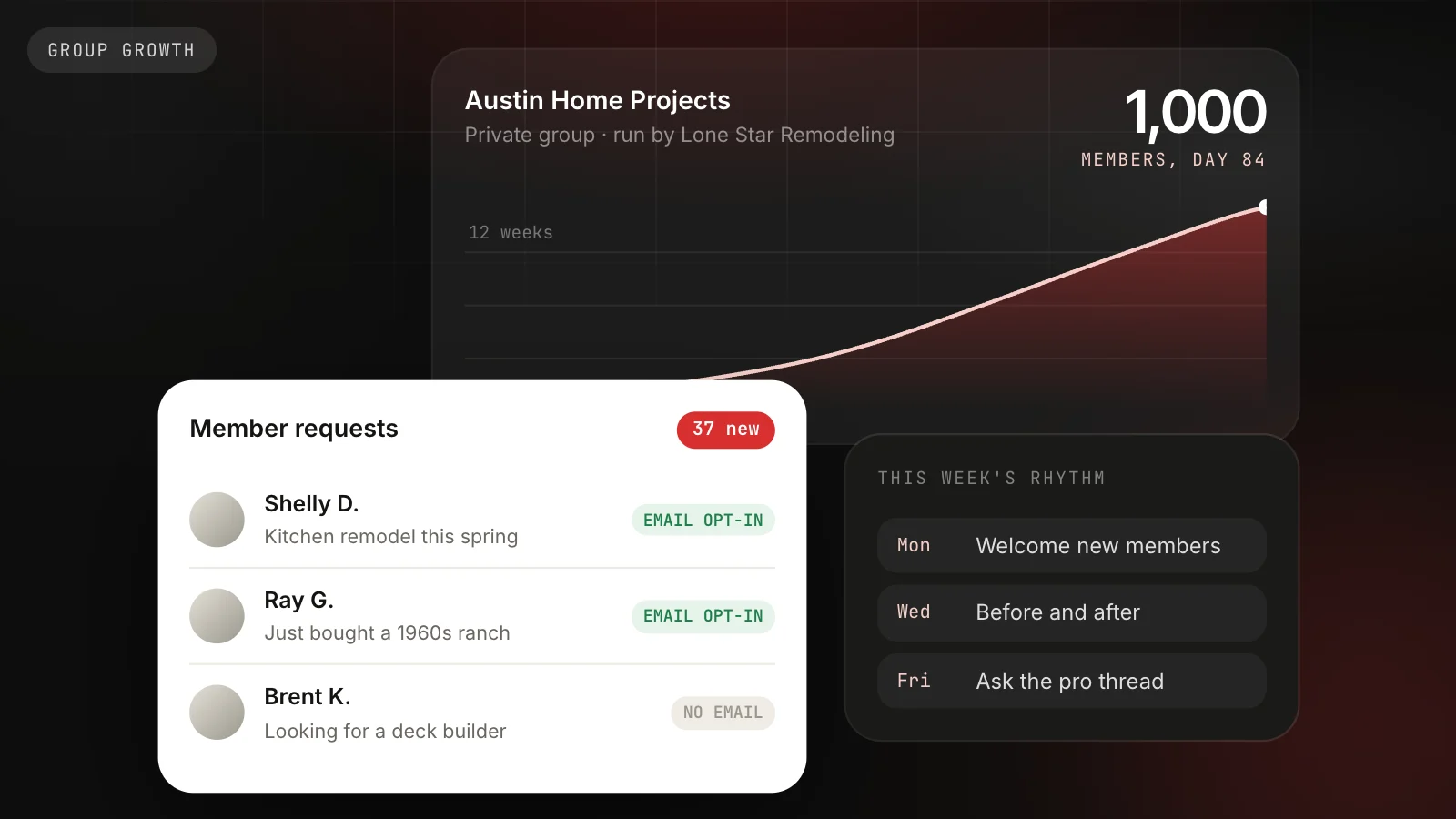
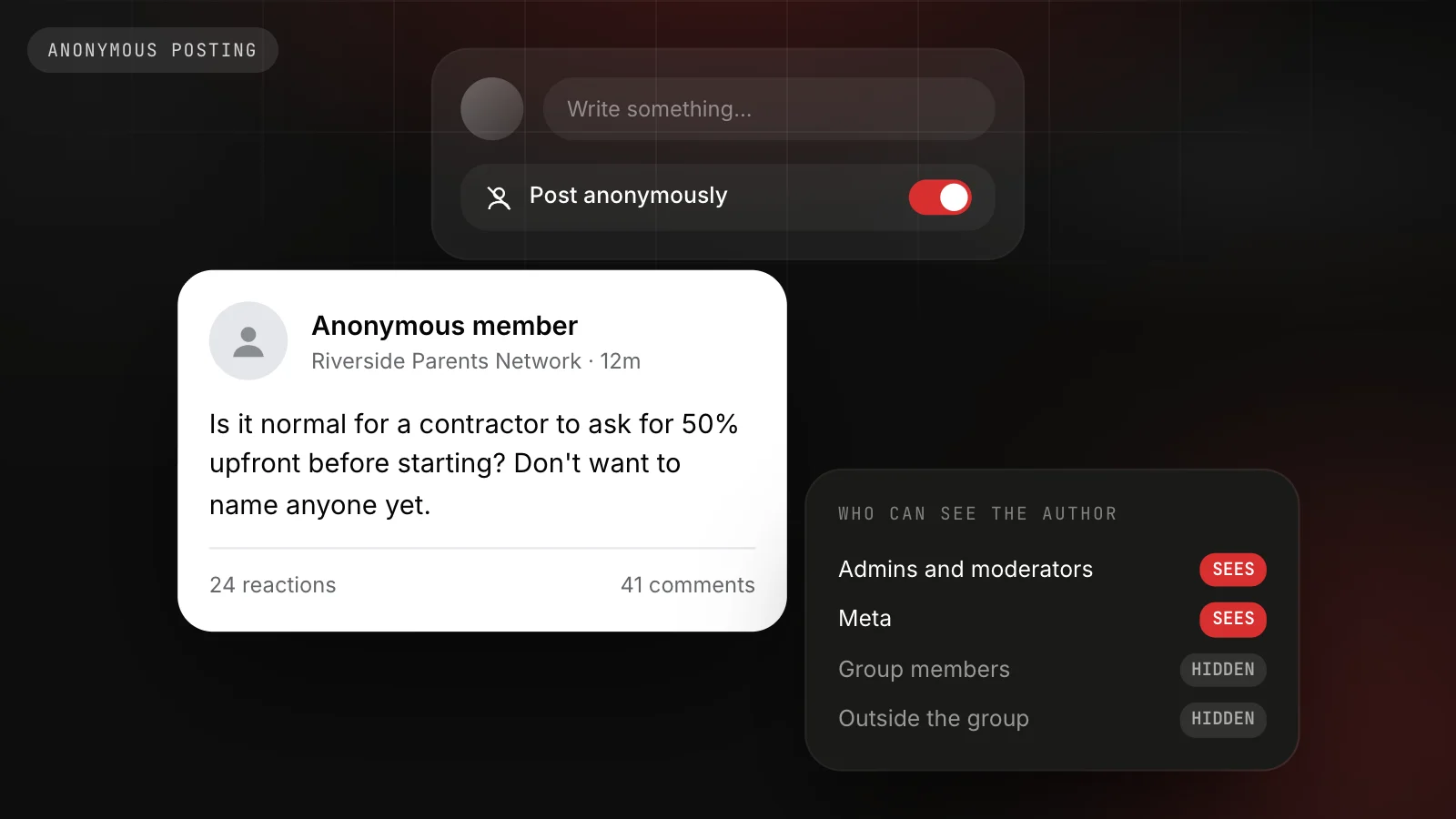
A Page tells you how many people follow you. A group can ask up to three membership questions of every person who joins, which makes each join request a short interview. “What project are you working on this year?” tells you who is ready to buy. An optional email question, with clear consent wording, builds a list you own. Our group growth playbook shows the exact questions we recommend.
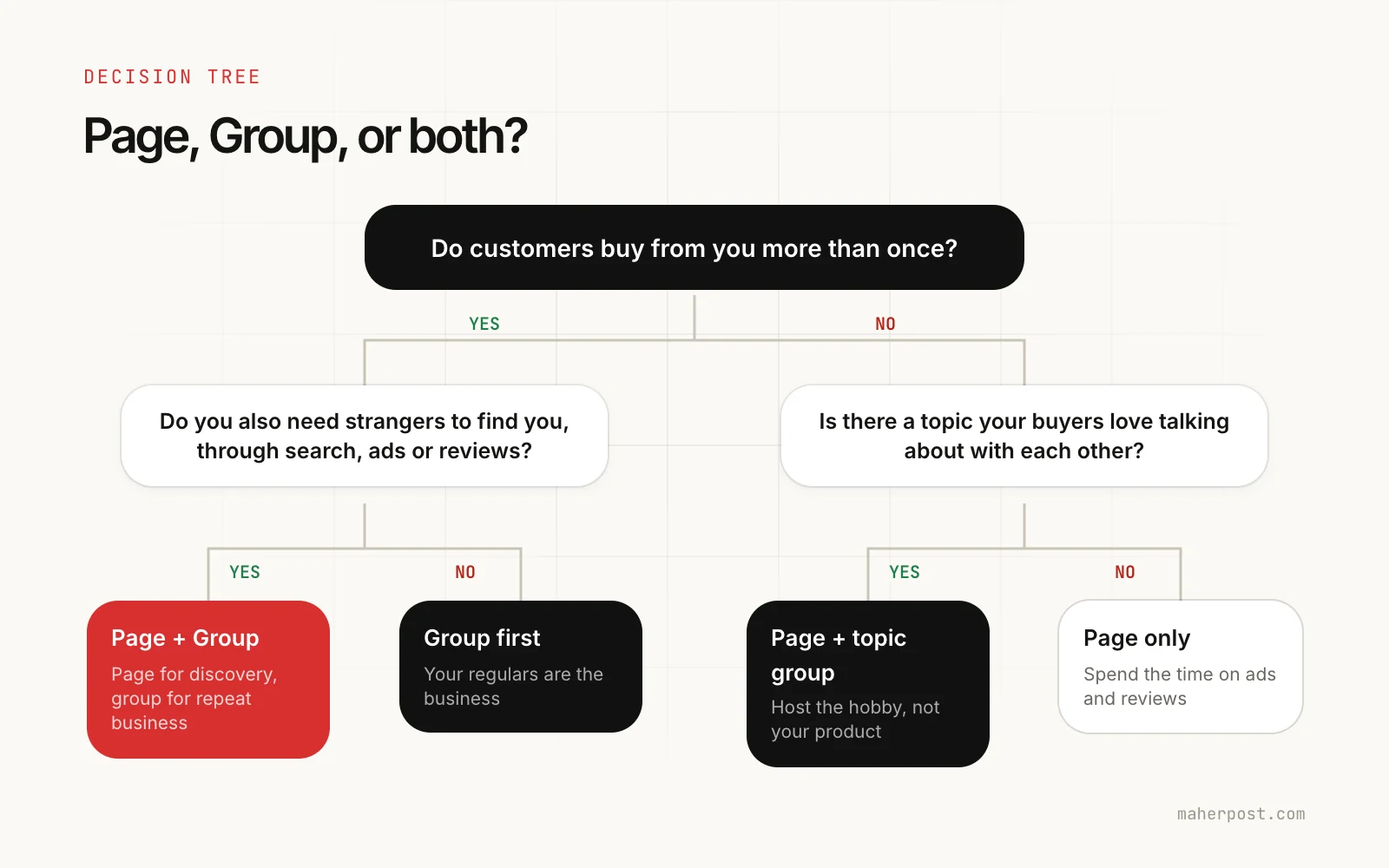
Which one should you choose?
Answer two questions.
1. Do customers buy from you more than once? Haircuts, gym memberships, coaching, home maintenance, a bakery, a software subscription: yes. A wedding photographer, a roof replacement, a house sale: mostly no.
2a. If yes: do you also need strangers to find you through search, ads or reviews? Almost every local business does. Run a Page and a Group. If you sell entirely through referrals and existing relationships (some coaches and B2B consultants), you can run a group first and keep the Page minimal.
2b. If no: is there a topic your buyers love talking about with each other? A roofer’s customers do not want a roofing group, but they might join a group about local home projects. A wedding photographer could host a group for couples planning weddings in the area. If there is such a topic, run a Page and a topic group, where you host the hobby rather than your product. If there is not, run a Page only and spend the time on ads and reviews.
Examples by business type
| Business | Best setup | Why |
|---|---|---|
| Bakery or cafe | Page + group | Regulars vote on specials and bring friends |
| Real estate agent | Page + topic group | Buyers buy once, but a neighborhood group stays useful for years |
| Coach or consultant | Group first | Clients come from trust built in conversation |
| Home services contractor | Page + topic group | A “home projects in [town]” group beats a group about your company |
| Ecommerce brand | Page + group | Customers share photos, reviews and product ideas |
| One-off service (moving, roofing) | Page only, plus posting in local groups | Discovery matters more than community |
That last row is important. Not running your own group does not mean ignoring groups. Local and niche groups run by other people are where many buyers ask for recommendations. Posting helpful content there, within each group’s rules, gets you in front of them without hosting anything. Our guide to finding Facebook groups for your business covers how to pick the right ones.
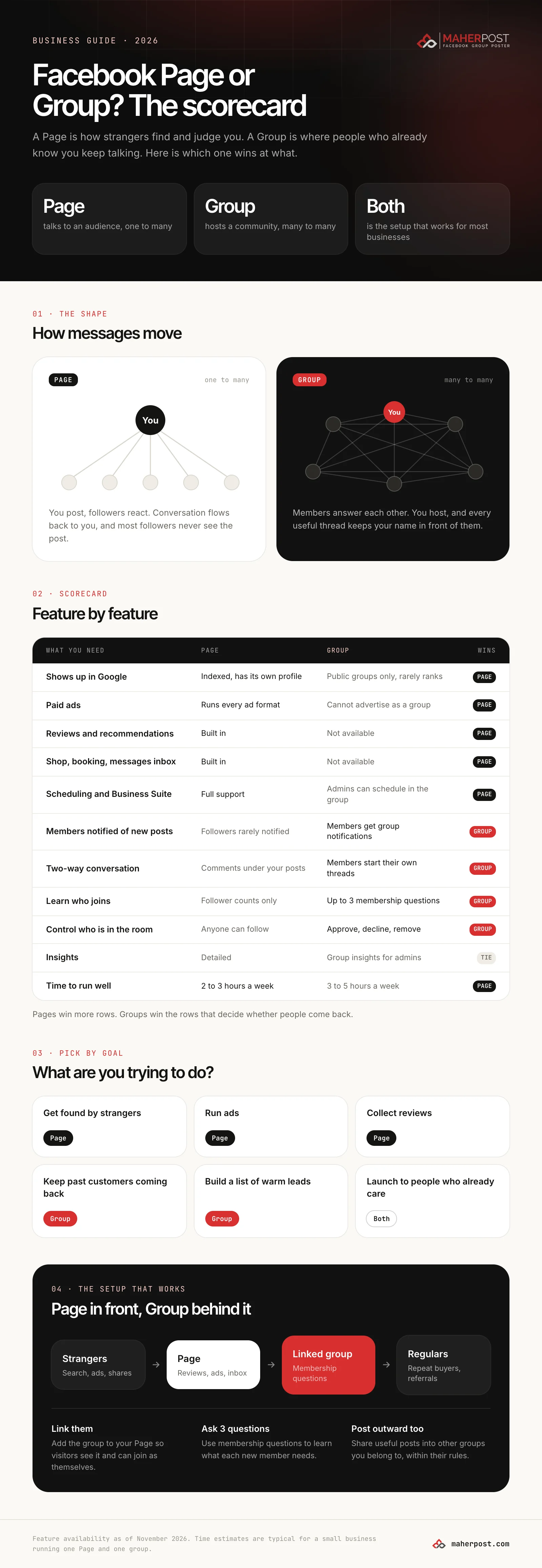
The setup that works: Page in front, Group behind it
For most businesses with repeat customers, this is the structure we recommend:
- The Page is the front door. Reviews, photos, hours, ads and the inbox live here. Every ad and every search result lands here.
- The group is linked to the Page. Facebook lets you link a group to your Page so visitors see it and can join as themselves.
- Membership questions qualify every new member. Three short questions tell you who each person is and what they need.
- The group gets a weekly rhythm. A welcome post, a tip, a before and after, a question, an open thread, and at most one soft offer a week.
- You post outward too. Useful posts go into the other groups you belong to, where the rules allow it, which brings new people back to the Page and the group.
Mistakes we see most often
Turning the Page’s followers into a group overnight. Inviting everyone at once produces a big, silent group. Invite your best customers first, give them a reason to post, then widen.
Using the group as a second Page. If every post in your group is an announcement, members will mute it. The test: are members posting without being asked?
Starting a group with no time to run it. A group needs 3 to 5 hours a week in the first three months. If you cannot give it that, keep the Page and post in other people’s groups instead.
Expecting schedulers to handle groups. Buffer, Hootsuite and Later can schedule Page posts, but since Meta removed group publishing from its API they cannot post into groups you joined as a member. Admins can schedule inside their own group with Facebook’s built-in tool. For posting into many groups you belong to, you need a tool that works from your own browser session.
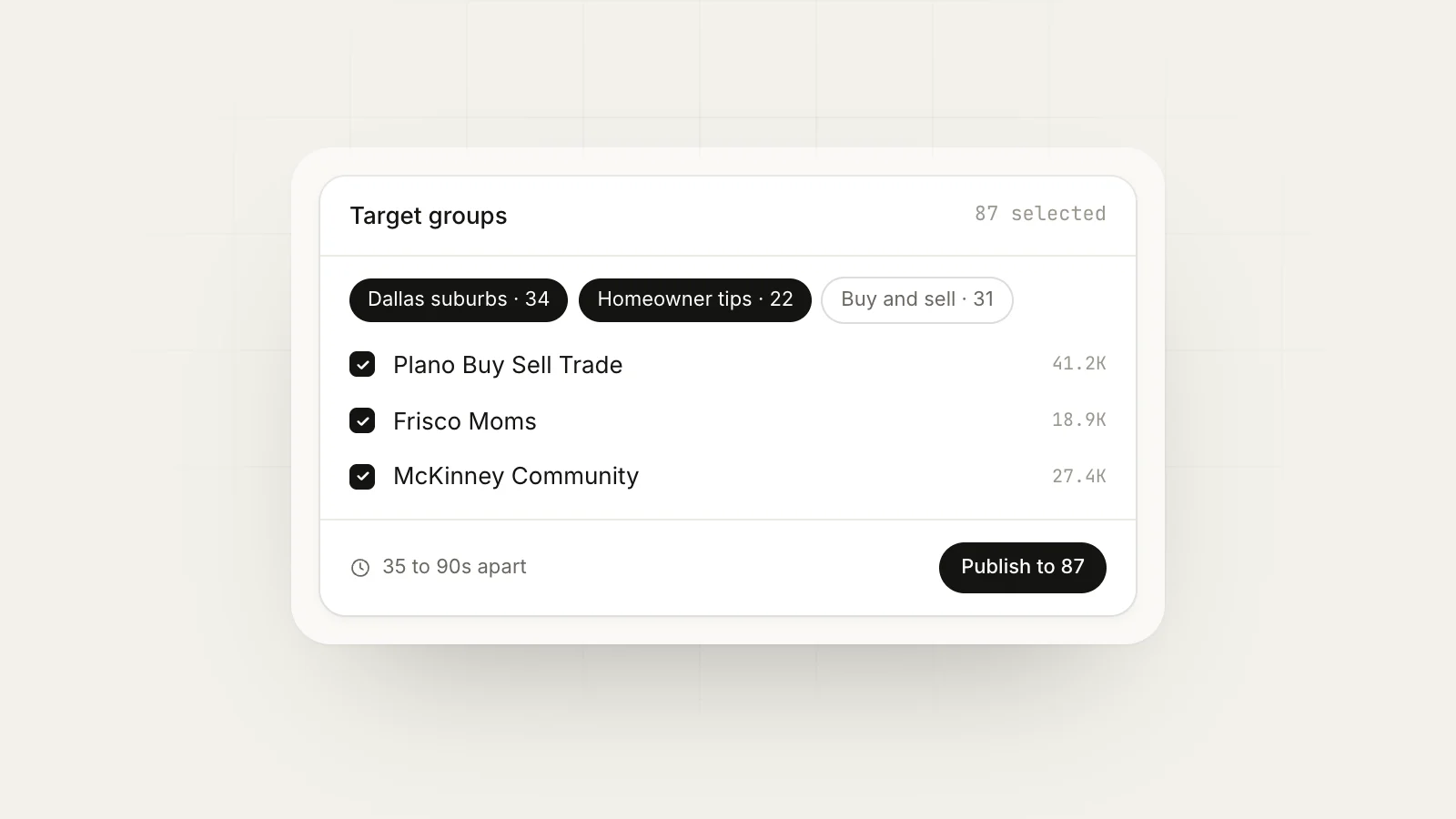
Ignoring the rules of other groups. Posting your Page’s promo into twenty local groups the same afternoon is how accounts get restricted. Vary the copy, space the posts out and respect each group’s promo rules. Our guide to posting in multiple groups without getting banned covers the pacing.
The short version
- Page: required for discovery, ads, reviews and messages.
- Group: best for repeat customers, conversation and lead capture.
- Both: the right answer when customers buy more than once.
- Neither of your own: still post helpfully into groups your buyers already belong to.
If posting into other groups is part of your plan, MaherPost handles it from your own logged-in browser: one draft, a different version per group, paced delivery and a record of which groups approved each post. It also posts into the group you run, alongside your Page schedule.
Put this into practice.
MaherPost posts to every Facebook group you have joined, with spintax, safe pacing and a log of every delivery. $29 a month.
Written by the MaherPost Team
We build MaherPost and run group campaigns with it every week. These guides come from what we see working, and what gets accounts in trouble. Questions or corrections: support@maherpost.com.