How to Schedule Posts in Facebook Groups (Admins and Members)
How to schedule posts in Facebook groups as an admin with the native scheduler, why members cannot, and which tools still work for groups you have joined.
 MaherPost Team October 29, 2026 8 min read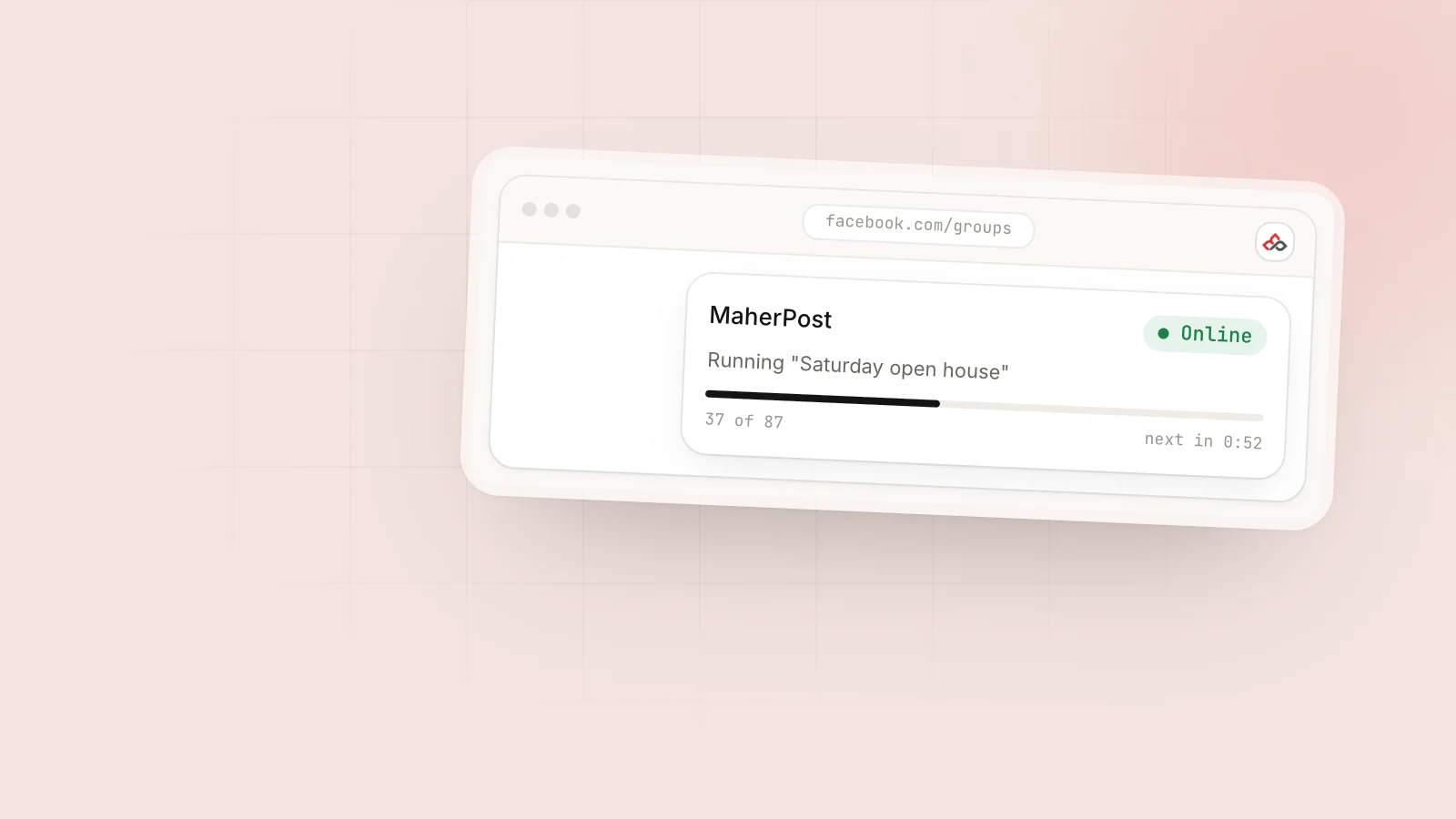
Key takeaways
- Group admins and moderators can schedule posts natively inside groups they manage.
- Regular members cannot schedule posts in Facebook groups with any built-in feature.
- Buffer, Hootsuite, Later and Sprout Social cannot post to groups you joined as a member since Meta removed group publishing from the Graph API in April 2024.
- Browser-based tools that post through your own logged-in session are the remaining option for scheduling in joined groups.
If you are an admin or moderator of a Facebook group, you can schedule posts natively: write the post in the group, open the scheduling option in the composer, pick a date and time, and Facebook publishes it for you. If you are a regular member, Facebook gives you no way to schedule posts in groups, and the big social media schedulers cannot do it either. For groups you have joined, the remaining option is a browser-based tool that posts through your own logged-in session.
That split between admins and members confuses a lot of people, mostly because older guides were written before Meta changed its API. Here is how each route works today.
Admins vs members: who can schedule what
| You are… | Native Facebook scheduler | Buffer, Hootsuite, Later, Sprout | Browser-based poster (like MaherPost) |
|---|---|---|---|
| Admin of the group | Yes | No, since April 2024 | Yes |
| Moderator of the group | Usually yes | No | Yes |
| Regular member | No | No | Yes |
| Admin of a Page posting into a group | Depends on the group’s settings | No | Yes, from your profile session |
The key fact behind this table: in April 2024 Meta removed group publishing from the Graph API. That API is how cloud schedulers like Buffer, Hootsuite, Later and Sprout Social posted to groups. Those tools are still good for Pages, Instagram and LinkedIn, but they can no longer post to groups at all. We cover the history in Meta killed the group APIs, and the comparisons with Buffer and Hootsuite go into detail.
How to schedule a post in a Facebook group as an admin
Facebook adjusts its interface regularly, so labels may differ slightly, but the desktop flow is roughly:
- Open the group you manage.
- Click into the post composer (“Write something…”) as if you were posting normally.
- Write your post and add photos, video or a link.
- Look for the scheduling option. In many versions it is a clock or calendar icon near the Post button, or an option in a dropdown next to it.
- Choose the date and time. Times are in your local time zone.
- Confirm with Schedule.
To edit or cancel, go to the group’s admin tools and open the scheduled posts section. You can change the text, move the time, publish immediately or delete the post.
Tips for admins scheduling group content
- Schedule your weekly threads. A “Promo Friday” thread or “New member introductions” post works best if it appears at the same time every week. Schedule a month of them in one sitting.
- Stagger announcements. If you have three announcements, spread them across the week instead of posting them all on Monday.
- Pick times when your members are active. Group Insights (available to admins of larger groups) shows when members are online. If you do not have insights yet, weekday mornings and early evenings in your members’ time zone are a reasonable starting point.
- Recheck before it goes out. A scheduled post about an event that has since moved is worse than no post.
Why members cannot schedule natively
Facebook treats groups as communities run by their admins. Scheduling is an admin tool because it is meant for running the group, not for promoting into it. From Facebook’s side, letting every member queue up posts would mostly help spammers.
So if you are a realtor in Austin who belongs to 30 neighborhood and buyer groups, or a dentist who participates in local parent groups, you have three options:
- Post manually at the right time, every time.
- Ask an admin to post for you (some groups accept sponsored or partner posts).
- Use a browser-based tool that posts as you, from your own Chrome session.
Option one works for a handful of groups. Past that, it eats hours every week, which is why most people who run group marketing seriously end up with option three. At 3 to 5 minutes per group (open it, check the rules, paste, adjust, post), 30 groups twice a week is 3 to 5 hours a month of copy and paste.
How browser-based scheduling works for joined groups
A browser-based poster runs as a Chrome extension inside your own logged-in Facebook session. When a scheduled post is due, the extension posts it the same way you would, as you, to a group you have already joined. It does not need the Graph API, and it does not need your Facebook password. You can read more in chrome extension vs Graph API tools.
The tradeoff: because posts go out through your browser, Chrome has to be open while a campaign runs. If your laptop is closed at 9 a.m., the 9 a.m. post waits until Chrome is running again.
Scheduling options in MaherPost
MaherPost supports three campaign types:
- One-off campaigns. Post now to a set of groups, with delays between each.
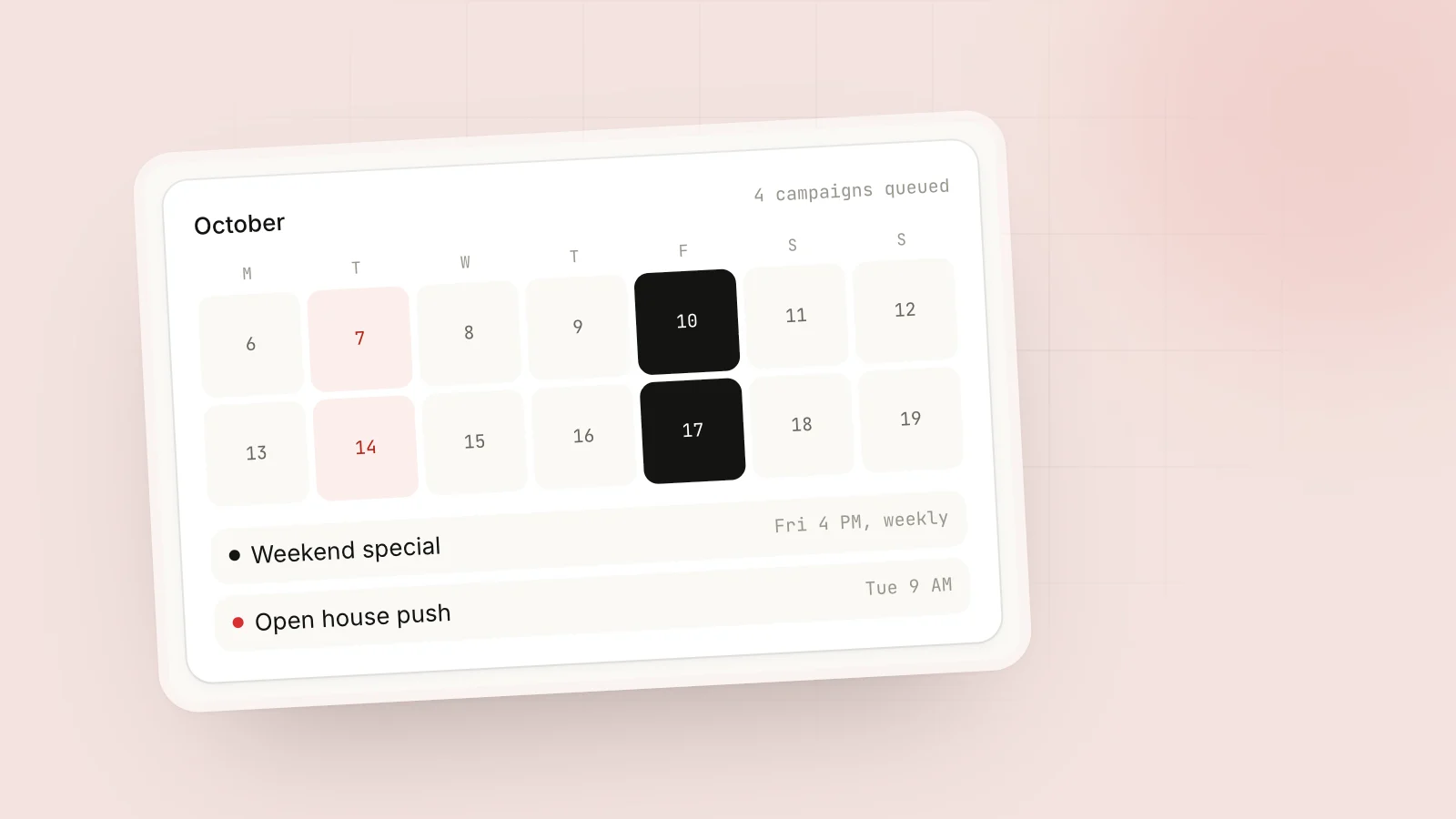
- Scheduled campaigns. Pick a date and time; the campaign starts then.
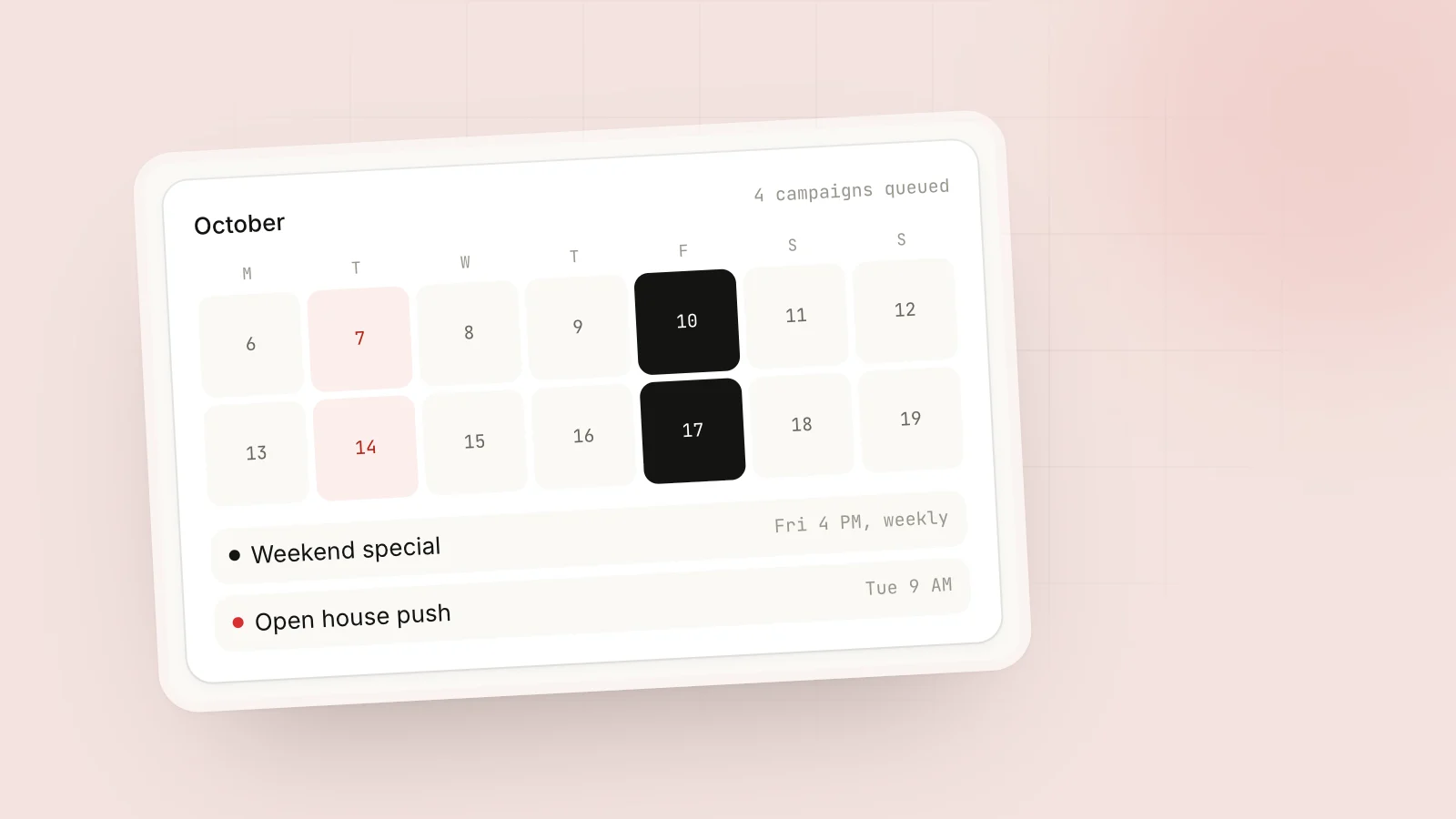
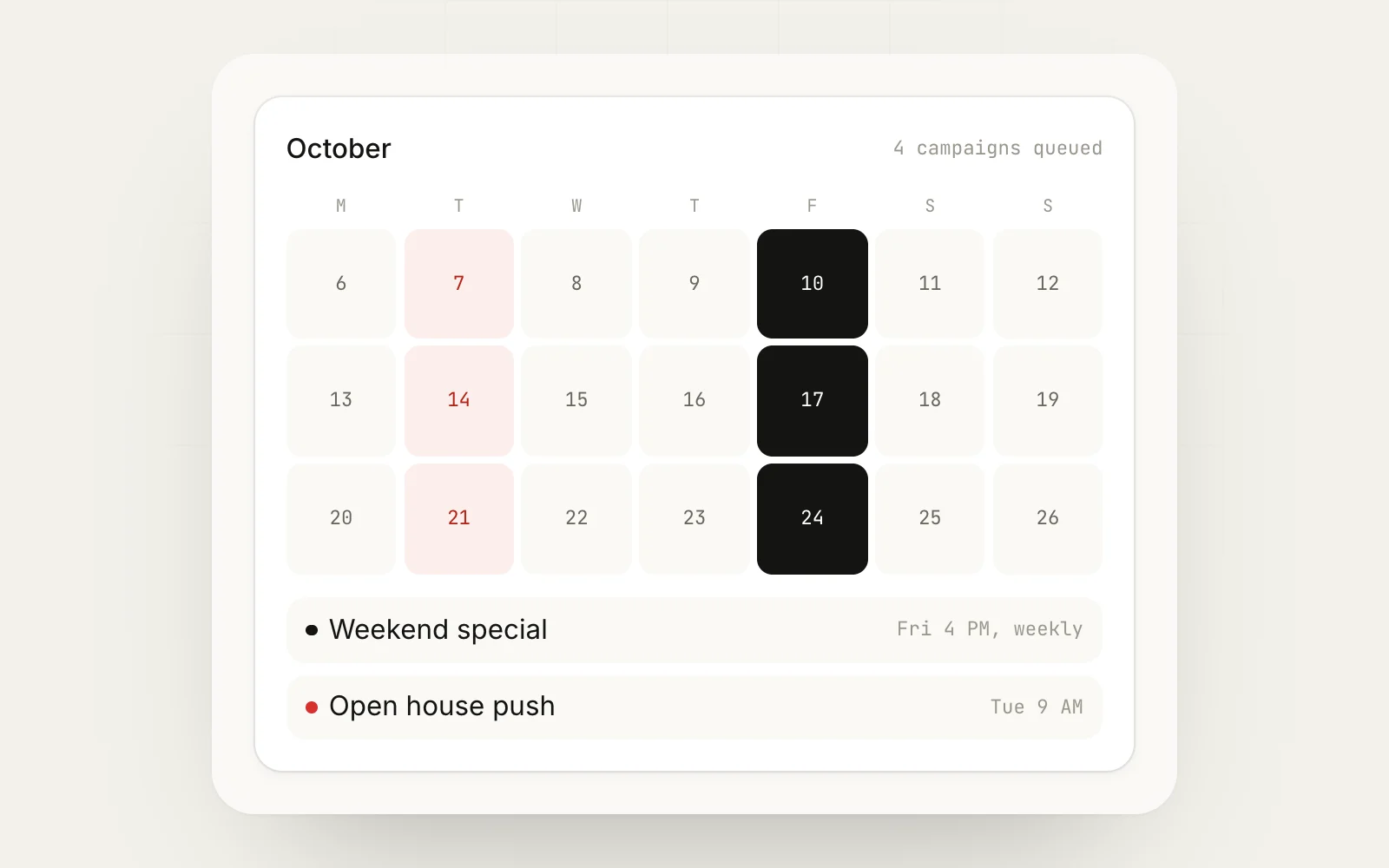
- Recurring campaigns. Repeat on a schedule, for example every Tuesday and Friday at 10 a.m.
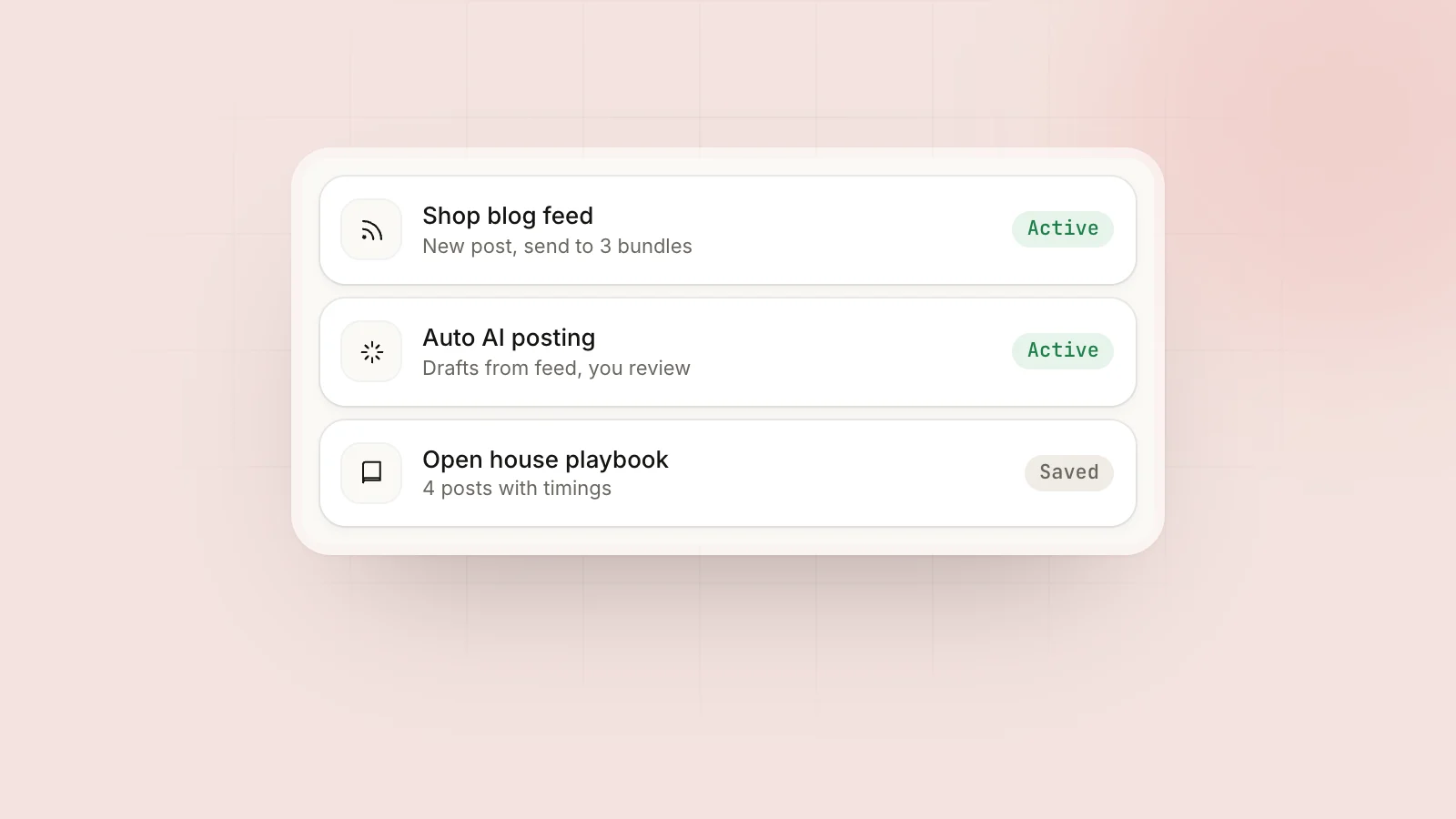
You can also save a campaign as a playbook and reuse it, or feed an RSS feed into groups so new blog posts or listings go out automatically. See the scheduling feature and RSS automation pages for details.
Example schedules for real businesses
A schedule only works if it fits the groups’ rules. Here are three that hold up.
A realtor in Austin
| Day | Groups | Post type |
|---|---|---|
| Monday | 6 buyer and relocation groups | Market update for one neighborhood |
| Wednesday | 4 investor groups | One off-market or new listing, where allowed |
| Saturday | 5 neighborhood groups with promo days | Open house reminder, link in first comment |
An HVAC company in Dallas
Recurring campaign every Tuesday and Friday at 11 a.m. to 12 neighborhood and homeowner groups that allow business posts, with a seasonal tip leading each post and the offer last. Groups that only allow promotion on Fridays sit in their own bundle, scheduled for Friday only.
A Shopify candle shop
One recurring post per week to 10 small business and craft groups, scheduled on each group’s shop day. A second weekly campaign posts new products from the store’s RSS feed to 3 groups that allow links.
Notice that none of these post to every group every day. Posting frequency per group matters more than total volume, and most groups tolerate a business post once a week at most.
Schedule safely: pacing, variation and caps
Scheduling makes it easy to post a lot, which is exactly why it can get you in trouble. The same rules apply as when posting manually, they just need to be built into the schedule.
-
Space posts between groups. Randomized delays of several minutes between groups look more like a person than posts seconds apart. Facebook does not publish exact limits, so err on the slow side.
-
Vary the copy for each group. Use spintax so each group gets a different version. Here is a simple template:
{Quick tip|Heads up|Friendly reminder} for {homeowners|neighbors} in {the area|Dallas}: {check your condensate line|change your AC filter} before the next heat wave. -
Respect promo days. Build group bundles by rule type: “links OK”, “Friday only”, “no links”. Schedule each bundle around its rules.
-
Cap the day. A daily cap stops a recurring campaign and a one-off campaign from stacking on the same day.
-
Ramp up new accounts. If your profile is new or has never posted to many groups, start small and increase over days. MaherPost’s warmup mode does this automatically.
-
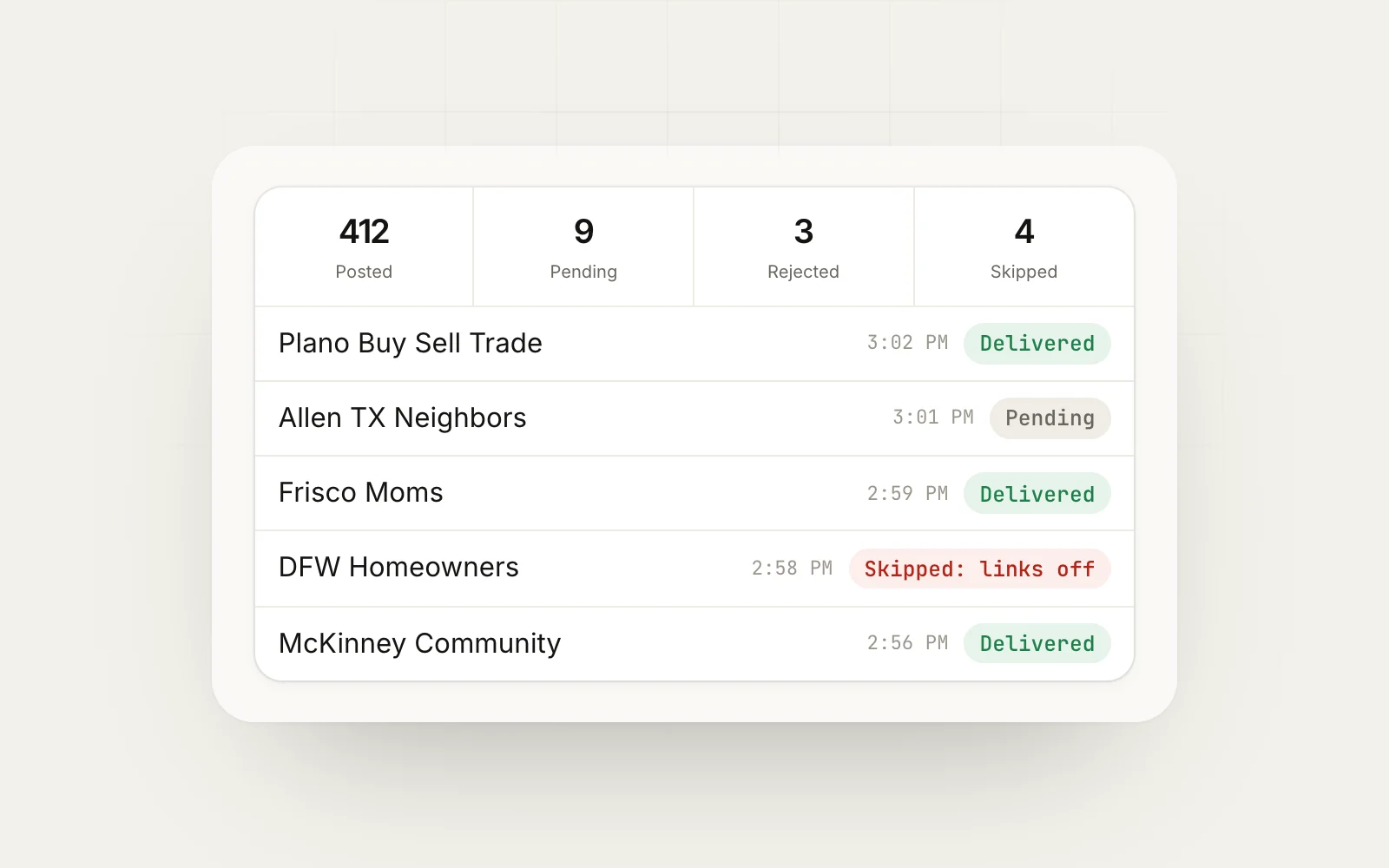
Check the log. After each run, check which groups posted, which are pending admin approval and which rejected. Drop groups that never approve you.
Our Facebook posting limits page has more on pacing, and why is my Facebook group post pending explains what to do when scheduled posts go to admin review.
What happens when a scheduled post does not go out
Scheduled posts fail for ordinary reasons, and it helps to know which ones you can fix.
With the native admin scheduler, the most common problem is a post that was scheduled and then edited by another admin, or a post that went out but got buried because the timing was wrong. Check the group’s scheduled posts section the day before anything important, like an event reminder.
With a browser-based tool, the usual causes are:
- Chrome was closed or the computer was asleep. The post waits until the browser is running again. If timing matters, keep the machine awake during the campaign window.
- You were logged out of Facebook. The extension posts as you, so it needs an active session.
- The group holds posts for approval. The post was delivered but sits as pending until an admin reviews it.
- The group rejected or removed it. Usually a rule issue, such as a link in a group that bans links.
- Facebook showed a temporary block. In that case, stop the campaign and slow down.
MaherPost logs each of these per group, as posted, pending admin approval, rejected, or skipped with a reason, and pauses the campaign automatically if failures start to stack up. That way one bad day does not run through your whole group list.
Common scheduling mistakes
- Scheduling the same post to 40 groups at the same minute. Even with a tool, this looks like spam. Spread it out.
- Forgetting time zones. If your audience is in Texas and you are in London, a 9 a.m. schedule might hit at 3 a.m. for them.
- Ignoring rule changes. Groups change their rules. A group that allowed links in March might ban them in June. Reread rules every few months.
- Treating scheduling as set and forget. A recurring campaign still needs a weekly check of results.
- Closing Chrome. With browser-based posting, a closed browser means posts wait.
Quick checklist
- Admin of the group? Use the native scheduler.
- Member only? Plan for manual posting or a browser-based tool.
- Groups sorted into bundles by rule type?
- Copy varied per group?
- Delays and daily caps set?
- Chrome open for the scheduled window?
- Delivery results checked after each run?
Next step
Split your list into groups you admin and groups you have only joined. Schedule the admin ones natively, since that is free and runs without your computer. For the joined groups, MaherPost handles scheduled and recurring campaigns through your own browser, with delays, spintax and a delivery log built in, for one flat monthly price. Start with one recurring campaign to a small bundle and expand once you see which groups approve you.
Put this into practice.
MaherPost posts to every Facebook group you have joined, with spintax, safe pacing and a log of every delivery. $29 a month.
Written by the MaherPost Team
We build MaherPost and run group campaigns with it every week. These guides come from what we see working, and what gets accounts in trouble. Questions or corrections: support@maherpost.com.